Understanding how to choose Linux configuration is essential in 2025 for hosting game servers, VPS environments, or development workloads. The right Linux setup balances performance, security, and resource allocation—especially on advanced hardware like the AMD Ryzen 9 7950X3D paired with DDR5 ECC RAM and NVMe storage, as deployed by Nexus Games VPS hosting.
Why Choosing the Right Linux Configuration Matters
Your choice of Linux distribution, kernel version, and system settings directly impacts uptime, responsiveness, and scalability. A poorly configured environment can bottleneck even the fastest 16-core processor or waste RAM on unnecessary services. In 2025, workloads demand lean, tuned systems—whether you’re running Rust servers, Pterodactyl panels, or multi-container Docker stacks.
Key decision points include:
- Distribution: Debian, Ubuntu LTS, AlmaLinux, Rocky Linux, Arch
- Kernel tuning: scheduler, I/O queue depth, network buffers
- Init system: systemd vs. alternatives
- Security hardening: AppArmor, SELinux, firewall defaults
- Resource allocation: cgroups v2, memory overcommit policies
Each factor affects stability under load. For example, a game server with 128 GB DDR5 ECC RAM can handle hundreds of concurrent players—but only if kernel parameters like vm.swappiness and net.core.somaxconn are tuned correctly.

Step 1: Select the Right Linux Distribution
Long-Term Stability vs. Cutting-Edge
When you choose Linux configuration, start with the distro. For production game servers or VPS hosting, prioritize stability and security updates over bleeding-edge packages.
- Debian 12 (Bookworm): rock-solid, minimal bloat, excellent for KVM hypervisors and containerized workloads.
- Ubuntu 24.04 LTS: five-year support, wide compatibility with Steam Workshop tools, CurseForge installers, and Pterodactyl.
- AlmaLinux / Rocky Linux: RHEL-compatible, ideal for enterprise-grade security policies (SELinux) and compliance.
- Arch Linux: rolling release for advanced users who need the latest kernel features—not recommended for mission-critical game servers.
Nexus Games deploys Debian 12 and Ubuntu 24.04 LTS across its KVM-based VPS fleet, ensuring compatibility with Minecraft mod loaders, FiveM txAdmin, and Rust Oxide plugins.
Consider the Ecosystem
Package availability matters. Ubuntu’s apt repositories include pre-built binaries for Wine, SteamCMD, and community game-server tools. Rocky Linux shines in environments requiring strict compliance (FIPS-140, PCI DSS).
External reference: Debian 12 release notes detail kernel 6.1 LTS improvements.
Step 2: Optimize Kernel Parameters and System Tuning
Network and I/O Tuning
High-frequency game servers (Rust, 7 Days to Die, Valheim) demand low-latency networking. Edit /etc/sysctl.conf:
net.core.somaxconn = 4096
net.core.netdev_max_backlog = 5000
net.ipv4.tcp_max_syn_backlog = 8192
net.ipv4.tcp_tw_reuse = 1
net.ipv4.ip_local_port_range = 1024 65535
vm.swappiness = 10
vm.dirty_ratio = 15
vm.dirty_background_ratio = 5
Apply with sysctl -p. These settings reduce SYN flood risk, increase TCP throughput, and prioritize RAM over swap—critical on DDR5 ECC servers handling 100+ concurrent connections.
Scheduler and CPU Affinity
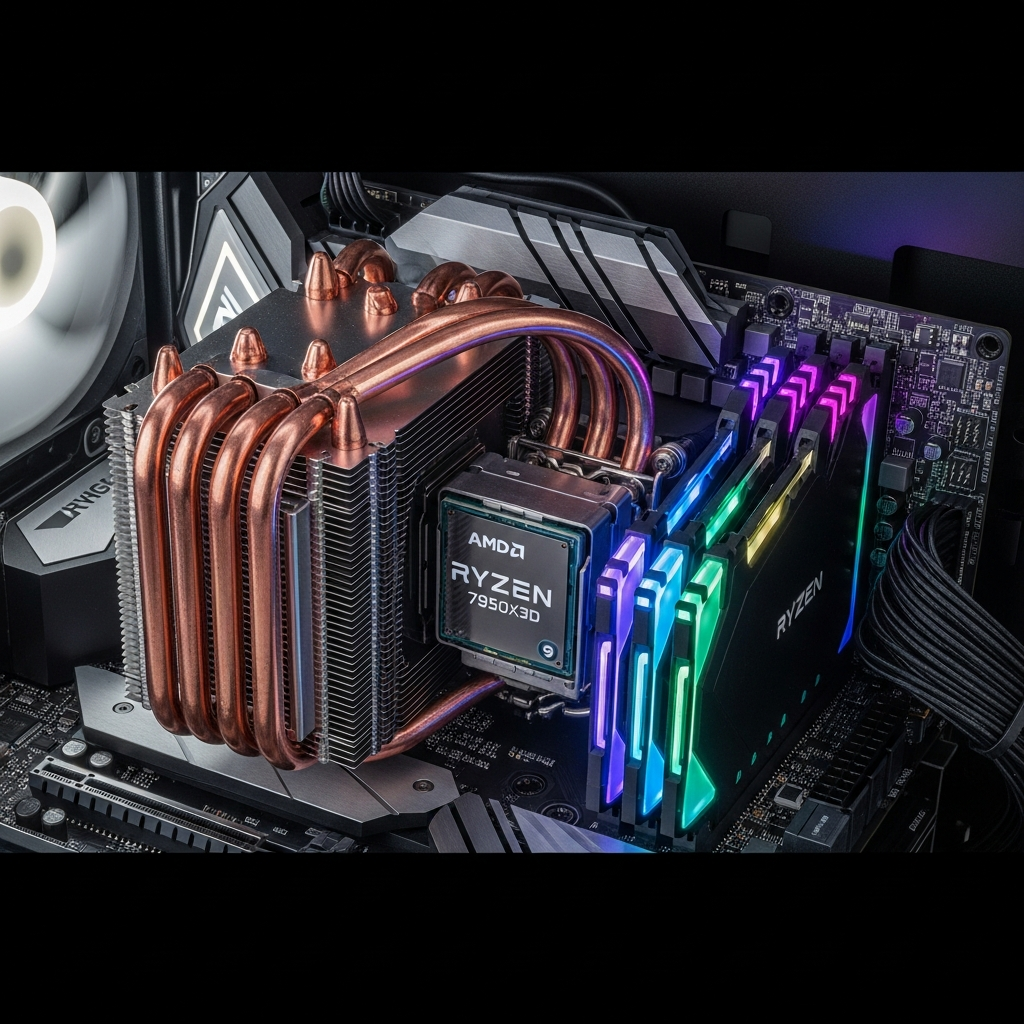
The AMD Ryzen 9 7950X3D features a hybrid cache design: eight cores with 3D V-Cache, eight without. Pin latency-sensitive threads (game logic, Pterodactyl daemon) to V-Cache cores:
taskset -c 0-7 ./start_server.sh
For multi-server hosting, isolate cores with cgroups:
systemctl set-property game1.service AllowedCPUs=0-3
systemctl set-property game2.service AllowedCPUs=4-7
This prevents CPU contention when running FiveM, Minecraft, and a Discord bot simultaneously.
Storage and Filesystem Choices
NVMe SSDs deliver sub-millisecond latency, but filesystem overhead varies:
| Filesystem | Use Case | Notes |
| ext4 | General-purpose, game saves | Mature, stable, journaling |
| XFS | Large files (ARK map exports) | Excels at parallel writes |
| Btrfs | Snapshots, backups | Copy-on-write, compression |
| ZFS | Data integrity, RAID-Z | High RAM overhead (not ideal on smaller VPS) |
For KVM-based game hosting, ext4 or XFS on NVMe strikes the best balance of speed and reliability. Btrfs snapshots are invaluable for pre-update rollbacks.
Step 3: Security Hardening and Resource Limits
Firewall and Port Management
Game servers expose multiple ports. Use ufw (Uncomplicated Firewall) or firewalld:
ufw default deny incoming
ufw default allow outgoing
ufw allow 22/tcp        # SSH
ufw allow 25565/tcp     # Minecraft
ufw allow 30120-30130/tcp  # FiveM
ufw enable
Nexus Games includes Game Anti-DDoS at the network layer, but host-level firewalls add defense in depth.
AppArmor vs. SELinux
Ubuntu/Debian ship with AppArmor; RHEL-based distros use SELinux. Both confine processes to predefined policies. For game servers, create profiles that allow necessary syscalls while blocking privilege escalation:
# Example AppArmor snippet for Minecraft
/usr/bin/java {
  /srv/minecraft/** rw,
  /dev/urandom r,
  deny /etc/shadow r,
}
Resource Limits with cgroups v2
Prevent a single game instance from monopolizing CPU or RAM. In /etc/systemd/system/minecraft.service:
[Service]
ExecStart=/usr/bin/java -Xmx8G -jar server.jar
MemoryMax=10G
CPUQuota=400%
IOWeight=500
This caps the server at 10 GB RAM and four CPU cores (400% = 4 × 100%), ensuring fair resource sharing on a 128 GB, 16-core host.
Step 4: Leverage KVM Virtualization for Isolation and Flexibility
Nexus Games VPS uses KVM (Kernel-based Virtual Machine) to guarantee dedicated CPU threads and RAM. Unlike OpenVZ, KVM provides full OS control—custom kernels, iptables rules, even nested virtualization for Docker-in-Docker.
Why KVM for Game Servers?
- True isolation: noisy neighbor impact eliminated.
- Flexible distributions: run Debian, Ubuntu, Rocky, or Windows Server 2022 on the same hypervisor.
- Snapshot & migration: live-migrate VMs for zero-downtime maintenance.
All KVM instances are managed via the Nexus Games Panel, offering one-click OS reinstalls, firewall templates, and resource graphs.
Performance Tuning KVM Guests
Enable virtio drivers for network and storage:
<interface type='bridge'>
  <model type='virtio'/>
</interface>
<disk type='file' device='disk'>
  <driver name='qemu' type='raw' cache='none' io='native'/>
  <target dev='vda' bus='virtio'/>
</disk>
This eliminates emulation overhead, achieving near-native NVMe throughput (7000+ MB/s sequential read).
Step 5: Automate Configuration Management
Ansible, Puppet, or Bash Scripts?
For multi-server deployments (e.g., FiveM cluster, Minecraft network), automation is non-negotiable. Ansible is agent-less and ideal for declarative configs:
- name: Configure sysctl for game servers
  sysctl:
    name: net.core.somaxconn
    value: '4096'
    state: present
    reload: yes

- name: Install SteamCMD
  apt:
    name: steamcmd
    state: present
Run the playbook across all VPS instances in minutes. For simpler setups, a well-documented Bash script suffices:
#!/bin/bash
apt update && apt upgrade -y
apt install -y htop iotop curl git
curl -sSL https://get.docker.com | sh
systemctl enable --now docker
Version Control and Rollback
Store configs in Git. Before applying changes, tag the current state:
git tag stable-2025-04
git push --tags
If a kernel upgrade breaks compatibility, revert instantly.
Real-World Example: Optimizing a Linux VPS for Multi-Game Hosting
Scenario: host Minecraft (Paper 1.21), FiveM, and a Pterodactyl panel on a single KVM VPS with 32 GB DDR5, 8 vCPUs (Ryzen 9 7950X3D), 160 GB NVMe.
Configuration Checklist
- OS: Ubuntu 24.04 LTS (kernel 6.8+)
- Partitioning:
/(ext4): 40 GB/srv/games(XFS): 100 GB- swap: 4 GB (swappiness=10)
- Networking: ufw rules for 22, 25565, 30120; DDoS mitigation via Nexus Games edge
- Containers: Docker Compose for Pterodactyl; cgroups limit each service to 10 GB RAM
- Monitoring: Prometheus + Grafana for CPU, disk I/O, net throughput
- Backups: Btrfs snapshots every 6 hours, synced to S3-compatible storage
Performance Metrics
After tuning:
- Minecraft TPS: stable 20.0 with 80 players (Paper optimizations + Aikar flags)
- FiveM: 120 FPS server-side, <30ms sync latency (txAdmin + OneSync)
- Pterodactyl: <200ms panel response time under concurrent builds
- Disk I/O wait: <2% (XFS + NVMe direct I/O)
This setup mirrors Nexus Games’ production stack, scaled for enthusiast and community servers.
Advanced: Custom Kernel Compilation for Edge Cases
Most users run stock kernels. However, extreme workloads—like ARK Survival Ascended clusters or Rust servers with 300+ entities—benefit from custom builds:
apt install -y build-essential libncurses-dev bison flex libssl-dev
wget https://cdn.kernel.org/pub/linux/kernel/v6.x/linux-6.8.tar.xz
tar -xf linux-6.8.tar.xz && cd linux-6.8
make menuconfig  # Enable CONFIG_PREEMPT, disable unused drivers
make -j16 && make modules_install install
update-grub && reboot
Focus on:
- Preemption model: “Preemptible Kernel (Low-Latency Desktop)” for real-time responsiveness
- Tickless mode: reduce timer interrupts
- BPF JIT: accelerate eBPF-based monitoring tools
Compiling on a Ryzen 9 7950X3D completes in ~8 minutes with -j32.
Conclusion
Learning how to choose Linux configuration empowers you to extract maximum performance, security, and uptime from modern hardware. Whether you deploy Debian for stability, tune kernel parameters for low latency, or leverage KVM for true isolation, each decision compounds. Nexus Games’ infrastructure—Ryzen 9 7950X3D, DDR5 ECC, NVMe, and KVM—provides the foundation; your configuration unlocks its potential.
FAQ
Which Linux distribution is best for hosting multiple game servers in 2025?
Ubuntu 24.04 LTS or Debian 12 offer the best balance of stability, package availability, and long-term support. Both integrate seamlessly with SteamCMD, Pterodactyl, and Docker, making them ideal for multi-game environments on KVM VPS.
How do I allocate CPU cores to specific game servers on Linux?
Use systemd cgroups v2. In your service file, add AllowedCPUs=0-3 and CPUQuota=400% to pin a server to four cores. This prevents resource contention on high-core-count processors like the Ryzen 9 7950X3D.
Should I use ext4, XFS, or Btrfs for game server storage on NVMe?
ext4 is reliable and universally supported; XFS excels with large files (ARK saves, world exports); Btrfs enables instant snapshots for pre-update rollbacks. For general hosting, ext4 or XFS on NVMe delivers optimal performance.