DayZ Server Hosting :Rent your DayZ server from $5.39/mo
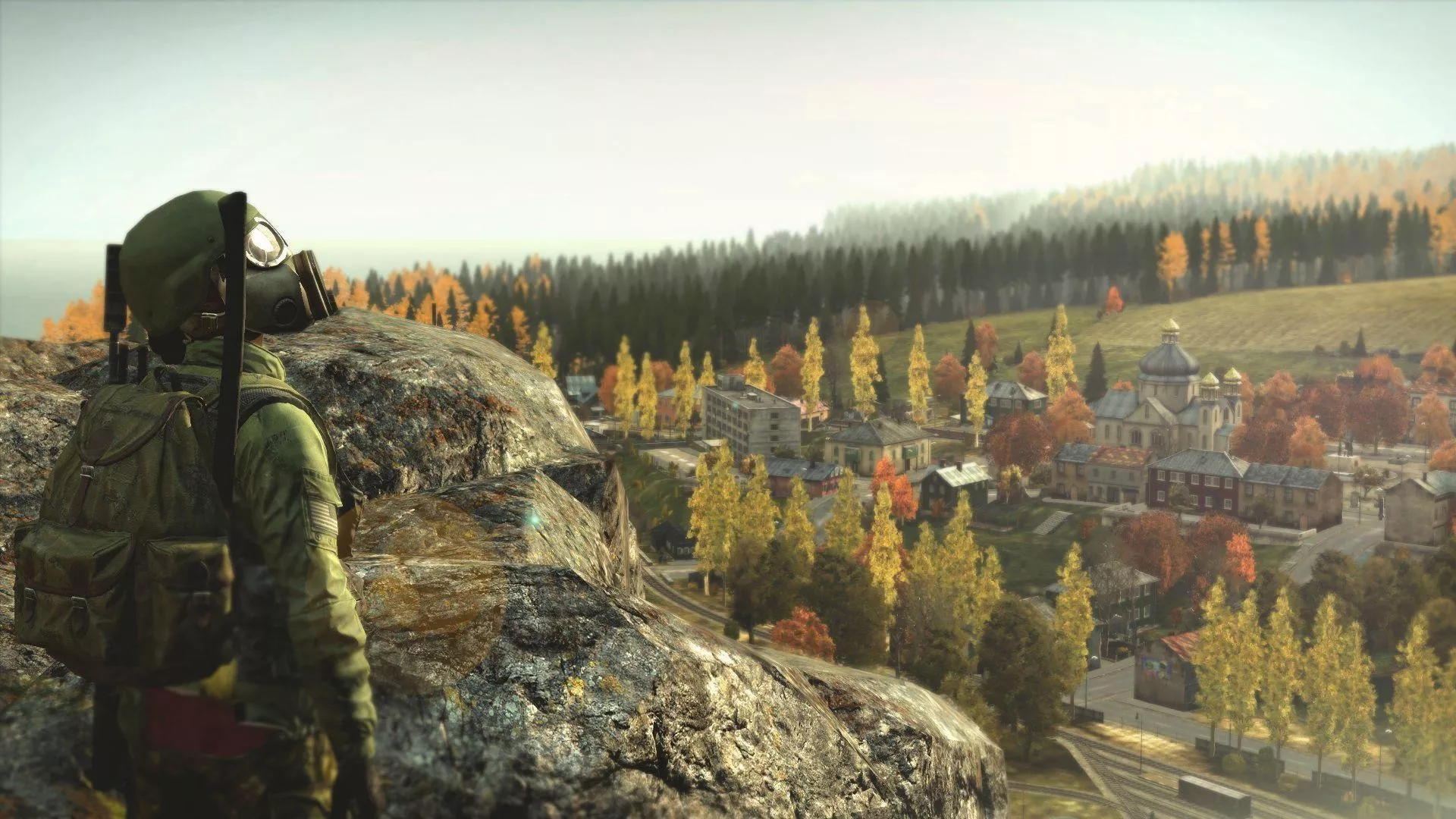
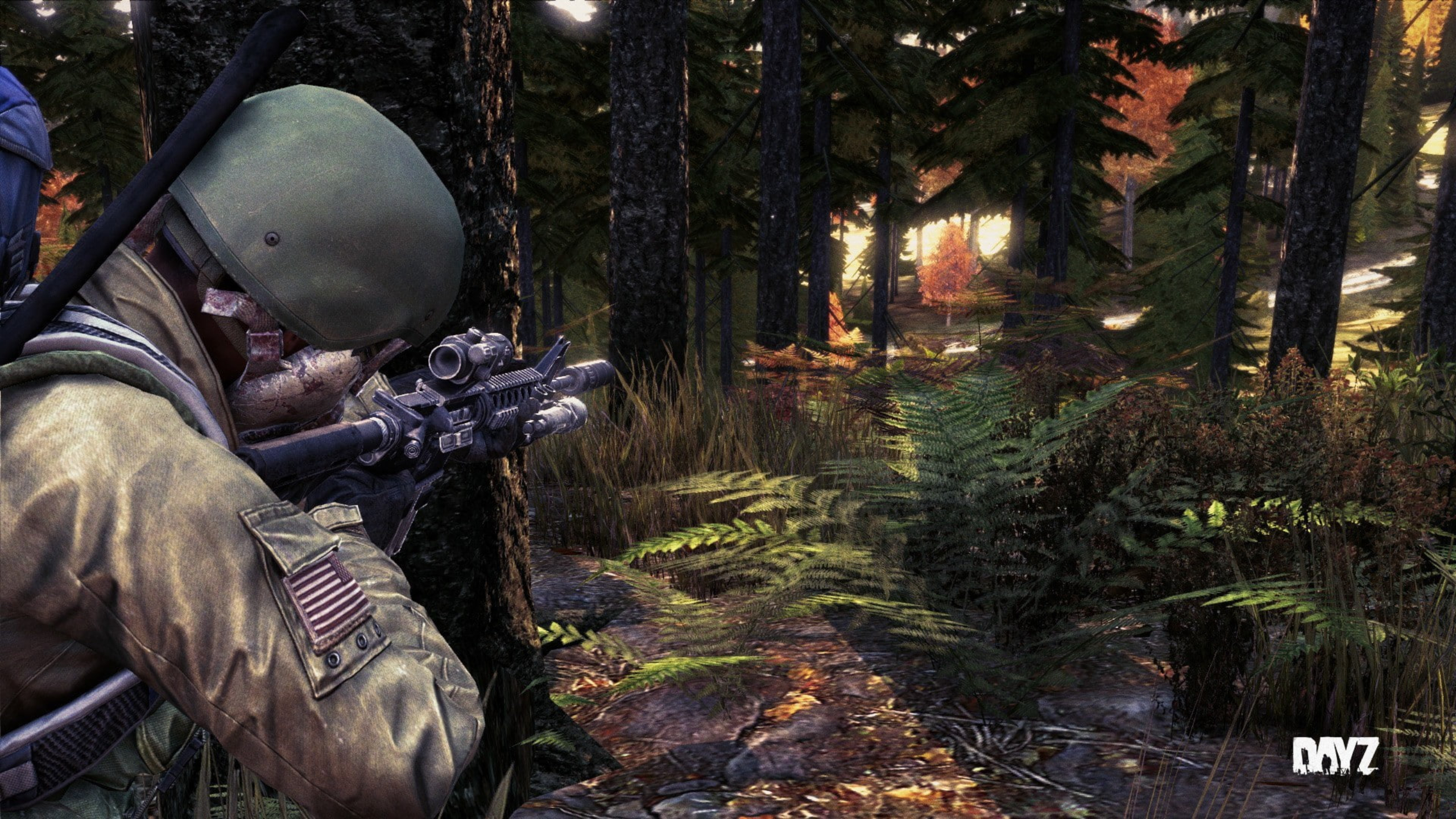
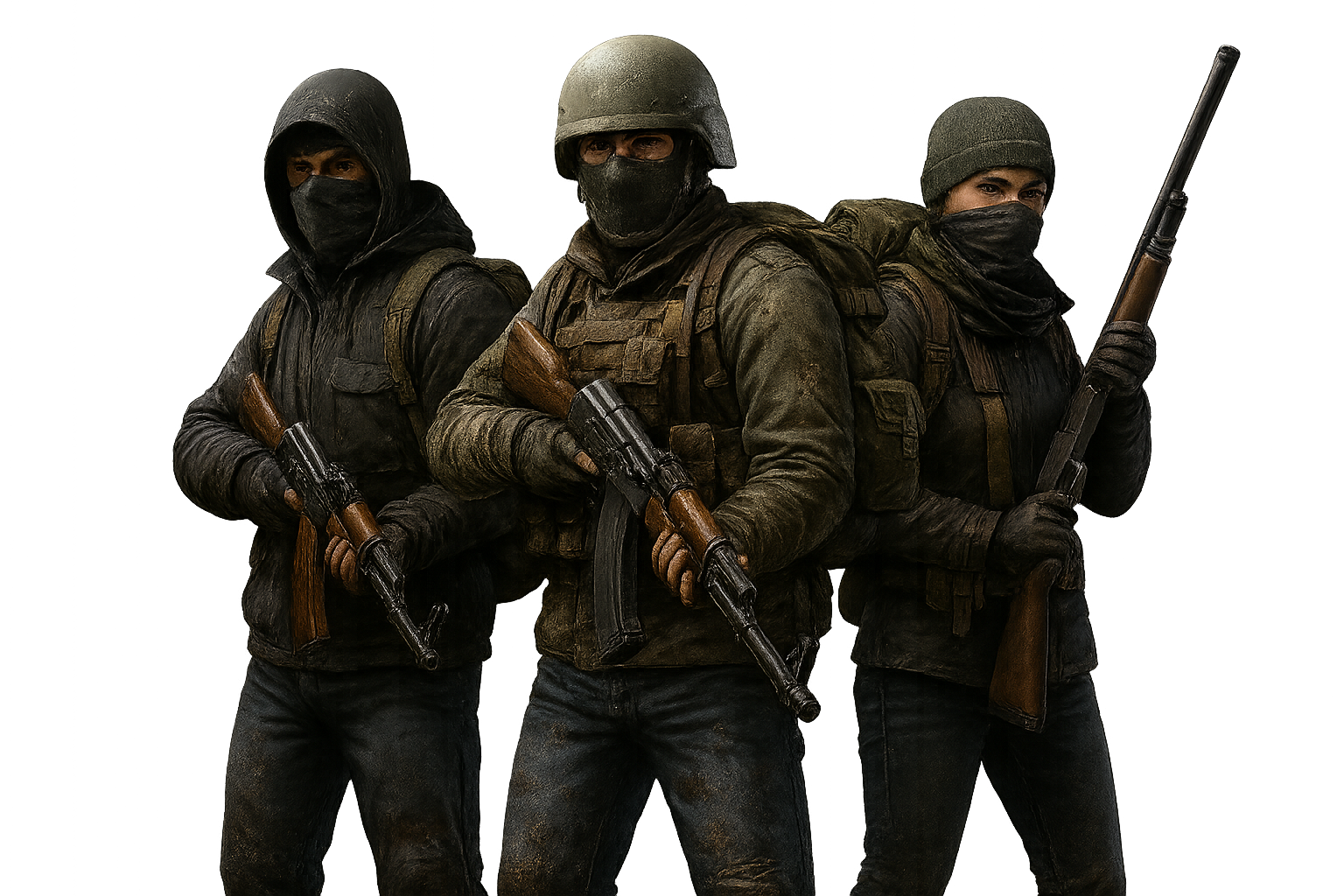
DayZ is the benchmark hardcore survival game, where a single encounter on its vast, hostile map can end a character you have played for days.
Configure my plan
No commitment · instant delivery · Anti-DDoS included
Configure my plan
DayZ
Since 2018- Slots5 players
- Storage40 Go NVMe
- Anti-DDoSIncluded
- LocationLocated in US East
Hardware components
- ProcessorRyzen 9 7950X3D16 Cores/32 Threads
- RAMDDR5 ECC128–192 GB
- StorageSSD NVMe
How many slots for your DayZ server?
Concrete guidance to pick the right plan first time.
5 to 20 slots
Private server with friends, custom loot.
30 to 50 slots
Community server on Chernarus or Livonia.
60 slots and up
Roleplay or hardcore server with mods and a community map.
Community maps (Namalsk, Deer Isle) and a richer types.xml noticeably raise memory needs, regardless of player count.
You can change tier at any time from your client area, prorated and without losing your progress.
Why choose Nexus Games for your DayZ server?
Preinstalled 1-click mods
Mods are preinstalled and enable in one click, from a weapons pack to a community map, with no command line involved.
Human support, 7 days a week
A team that actually knows DayZ, reachable on Discord and from NexusPanel, seven days a week. No bots, no queue: someone who answers.
Performance and a modern panel
DayZ's large modded maps and their Central Economy call on both CPU and RAM: the Ryzen 9 7950X3D keeps the simulation smooth under heavy traffic. And NexusPanel keeps console, WebFTP and backups in one place.
What kind of DayZ server can you host?
Vanilla
Raw survival on the official maps, with your choice of central economy (types.xml).
Modded
Workshop mods for vehicles, bases, traders and QoL.
Roleplay
Immersive RP servers with rules, factions and a custom economy.
Hardcore / PvP
Intense PvP or hardcore servers (first-person), with BattlEye enabled.
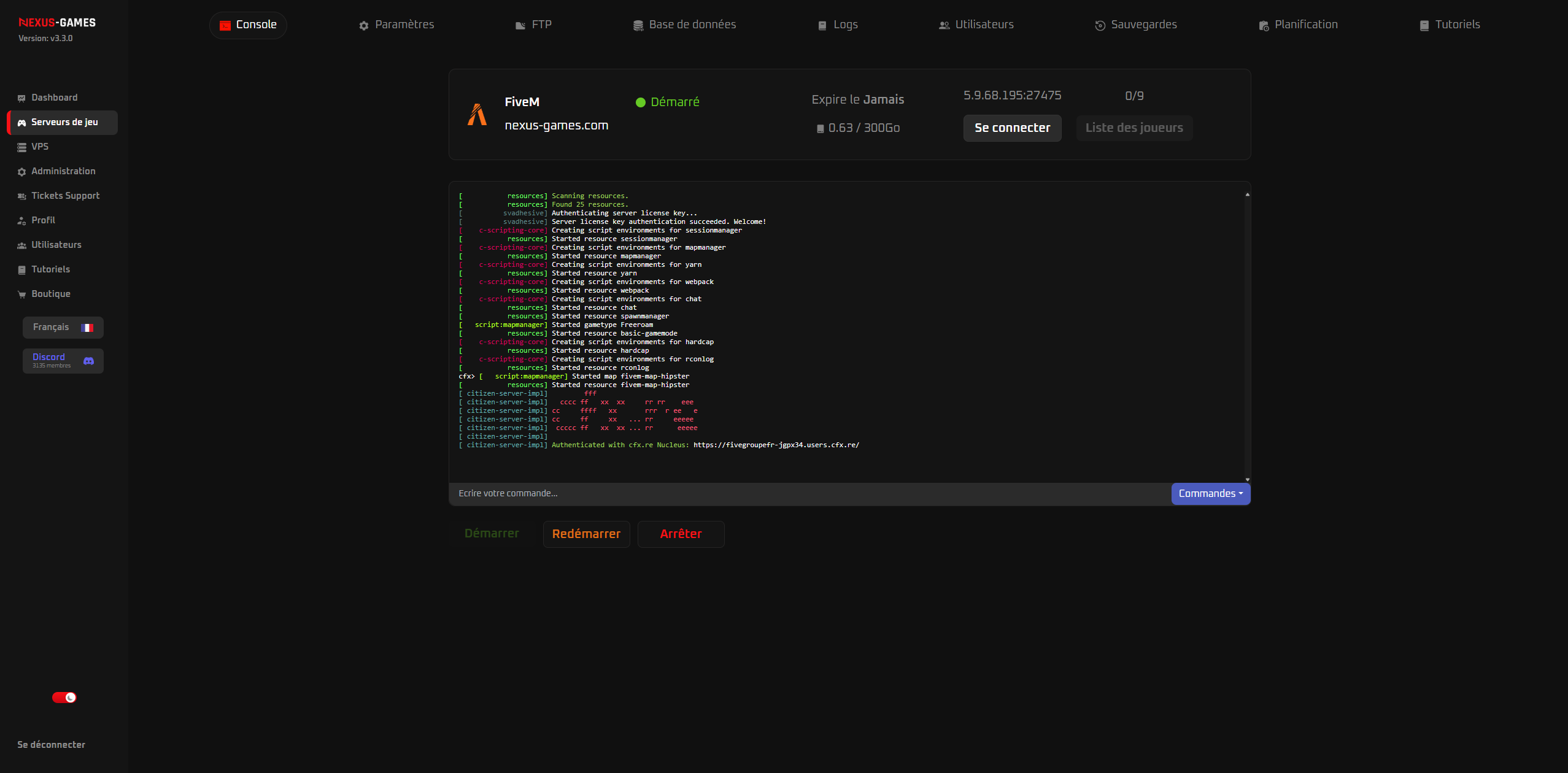
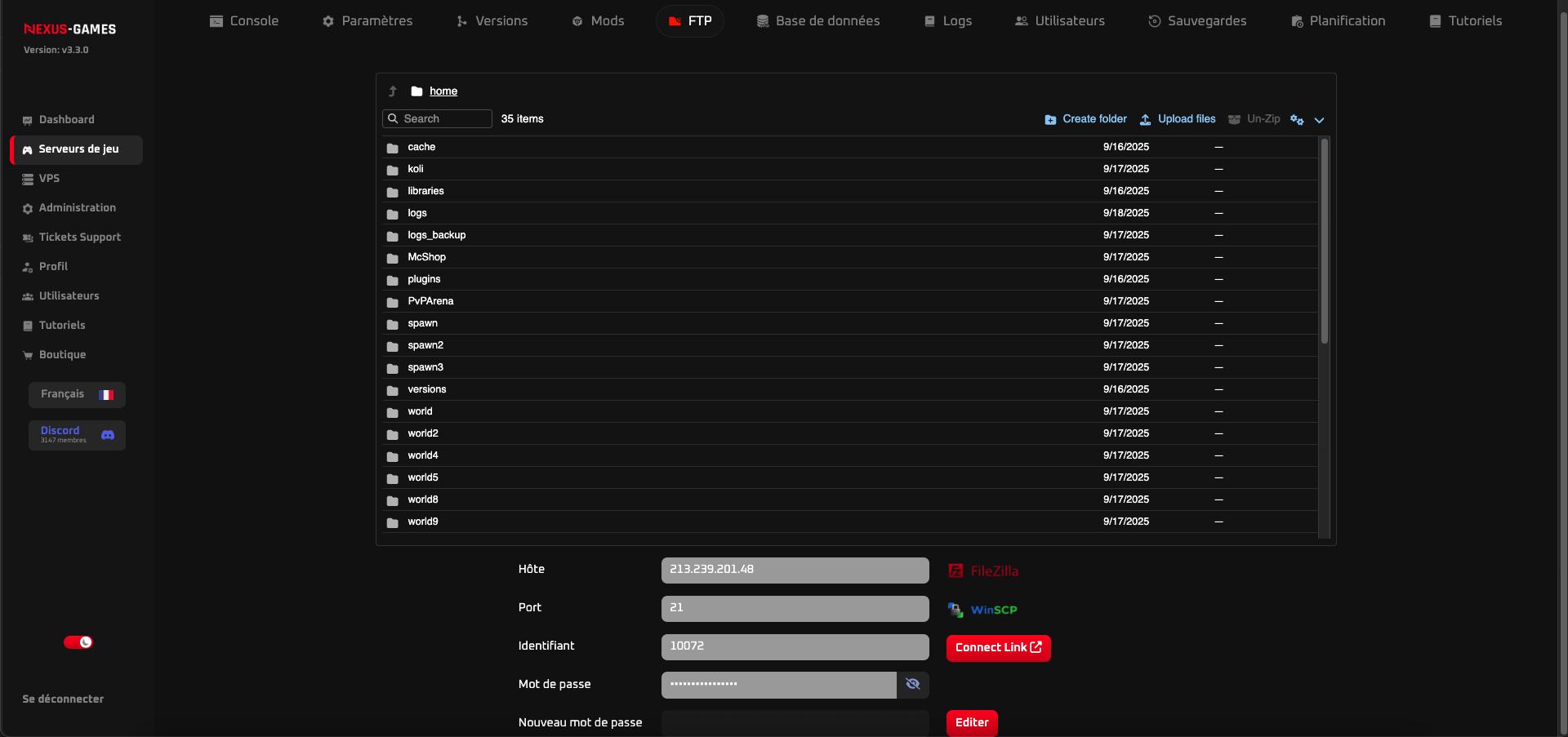
NexusPanel: manage your DayZ server in 1 click
Install mods, Steam Workshop in 1 click, with no technical skills.
DayZ hosting: everything you need to know
DayZ is a hardcore, realistic survival game on the Chernarus and Livonia maps, where every encounter between players can be fatal. World persistence, the Central Economy that manages loot and the community's many mods place heavy demands on CPU and RAM, especially on high-population, heavily modded servers.
A Nexus Games DayZ server relies on the Ryzen 9 7950X3D to keep the simulation smooth even at peak population. You install your mods, configure the Central Economy, spawn points and PvP/PvE rules via NexusPanel, and keep your persistent world online 24/7. Permanent Anti-DDoS and instant delivery to launch your survival server straight away.
What you can do with your DayZ server
They trust us
Our customers' rating on Trustpilot
“I've tried a lot of hosts, and yours is the best. Nothing to fault.”
“The support is efficient and very fast! I recommend it!”
“An amazing team! Always there for their customers.”
Frequently asked questions · DayZ server
Add the Steam Workshop mods server-side and reference them at launch; players must load the same mods to join.
Yes. Install custom maps like Namalsk, DeerIsle or Banov and point serverDZ.cfg at the mission you want.
Yes. Sakhal, the frozen volcanic island introduced by the Frostline expansion, runs as an official mission just like Chernarus and Livonia, you point serverDZ.cfg at its mission folder and restart. One thing to tell your community: Sakhal is paid DLC, so every player who wants to join must own the Frostline expansion. Its cold-management mechanics also mean you will want to revisit your loot and spawn tuning rather than reusing a Chernarus economy as-is.
The Central Economy is a set of XML files you edit via WebFTP, not just one. types.xml holds each item's nominal, minimum, lifetime and restock; cfgeconomycore.xml declares which economy files are loaded; cfgspawnabletypes.xml controls what spawns inside containers and vehicles; cfgplayerspawnpoints.xml sets where survivors start; and cfggameplay.json exposes gameplay switches such as stamina, building and map behaviour. Change one file at a time and restart, so you can tell which edit produced which result.
Each mod goes in its own @ModName folder at the root of the server, is listed in the launch parameters with -mod=@CF;@Mod1;@Mod2, and its .bikey file must be copied into the keys/ folder or players will be kicked on connection. Load order matters: framework dependencies such as Community Framework (CF) have to come before the mods that rely on them. Add mods a couple at a time and check the console after each restart, a missing key or a wrong order usually shows up immediately in the log. Client-side, players must load exactly the same modlist, which the DayZ launcher handles automatically.
No. Console servers only run curated official content, not Steam Workshop mods, so full modding with custom maps and add-ons is PC-only. Bear in mind too that PC, Xbox and PlayStation have entirely separate server pools: there is no crossplay in DayZ, and a PC server cannot be joined from a console (or the reverse). Pick the platform your community actually plays on before ordering.
Yes. Anti-DDoS filters attacks in real time, which is important as popular DayZ servers are common targets.
DayZ is a paid game.
Nexus Games is rated one of the best DayZ hosts thanks to AMD Ryzen 9 7950X3D processors, DDR5 ECC memory and Gen4 NVMe storage, with Anti-DDoS included, full mod support and support 7 days a week.
At Nexus Games a DayZ server starts at $5.39/month. Pricing scales with the slots you choose, from 5 players up to unlimited, up to $53.99/month for the largest configuration : you only pay for the slots you need, with CPU, RAM and bandwidth included and Anti-DDoS standard.
Large modded maps and the Central Economy lean on CPU and RAM, so the AMD Ryzen 9 7950X3D with 128 MB 3D V-Cache and DDR5 ECC (used on every Nexus Games DayZ server) keeps the simulation smooth under heavy traffic.
Your DayZ server is hosted in US East, on our Ryzen 9 7950X3D infrastructure with a 1 Gbit/s network and permanent Anti-DDoS protection. That proximity keeps latency low and stable for your players.
Yes. Download the files from your current server (world, configs, mods) and upload them through NexusPanel's WebFTP: you keep your progress, your settings and your add-ons. Our support team can guide you on Discord if needed.
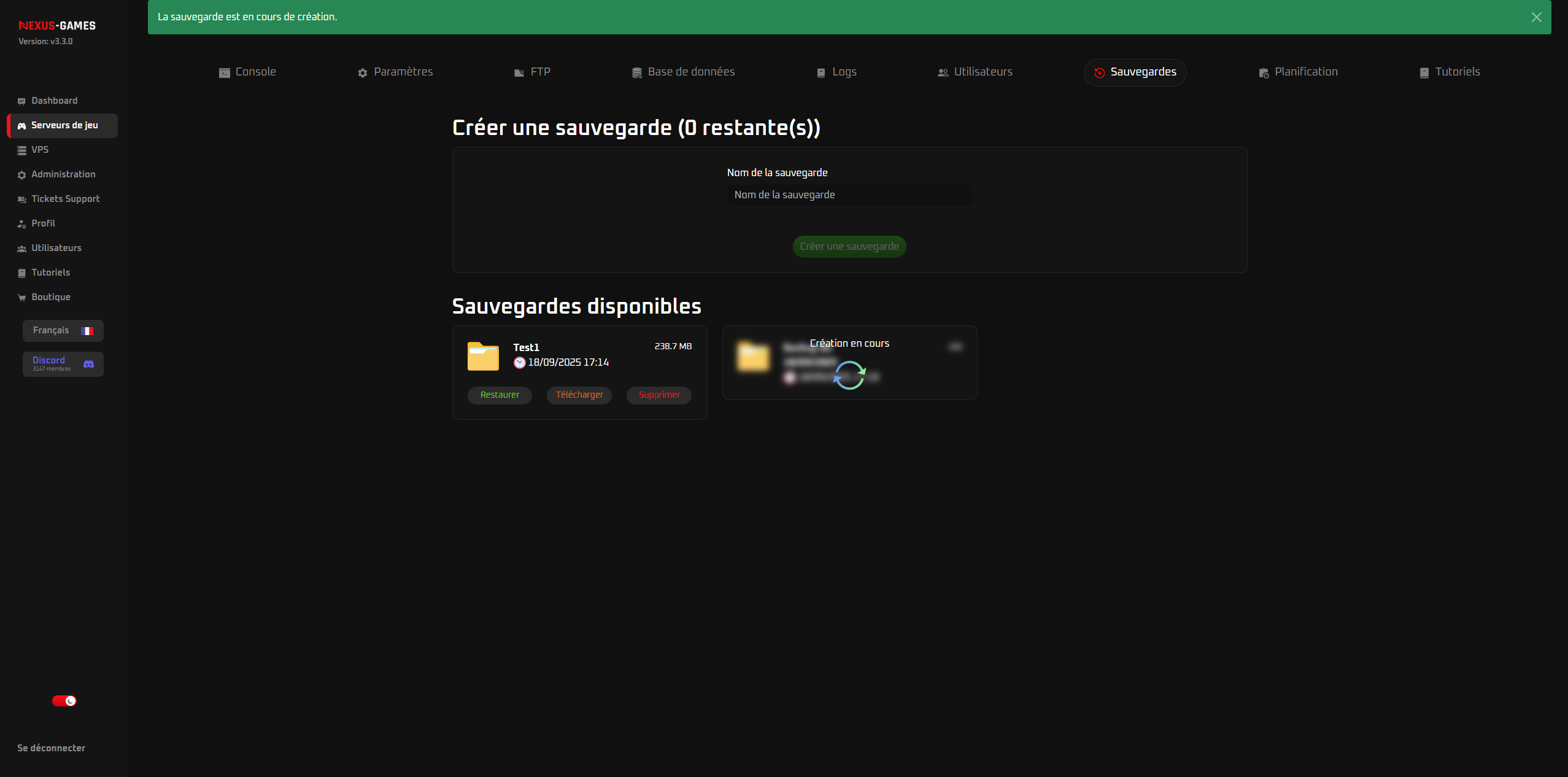
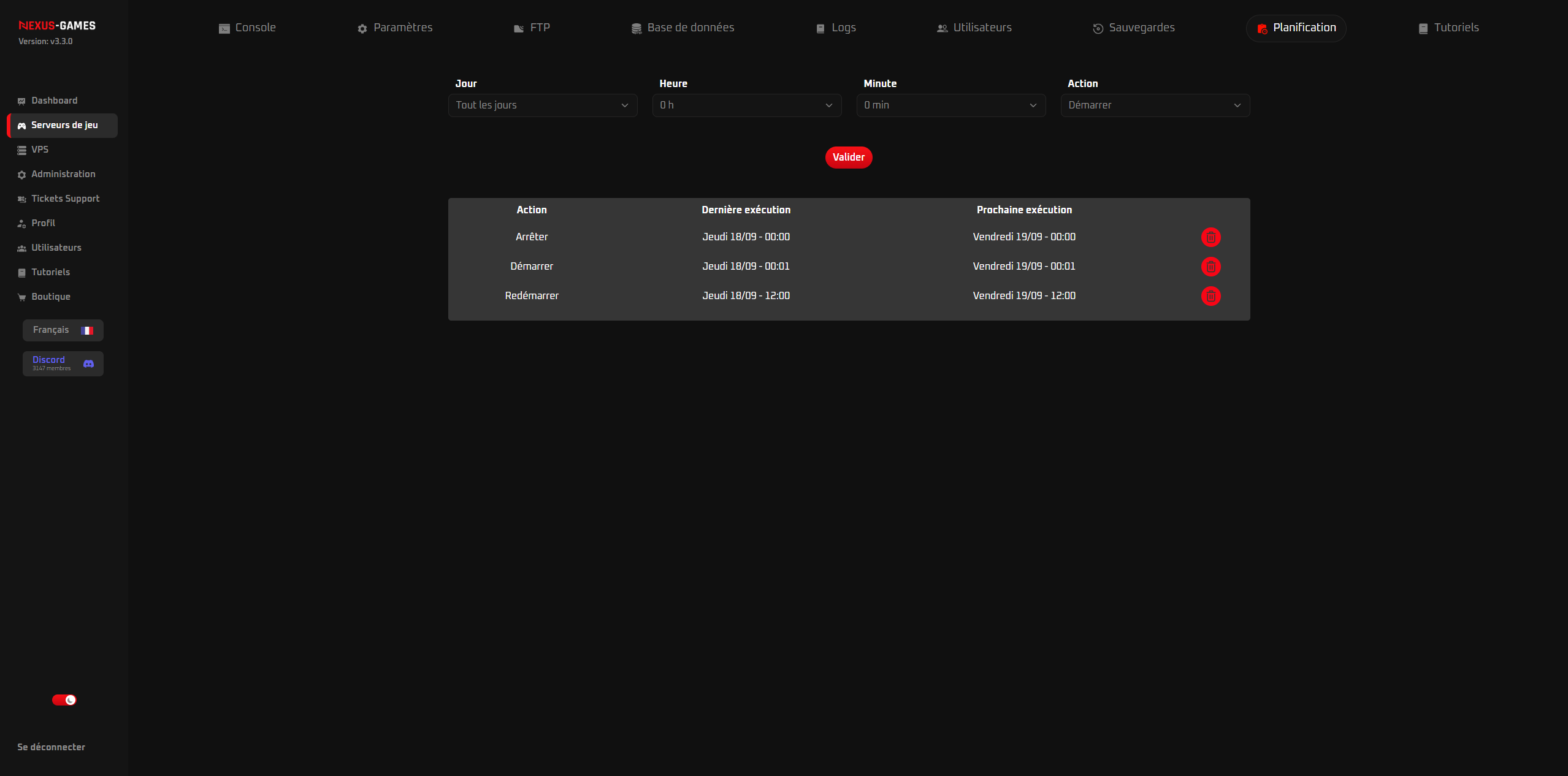
Automatic backups are schedulable from NexusPanel (daily by default, adjustable frequency) and restorable in one click. You can also trigger a manual backup before an update or a mod installation.
Our DayZ articles
Guides and news for your DayZ server.
What is the difference between DayZ and DayZ Experimental?
Learn the essential differences between DayZ and DayZ Experimental versions, including features, stability, updates, and which one you should play.
Read the articleDayZHow to Create a DayZ Server with a Windows VPS?
Complete guide to creating your own DayZ server with a Windows VPS. Step-by-step tutorial covering setup, configuration, and server optimization.
Read the articleDayZBest Mods to Make DayZ More Hardcore
Explore the ultimate collection of hardcore DayZ mods that will transform your survival experience into an unforgiving and realistic challenge.
Read the articleDayZHow to Create a Profitable DayZ Server (Community & Donations)?
Learn how to build and monetize a successful DayZ server through community building and donation strategies. Complete guide for server owners.
Read the articleDayZBest Secret Bases on the Chernarus Map?
Explore the top secret base locations on Chernarus map with detailed positioning guides and strategic advantages for optimal survival gameplay.
Read the articleDayZHow to Optimize a DayZ Server’s Performance?
Learn essential techniques to boost your DayZ server performance, reduce lag, and provide a smooth gaming experience for all players on your server.
Read the article