Learning how to manage a Minecraft server is essential for delivering a smooth, secure, and enjoyable experience to your players. Whether you’re running a small vanilla server or a large modded community, mastering server management—from performance tuning to player moderation—ensures stability and growth. This comprehensive 2025 guide covers everything you need to know to efficiently manage your Minecraft server using modern tools and best practices.
Understanding the Core Components of Server Management
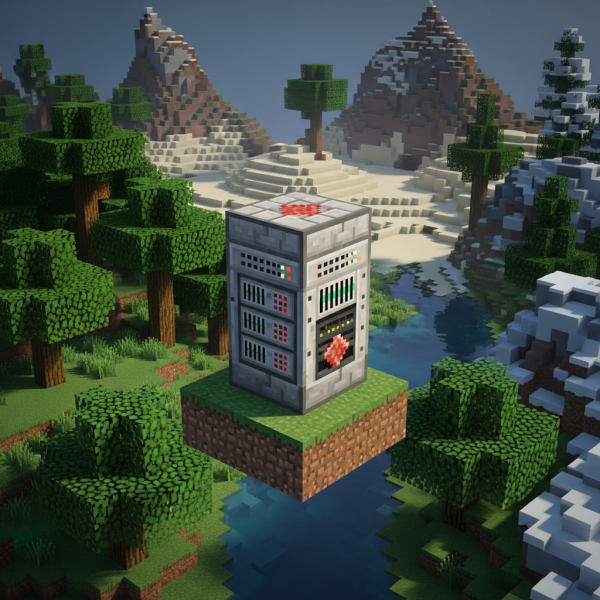
To effectively manage a Minecraft server, you must first understand the architecture that powers it. A Minecraft server relies on several critical components working in harmony: the server software (Vanilla, Spigot, Paper, Forge, Fabric), the underlying hardware, and the control panel or command-line interface used for administration.
Server Software Selection
Choosing the right server software is the foundation of proper management. Vanilla servers run the official Mojang code with no modifications, ideal for purists. Spigot and Paper offer performance enhancements and plugin support, making them popular for community servers. For modded gameplay, Forge and Fabric enable you to run complex modifications and modpacks.
When hosting with Nexus Games Minecraft hosting, you gain access to one-click installations of all major server types, with pre-installable modpacks from CurseForge directly via the panel. This eliminates manual configuration and speeds up deployment significantly.
Hardware Requirements and Optimization
Minecraft is CPU-intensive and benefits from high single-thread performance. The AMD Ryzen 9 7950X3D with its 16 cores, 32 threads, and clock speeds exceeding 5 GHz delivers exceptional performance for both vanilla and heavily modded servers. Coupled with DDR5 ECC RAM (32–128 GB), you ensure memory stability and capacity for large player counts.
NVMe SSD storage is non-negotiable for fast world loading and chunk generation. Network throughput of 1 Gbps ensures low latency and smooth connectivity even during peak hours. These specifications form the backbone of high-performance server management and are standard with Nexus Games infrastructure.
| Component | Recommended Specification |
| Processor | AMD Ryzen 9 7950X3D (5+ GHz) |
| RAM | DDR5 ECC 32–128 GB |
| Storage | NVMe SSD |
| Network | 1 Gbps with Anti-DDoS |

Daily Server Management Tasks and Best Practices
Effective daily management keeps your server stable and your community happy. Routine tasks include monitoring performance metrics, managing backups, updating plugins and mods, and handling player support.
Performance Monitoring and Resource Allocation
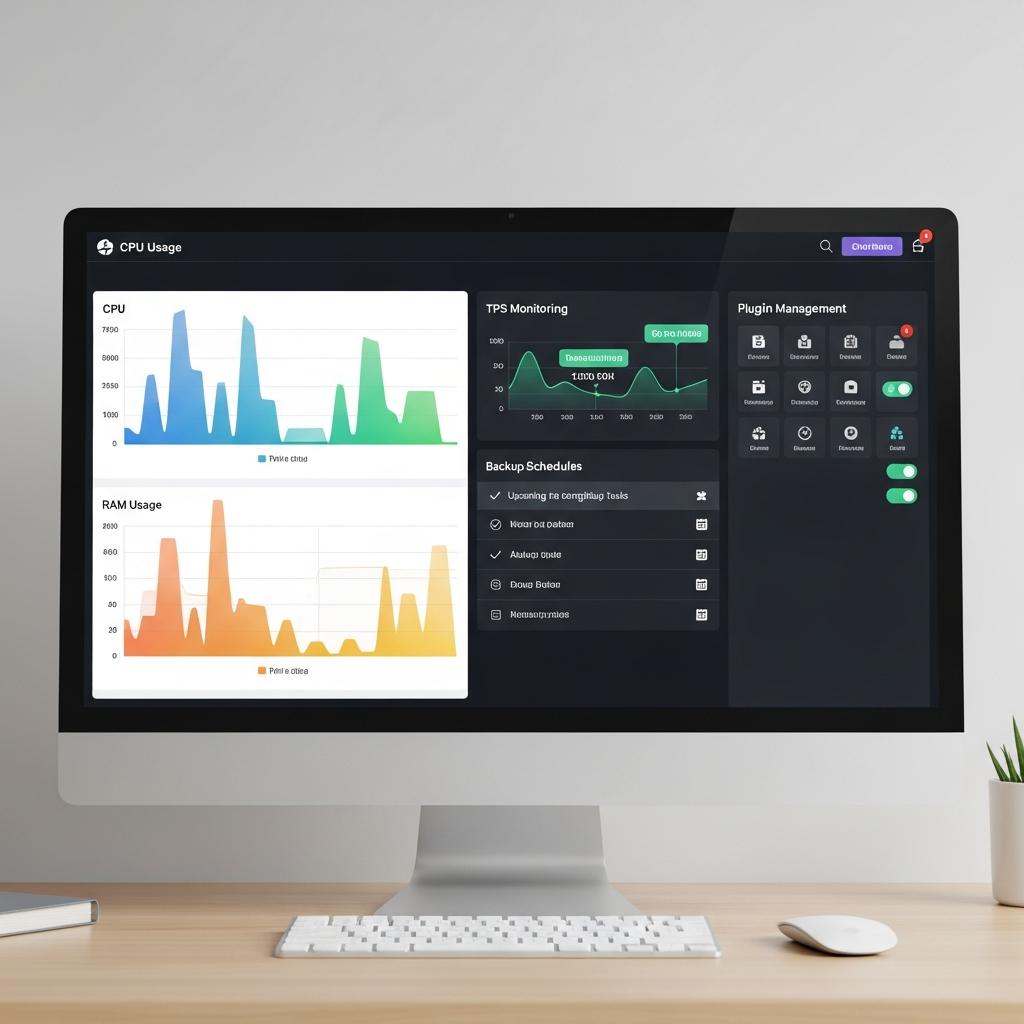
Regularly monitor CPU usage, RAM consumption, and TPS (ticks per second). A healthy Minecraft server maintains 20 TPS consistently. Drops below 18 TPS indicate lag and require immediate attention. Use tools like Spark profiler or Timings reports to identify performance bottlenecks.
Allocate memory appropriately using JVM flags. For most servers, 4–8 GB is sufficient, but modded servers may require 12 GB or more. The Nexus Games panel allows you to adjust RAM allocation dynamically without SSH access, simplifying resource management.
java -Xms4G -Xmx8G -XX:+UseG1GC -XX:+ParallelRefProcEnabled -XX:MaxGCPauseMillis=200 -jar server.jar noguiThese JVM arguments optimize garbage collection and reduce lag spikes. The G1GC collector is ideal for Minecraft’s memory patterns, balancing throughput and pause times.
Automated Backup Systems
Data loss is catastrophic for any server. Implement automated backups at regular intervals—daily for active servers, hourly for high-traffic communities. Store backups both locally and off-site to protect against hardware failure.
The Nexus Games control panel includes integrated backup scheduling with one-click restoration. You can configure retention policies to automatically delete old backups, saving storage space while maintaining recovery options for critical time points.
Plugin and Mod Management
Keep your plugins and mods updated to benefit from bug fixes, security patches, and new features. However, test updates on a staging environment before deploying to production to avoid breaking compatibility.
Popular management plugins include EssentialsX for basic commands, WorldEdit for building tools, CoreProtect for rollback capability, and LuckPerms for permissions management. For modded servers, ensure mod versions align with your Forge or Fabric loader version.
With CurseForge integration via the Nexus Games panel, you can browse, install, and update modpacks without manually downloading files or editing configuration files. This streamlines the update process and reduces human error.
Security and Player Moderation Strategies
Security is paramount when you manage a Minecraft server. Protecting against griefing, exploits, and DDoS attacks preserves your community and server stability.
Authentication and Whitelist Configuration
Enable online-mode=true in server.properties to enforce Mojang authentication and prevent cracked clients. For private servers, implement whitelisting to restrict access to approved players only.
whitelist on
whitelist add PlayerName
Combine whitelisting with application processes using Discord bots or web forms to vet new members. This creates a barrier against malicious actors while maintaining community quality.
Anti-Cheat and Anti-Grief Solutions
Deploy anti-cheat plugins like Matrix or Vulcan to detect and prevent common exploits including fly hacks, speed hacks, and X-ray. Configure sensitivity to balance false positives with protection.
For grief protection, CoreProtect logs every block change and allows you to roll back griefing with simple commands. GriefPrevention or Towny enable players to claim land and protect their builds automatically.
DDoS Protection and Network Security
DDoS attacks can render your server inaccessible. Nexus Games includes Game Anti-DDoS protection at the network level, filtering malicious traffic before it reaches your server. This enterprise-grade protection is essential for public servers.
Additionally, configure your firewall to only allow connections on necessary ports (default 25565 for Java Edition). Never expose your server’s actual IP address publicly—use a proxy like Velocity or Waterfall for network architectures with multiple servers.
For comprehensive security guidance, consult the official Minecraft server documentation which covers advanced security configurations.
Staff Training and Moderation Policies
Your moderation team is your first line of defense. Establish clear rules, train staff on proper use of moderation tools, and create escalation procedures for serious violations.
Use LuckPerms to create hierarchical permission groups (Helper, Moderator, Admin) with appropriate command access. Log all staff actions using CoreProtect or similar tools to maintain accountability and enable audit trails.
Advanced Configuration and Optimization Techniques
Once basic management is mastered, advanced techniques can significantly improve performance and player experience.
Server Configuration Files
The server.properties file controls fundamental server behavior. Key settings include:
- view-distance: Controls how far players can see (8-12 recommended for performance)
- simulation-distance: Defines chunk tick range (6-8 optimal)
- max-players: Player capacity based on available resources
- difficulty: Game difficulty level
Paper servers add paper.yml and spigot.yml with advanced optimizations. Disable unnecessary features like mob spawners in unloaded chunks, optimize hopper checks, and adjust entity activation ranges to reduce CPU load.
World Management and Pre-generation
World generation is CPU-intensive. Pre-generate your world using plugins like Chunky to create terrain before players explore. This prevents lag spikes during gameplay and improves TPS stability.
/chunky radius 5000
/chunky start
This command pre-generates a 10,000-block diameter area around spawn. Schedule pre-generation during off-peak hours to avoid impacting active players.
Database Integration for Advanced Features
Large servers benefit from external databases for storing player data, economy information, and statistics. MySQL or MariaDB integration with plugins like LuckPerms and CoreProtect enables data persistence across server restarts and supports multi-server networks.
When using VPS hosting with Nexus Games, you can deploy a dedicated database server using KVM virtualization with dedicated resources, ensuring database performance doesn’t impact your game server. Access and configure your VPS directly through the Nexus Games panel without complex SSH setup.
Multi-Server Network Architecture
As your community grows, consider splitting gameplay across multiple servers connected via Velocity or BungeeCord. This architecture allows you to dedicate servers to specific game modes (survival, creative, minigames) while sharing player data.
Network setups require careful planning of resource allocation, database synchronization, and permission inheritance. The high-performance infrastructure and KVM-based VPS solutions from Nexus Games support complex network deployments with dedicated resources per server node.

Managing a Minecraft server in 2025 requires a combination of technical knowledge, proper infrastructure, and efficient tools. From selecting the right server software and optimizing hardware resources to implementing security measures and advanced configurations, every aspect contributes to a stable and enjoyable player experience. With platforms like Nexus Games providing powerful AMD Ryzen 9 7950X3D processors, DDR5 ECC RAM, NVMe storage, and intuitive management panels with CurseForge integration, server administration has never been more accessible. By following the best practices outlined in this guide, you’ll confidently manage your Minecraft server and build a thriving community.
FAQ
How much RAM should I allocate to manage a Minecraft server effectively?
For vanilla servers with 10-20 players, allocate 4-6 GB of RAM. Modded servers require 8-12 GB minimum, with heavily modded packs needing 16 GB or more. Always leave 2-4 GB free for the operating system. Monitor actual usage via your control panel and adjust accordingly. Nexus Games hosting allows dynamic RAM allocation up to 128 GB DDR5 ECC depending on your plan.
What’s the best way to handle lag spikes when managing my server?
First, generate a Timings or Spark report to identify the cause. Common culprits include excessive entity counts, inefficient redstone contraptions, or poorly optimized plugins. Reduce view-distance and simulation-distance in server.properties, clear unnecessary entities with commands, and update or remove problematic plugins. Pre-generating your world with Chunky eliminates generation-related lag. The high-performance Ryzen 9 7950X3D processors in Nexus Games infrastructure minimize hardware-related performance issues.
How often should I update plugins and mods when managing my Minecraft server?
Check for updates weekly, but don’t apply them immediately to production. Test updates on a staging server or backup instance first to ensure compatibility. Critical security patches should be applied within 24-48 hours after testing. Schedule major updates during low-traffic periods and always create a full backup before updating. The Nexus Games panel’s one-click backup and restoration features make this process quick and safe, allowing you to roll back instantly if issues arise.