Choosing the right minecraft server hosting is essential for delivering smooth gameplay, minimal lag, and a reliable experience for your community in 2025. Whether you’re running a modded survival world, a massive multiplayer hub, or a competitive PvP arena, understanding what defines high-performance hosting will help you make informed decisions that keep players engaged and servers stable.
Why Hardware Specifications Matter for Minecraft Hosting
The foundation of any high-performance minecraft server hosting solution lies in its hardware. Minecraft is predominantly single-threaded, meaning it relies heavily on single-core CPU performance rather than multiple cores. This architectural design makes clock speed far more important than core count when evaluating hosting options.
Modern hosting providers offering AMD Ryzen 9 7950X3D processors deliver exceptional single-threaded performance with clock speeds reaching up to 5 GHz. This processor features 16 cores and 32 threads, ensuring that even with Minecraft’s single-thread reliance, background processes and plugin operations run smoothly without impacting gameplay. The 3D V-Cache technology further enhances cache performance, reducing memory latency and improving tick rates during intensive gameplay scenarios.
RAM is equally critical. While vanilla Minecraft servers can run on 2–4 GB, modded servers demand significantly more. A Paper or Spigot server with 30–50 plugins typically requires 8–12 GB, while heavily modded packs like FTB Ultimate or All the Mods 9 need 16–32 GB or more. Hosts providing DDR5 ECC RAM ensure data integrity and faster read/write speeds, crucial for maintaining server stability during high player counts and complex chunk generation.
Storage technology directly impacts world loading times and player teleportation delays. NVMe SSD storage offers read speeds exceeding 3,000 MB/s, dramatically reducing chunk load times compared to traditional SATA SSDs. This becomes especially noticeable in modded environments where asset loading and world data retrieval happen constantly.
Network Infrastructure and DDoS Protection
Network performance defines player experience just as much as hardware does. A 1 Gbps network connection ensures that data packets travel quickly between server and client, minimizing latency and preventing rubber-banding. For servers expecting 50+ concurrent players, this bandwidth becomes non-negotiable.
DDoS attacks remain a persistent threat to gaming servers. Professional game-specific anti-DDoS protection filters malicious traffic without adding latency to legitimate connections. Unlike generic web protection, game-focused DDoS mitigation understands UDP packet patterns and can distinguish between legitimate player connections and attack vectors.

One-Click Mod Installation and Management Features
The ability to easily install and manage mods separates basic hosting from truly high-performance minecraft server hosting. Manual mod installation requires technical knowledge and often leads to version conflicts, crashes, or corruption. Modern hosting panels solve this through integrated mod management systems.
Integration with CurseForge allows administrators to browse, install, and update modpacks directly from the control panel. Popular packs like SkyFactory, RLCraft, or Create: Above and Beyond can be deployed in minutes rather than hours. This automation extends to updates—when mod developers release patches or new versions, the panel notifies administrators and enables one-click updates without manual file transfers.
For vanilla players, plugin management through Spigot, Paper, or Purpur offers similar convenience. Essential plugins like EssentialsX, WorldEdit, CoreProtect, and LuckPerms can be installed through the panel interface, with automatic dependency resolution preventing configuration errors.
Resource Allocation and Scaling Options
Server requirements evolve as communities grow. A server hosting 10 players today might need resources for 100 tomorrow. High-performance hosting must accommodate this growth through flexible resource allocation.
Rather than forcing migrations between plans, premium providers allow dynamic RAM and CPU allocation adjustments. If a new modpack release brings a surge of players, administrators can temporarily boost resources during peak hours and scale back during quieter periods. This flexibility prevents overpaying for unused capacity while ensuring availability during demand spikes.
Some hosting solutions offer automatic resource scaling based on player count. When player numbers increase, the system allocates additional CPU threads and RAM automatically, then releases them when activity decreases. This approach optimizes both performance and cost-efficiency.
| Server Type | Recommended RAM | Typical Player Count |
| Vanilla Survival | 4–8 GB | 10–30 players |
| Spigot/Paper with plugins | 8–16 GB | 30–100 players |
| Medium modpack (50–100 mods) | 12–24 GB | 10–40 players |
| Large modpack (150+ mods) | 24–48 GB | 5–20 players |
| Network hub (BungeeCord/Velocity) | 32–64 GB | 100–500+ players |
Control Panel Usability and Administrative Tools
The best hardware means nothing if administrators can’t effectively manage their servers. Professional minecraft server hosting provides intuitive control panels that balance power with accessibility, enabling both technical experts and beginners to operate servers efficiently.
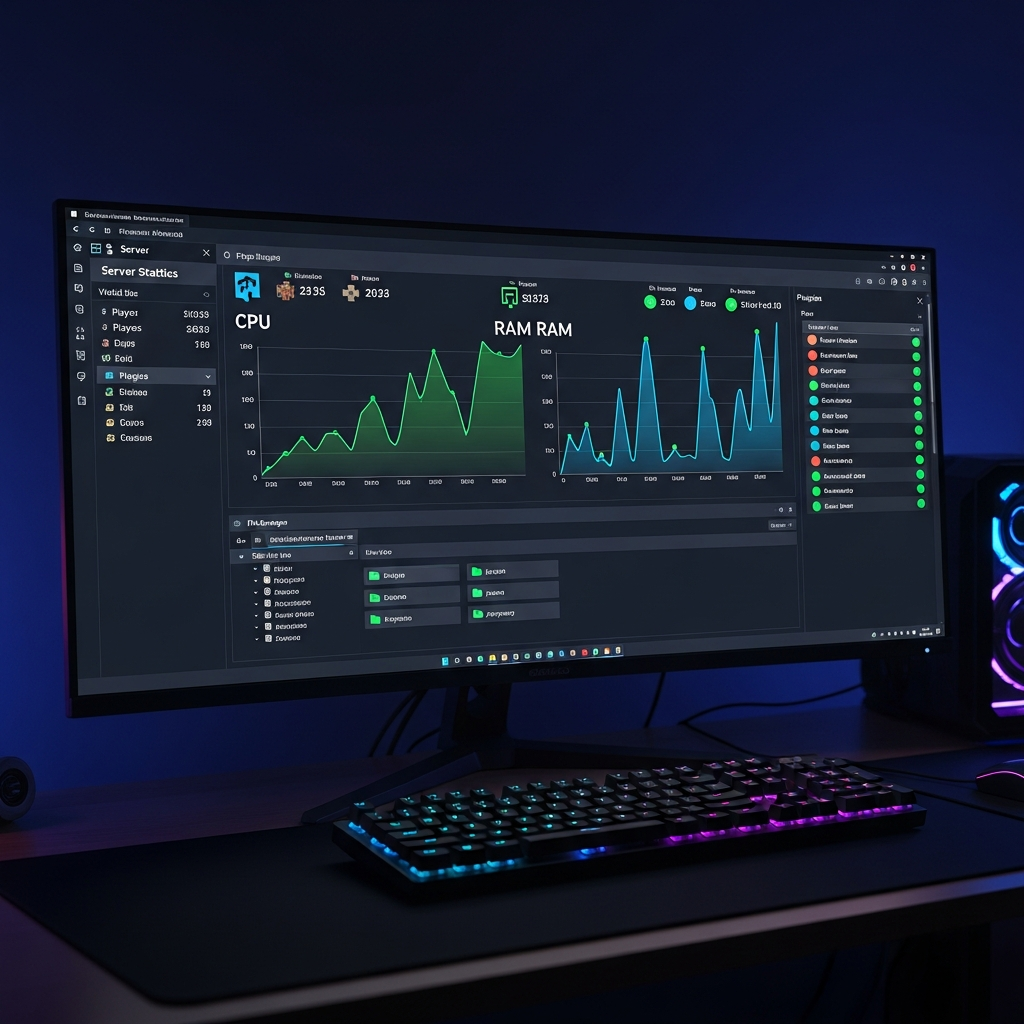
A well-designed panel offers real-time performance monitoring displaying CPU usage, RAM consumption, tick rate (TPS), and player count. These metrics help administrators identify performance bottlenecks before they impact gameplay. When TPS drops below 20, indicating lag, administrators can immediately check which plugins or chunks are causing issues.
File management capabilities should include a web-based file editor with syntax highlighting for configuration files, supporting formats like YAML, JSON, and TOML. This eliminates the need for external FTP clients for simple configuration changes. Advanced users benefit from direct SFTP access for bulk file transfers and automation scripts.
Backup and Restore Functionality
Data loss represents the worst nightmare for server administrators. Professional hosting includes automated daily backups stored on separate infrastructure, ensuring world data remains recoverable even if primary storage fails. Backup retention policies should maintain at least 7–14 days of snapshots.
Equally important is restoration speed. When corruption occurs—whether from mod conflicts, player griefing, or plugin errors—administrators need quick recovery options. One-click restoration from the control panel minimizes downtime, often restoring servers in under five minutes.
Advanced backup features include scheduled automatic backups at custom intervals (hourly, daily, weekly) and manual backup triggers before major changes like mod updates or configuration overhauls. Some providers offer backup downloads, allowing administrators to maintain local copies for additional security.
Technical Support and Documentation Quality
Even experienced administrators encounter situations requiring support. The quality and availability of technical support significantly impacts the overall hosting experience, especially during critical issues affecting player access.
Premium minecraft server hosting providers offer 24/7 support through multiple channels including live chat, ticket systems, and sometimes phone support. Response times matter—initial responses within 15 minutes for critical issues (server down, access problems) and within 2 hours for non-critical questions represent industry standards.
Support quality depends on staff expertise. Generic hosting companies often employ general support staff with limited game server knowledge. Specialized Minecraft hosts employ technicians familiar with Java arguments, Aikar’s flags, mod compatibility, and plugin configuration. This expertise enables faster problem resolution and more accurate guidance.
Documentation and Knowledge Base Resources
Comprehensive documentation empowers administrators to solve common problems independently. Quality hosting providers maintain extensive knowledge bases covering topics like:
- Initial server setup and configuration optimization
- Modpack installation guides with version compatibility notes
- Plugin configuration tutorials for popular extensions
- Performance optimization including JVM flags and render distance tuning
- Troubleshooting guides for common errors with solution steps
- Security best practices including whitelist configuration and permission management
Video tutorials complement written documentation, demonstrating complex procedures like BungeeCord network setup or MySQL database configuration for cross-server data sharing.
Additional Services and Integration Options
Complete hosting solutions extend beyond basic server provision. Many players benefit from complementary services that enhance community management and server functionality.
Discord bot hosting enables automated announcements, player statistics tracking, and integration between in-game and Discord communities. Popular bots like DiscordSRV bridge chat between platforms, allowing players to communicate regardless of location.
For administrators managing multiple game communities, VPS hosting with KVM virtualization provides dedicated resources for running custom applications, databases, or websites alongside game servers. Linux VPS solutions offer flexibility for technical users wanting complete control over their hosting environment.
Some providers include subdomain services allowing custom addresses (play.yourserver.com) instead of IP addresses with port numbers, improving accessibility and professionalism. This feature pairs well with automated DNS management that handles record updates when server IPs change.
Cost Efficiency and Value Proposition
Price remains a significant consideration, but cost-effectiveness depends on the value received relative to price paid. Budget hosting often sacrifices performance, support quality, or feature availability—compromises that ultimately cost more through player attrition and administrative frustration.
High-performance minecraft server hosting typically ranges from $5–$30 monthly for small communities (10–30 players) and $30–$100+ for larger servers or heavily modded environments. When evaluating pricing, consider included features like backup storage, DDoS protection, and mod installation tools—services that budget hosts charge separately.
Quality Minecraft hosting solutions balance performance with affordability, offering AMD Ryzen 9 7950X3D processors, DDR5 ECC RAM, and NVMe storage starting at competitive rates while including essential features like one-click modpack installation and game-specific DDoS protection.
For comparative context, consider alternatives like self-hosting (requiring hardware investment, electricity costs, and technical expertise) or using player machines (unreliable uptime and poor performance). Professional hosting eliminates these concerns while providing superior infrastructure and support.
Community and Multiplayer Considerations
Server performance directly impacts community retention. Players tolerate many issues—limited features, basic plugins, or simple builds—but consistently poor performance drives them to competitors. Lag, crashes, and extended downtime create frustration that no amount of custom content can offset.
Professional hosting maintains 99.9% uptime guarantees, translating to less than 45 minutes of downtime monthly. This reliability builds trust within communities, encouraging players to invest time and effort into the server knowing their progress won’t disappear due to hosting failures.
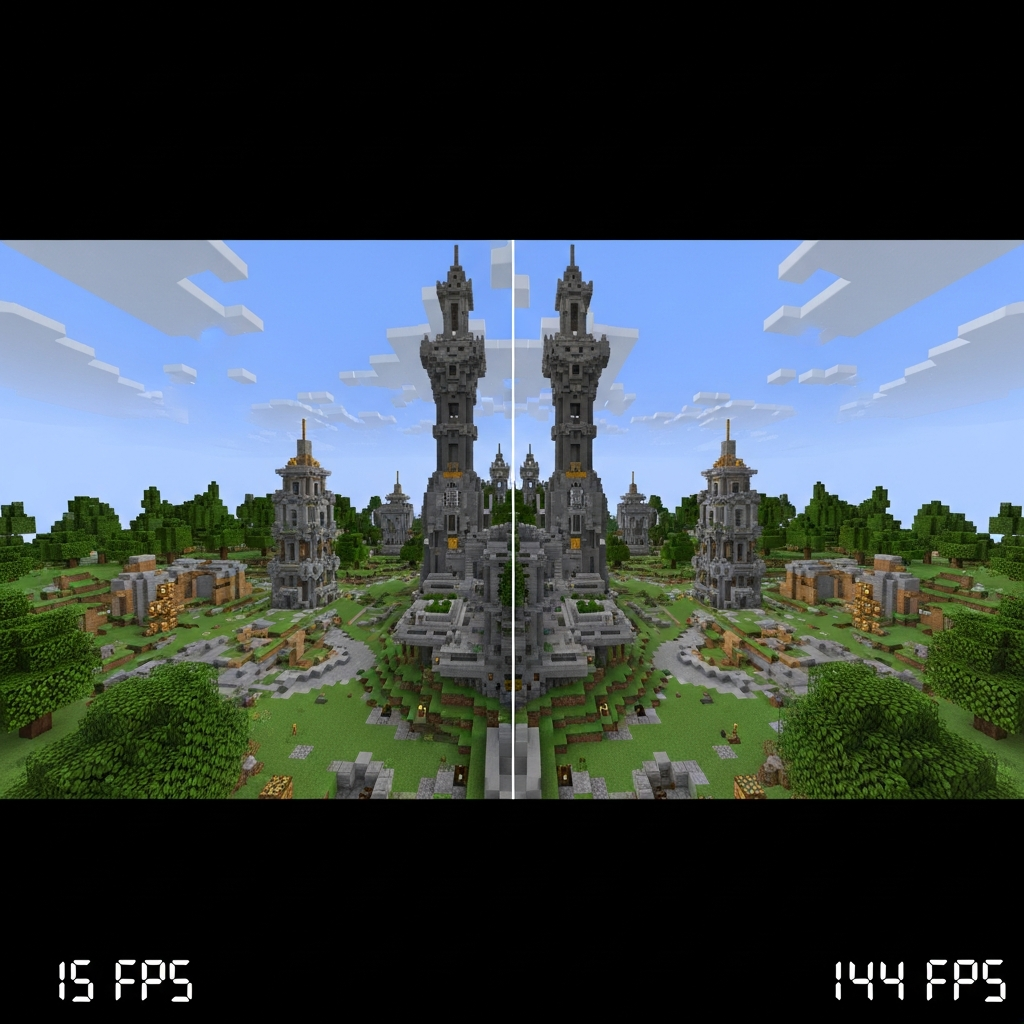
For competitive servers or those with economy systems, tick rate consistency becomes critical. Servers maintaining steady 20 TPS ensure fair gameplay where redstone contraptions, mob spawning, and crop growth operate predictably. Performance fluctuations create inconsistencies that disrupt game balance and frustrate technical players.
Geographic Location and Latency Optimization
Physical server location directly affects player ping times. A server in New York provides 20–40ms latency for East Coast US players but 150–200ms for European players. For international communities, central locations minimize disadvantage for all regions, though no single location perfectly serves global audiences.
Some hosting providers offer multiple datacenter locations, allowing administrators to choose regions closest to their primary player base. North American servers typically place datacenters in New York, Texas, and California; European options include Germany, France, and the United Kingdom; Asian options commonly include Singapore and Japan.
For truly global communities, proxy-based networks using BungeeCord or Velocity enable multiple regional servers connected to a central hub, routing players to geographically optimal game servers while maintaining unified authentication and data sharing.
According to Minecraft Wiki server documentation, latency below 50ms provides optimal experience, 50–100ms remains perfectly playable, while latency exceeding 150ms begins noticeably impacting competitive gameplay and making fast-paced activities like PvP difficult.
High-performance hosting in 2025 combines cutting-edge hardware, intelligent software management, comprehensive support, and thoughtful infrastructure placement. By prioritizing single-thread CPU performance, providing adequate DDR5 ECC RAM, utilizing NVMe storage, and offering intuitive management tools with one-click mod installation, quality hosting enables administrators to focus on community building rather than technical troubleshooting. When evaluating providers, examine hardware specifications, management features, support quality, and cost-effectiveness to ensure your hosting choice supports your community’s growth and success.
FAQ
What CPU specifications should I prioritize for high-performance Minecraft hosting?
Single-thread performance matters most for Minecraft. Look for processors with high clock speeds (5+ GHz) like the AMD Ryzen 9 7950X3D rather than focusing solely on core count. The 3D V-Cache technology in modern Ryzen processors significantly improves cache performance, reducing memory latency and maintaining consistent tick rates during intensive gameplay.
How much RAM do I actually need for modded Minecraft servers?
Requirements vary dramatically by mod count and type. Vanilla servers run well on 4–8 GB, plugin-based servers need 8–16 GB, medium modpacks (50–100 mods) require 12–24 GB, while large modpacks (150+ mods) demand 24–48 GB or more. Always allocate 20–30% more than minimum requirements to prevent memory-related crashes during peak activity.
Why is NVMe storage important for Minecraft server performance?
NVMe SSDs provide read speeds exceeding 3,000 MB/s compared to 550 MB/s for SATA SSDs. This dramatically reduces chunk loading times, player teleportation delays, and world backup duration—especially critical for modded servers constantly loading assets and world data. The performance difference becomes immediately noticeable in heavily modded environments with extensive world exploration.