WorldEdit for Minecraft: How to Install It and 15 Commands
By Benjamin D. · PDG
· Updated on November 22, 2026 · 6 min read
Contents
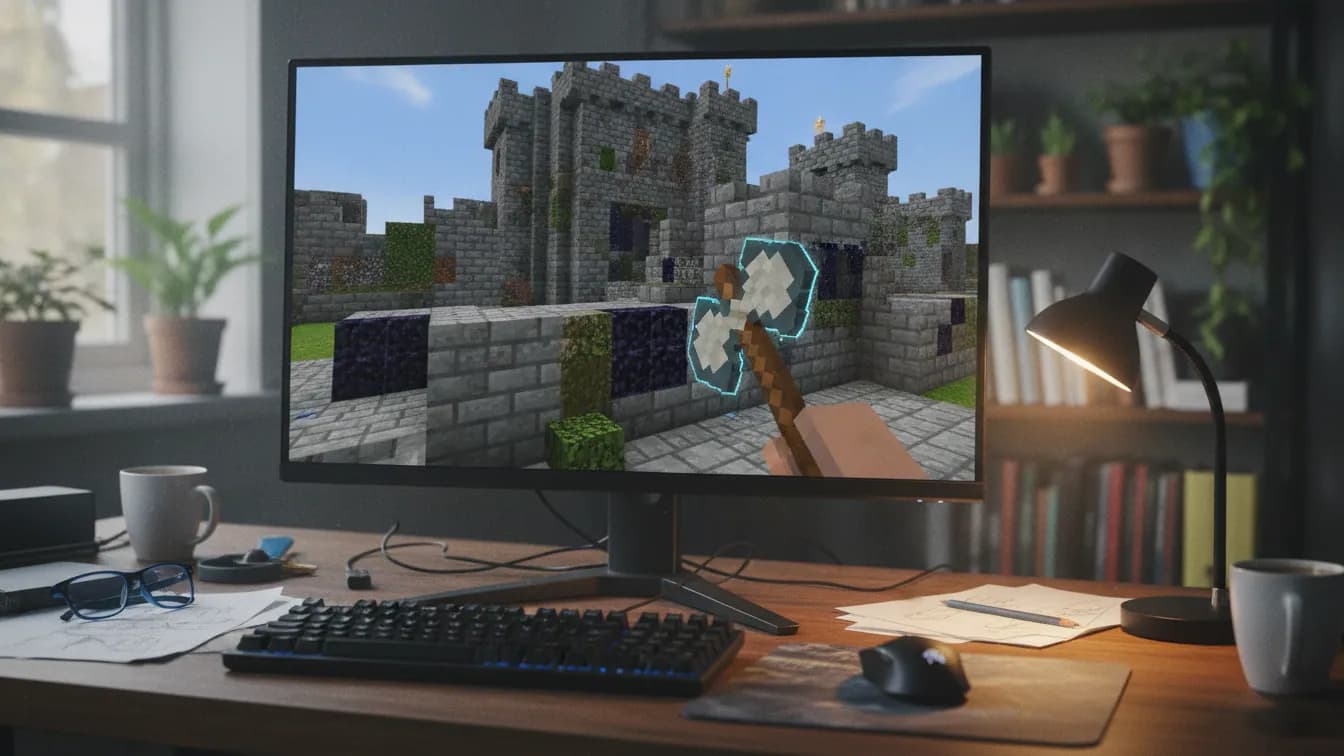
WorldEdit is a free in-game world editor built by EngineHub. To install it, drop the .jar that matches your Minecraft version into /plugins (Paper, Spigot) or /mods (Fabric, NeoForge), then restart. Next, select an area with the wooden axe (//wand) and start editing.
This guide covers four things: installing by platform, setting permissions, 15 commands, and the settings that protect your TPS.
In short
- The WorldEdit plugin (Bukkit) goes in
/pluginson Paper or Spigot. The Fabric mod goes in/mods. - The .jar has to match both your Minecraft version and your platform. A mod won't load on Paper, and a plugin won't load on Fabric.
- A "builder" group in LuckPerms keeps you from giving everyone operator status.
- Fifteen commands cover selecting, filling, copying, pasting and undoing.
- Capping the number of blocks changed and backing up before a big build prevents TPS drops.
How to Install WorldEdit on a Paper or Fabric Server
The most common mix-up is plugin versus mod. A plugin runs on a Bukkit, Spigot or Paper server, and players join with a regular Minecraft client. A mod runs on Fabric or NeoForge, which brings its own loader. WorldEdit exists in both forms, but they are two separate files and one doesn't replace the other. If you haven't picked a platform yet, settle that first: plugins or mods, which server fits your plans. Our Minecraft server hosting covers both.
On Paper or Spigot (plugin)
- Download the WorldEdit (Bukkit) build that matches your Minecraft version from the official EngineHub page. The file is usually named
worldedit-bukkit-<version>.jar. - Stop the server.
- Drop the .jar into the
/pluginsfolder. - Restart, then run
/plugins. WorldEdit should show up in green.//versionconfirms which version loaded.
On prerequisites, Paper needs Java 21 for 1.21.x versions. Check that before you go hunting for a bug somewhere else.
On a server hosted with us, NexusPanel installs plugins in one click, with no manual upload. The general process is covered in our guide to installing plugins on your Minecraft server. If you're starting from scratch, our Minecraft server hosting delivers a server in under 60 seconds.
On Fabric (mod)
WorldEdit for Fabric requires Fabric API. Put both .jar files in /mods on the server, restart, and you're done. Players don't need the mod for the commands to work. It only helps on the client side if you want to see your selection on screen, through WorldEdit CUI, a separate client mod whose requirements change over time, so check them for your version.
Some Fabric modpacks already bundle WorldEdit, so look in the mods folder before adding a duplicate. For the full walkthrough, see how to install Fabric, from launcher to server.
Can You Use WorldEdit in Single-Player?
Yes, as long as you use the mod version. Install Fabric in your launcher, add Fabric API and the Fabric build of the WorldEdit .jar to the mods folder, then create a world with cheats enabled so you have the permissions. With NeoForge, use the NeoForge build of WorldEdit instead, which doesn't need Fabric API. The steps to install Fabric, from launcher to server work for single-player too.
On Bedrock, there's nothing to install. WorldEdit isn't available natively, and there is no official version.
How to Give WorldEdit Permissions to Specific Players Only
There's no reason to make everyone an operator just so a friend can build a tower, and the same goes for teleport commands like /tp and /tpa. With LuckPerms (see our essential plugins for a community server), create a dedicated group instead:
/lp creategroup builder
/lp group builder permission set worldedit.* true
/lp user <username> parent add builder
worldedit.* grants everything. For finer control, grant permissions one at a time: worldedit.wand, worldedit.selection.*, worldedit.region.set, worldedit.clipboard.* and worldedit.history.*.
On Fabric without LuckPerms (the Fabric version), access depends on the player's operator level. Installing LuckPerms fixes that.
One last safeguard: never give worldedit.limit.unrestricted to a player you don't know well. That permission bypasses the caps covered in the last section.
15 WorldEdit Commands to Master
Region commands start with two slashes (//set). With only one, Minecraft looks for a vanilla command and finds nothing.
Select an area
| Command | What it does | Example |
|---|---|---|
//wand |
Gives you the wooden axe: left-click for pos1, right-click for pos2 | //wand |
//pos1 / //pos2 |
Sets a corner at your position | //pos1 |
//hpos1 / //hpos2 |
Sets a corner on the block you're looking at | //hpos2 |
//expand |
Grows the selection in one direction | //expand 10 up |
//size |
Shows the size of the selection | //size |
Edit and fill
| Command | What it does | Example |
|---|---|---|
//set |
Fills the selection with one block | //set stone |
//replace |
Swaps one block for another | //replace dirt grass_block |
//walls |
Builds the four walls of the area | //walls stone_bricks |
//count |
Counts the blocks of a given type | //count stone |
To clear an area, //set air does the job. It's handy for leveling a hill and risky once the selection gets too big, which the last section covers.
Copy, paste, transform
| Command | What it does | Example |
|---|---|---|
//copy |
Copies the selection to your clipboard | //copy |
//paste |
Pastes at your position (-a skips air) |
//paste -a |
//cut |
Copies, then removes the area | //cut |
//rotate |
Rotates the clipboard | //rotate 90 |
//stack |
Repeats the selection in one direction | //stack 5 north |
To reuse a build from one session to the next, save it as a schematic: //schem save house, then //schem load house and //paste when you need it.
Undo a mistake
| Command | What it does | Example |
|---|---|---|
//undo / //redo |
Reverts your last action, or restores what you just undid | //undo 3 |
History has limits. Its size is set by history.size in plugins/WorldEdit/config.yml, and the default is low (15 in recent versions, but confirm in your own file). Beyond that, a mistake can't be undone.
How to Keep WorldEdit From Lagging Your Server
A //set on several million blocks ties up the server's main thread. TPS drops, players rubber-band, and in the worst case everything crashes. That's not a bug: WorldEdit is doing exactly what you asked.
Here's what works, in the order we set it up:
- Cap it in
config.yml: setmax-blocks-changed(thedefaultandmaximumvalues) to a sensible number. Choose a value your server handles comfortably, and check it with a test before a big build. The default is unlimited (-1), but verify that in your version. - Limit per session:
//limit 200000sets a ceiling for yourself, within the maximum you're allowed. - Work in slices: split a large build into several smaller selections instead of one huge one.
- Warn players before a big build, and back up right before you start.
To measure the effect, run /tps on Paper during an operation, or install the spark profiler to see where the time goes. These operations depend mostly on single-core speed, which is where a Ryzen 9 7950X3D at 5.7 GHz makes a difference. For more on this, read our article on avoiding crashes and TPS drops.
Frequently Asked Questions
How do I install WorldEdit on a Paper or Fabric server?
On Paper, drop the WorldEdit (Bukkit) .jar into /plugins. On Fabric, put the Fabric build of WorldEdit and Fabric API in /mods. In both cases, grab the version that matches your Minecraft version, then restart.
Which WorldEdit commands copy and paste an area?
Select the area with //wand, run //copy, stand where you want the copy, and run //paste. Add -a to leave out air. //cut copies the area, then removes the original.
How do I give a player WorldEdit without making them an operator?
Create a LuckPerms group with /lp creategroup builder, give it worldedit.* or a selection of permissions, then add the player with /lp user <username> parent add builder.
Why does WorldEdit lag my Minecraft server?
Large selections run on the main thread and drop the TPS. Lower max-blocks-changed and work in slices.
Can I use WorldEdit in single-player Minecraft?
Yes, with the mod version on Fabric or NeoForge, installed in your launcher's mods folder. Create the world with cheats enabled so you can type the commands.
Does WorldEdit work on Minecraft Bedrock?
No. WorldEdit has no official Bedrock version. It's built for Java Edition.
Your Next Server, Ready for WorldEdit
Before your first big build, run a test: select a small test area, run //set stone, watch /tps, then //undo. You'll know what your server can take and what value to put in max-blocks-changed.
On Nexus Games Minecraft hosting, plugins like WorldEdit and LuckPerms install from NexusPanel in one click. The Ryzen 9 7950X3D and NVMe storage absorb heavy operations, and the optional backup lets you roll back. Your server is delivered in under 60 seconds, from €6.99/month, with no commitment.