A beginner-friendly modded server is a multiplayer gaming environment that enhances the base game with modifications (mods) while maintaining accessibility for new players through simplified setup, intuitive controls, and supportive communities. In 2025, modded servers bridge the gap between vanilla gameplay and complex custom experiences, offering curated mod selections, pre-configured settings, and streamlined installation processes that eliminate technical barriers for newcomers.
Understanding Beginner-Friendly Modded Servers
The concept of a beginner-friendly modded server revolves around three core principles: accessibility, guided progression, and community support. Unlike advanced modded environments that require extensive technical knowledge, these servers prioritize user experience by pre-installing compatible mods, providing clear documentation, and offering robust support channels.
Modern beginner-friendly modded servers leverage powerful infrastructure to ensure smooth performance even with multiple modifications running simultaneously. At Nexus Games, modded server hosting utilizes AMD Ryzen 9 7950X3D processors with 16 cores and 32 threads running above 5 GHz, paired with DDR5 ECC RAM ranging from 32 to 128 GB. This hardware foundation ensures that resource-intensive mods maintain stable frame rates and minimal latency.
Key Characteristics of Beginner-Friendly Modded Environments
Several distinguishing features set beginner-friendly modded servers apart from standard or hardcore modded gameplay:
- Curated Mod Collections: Pre-selected mods that work harmoniously without conflicts, tested for compatibility and stability
- One-Click Installation: Automated deployment systems that eliminate manual file manipulation
- Progressive Complexity: Mods organized in tiers, allowing players to explore basic features before advanced mechanics
- Clear Documentation: In-game guides, tooltips, and external wikis explaining mod functionality
- Active Moderation: Experienced staff who assist with technical issues and gameplay questions
- Performance Optimization: Server configurations tuned to balance visual enhancements with consistent performance
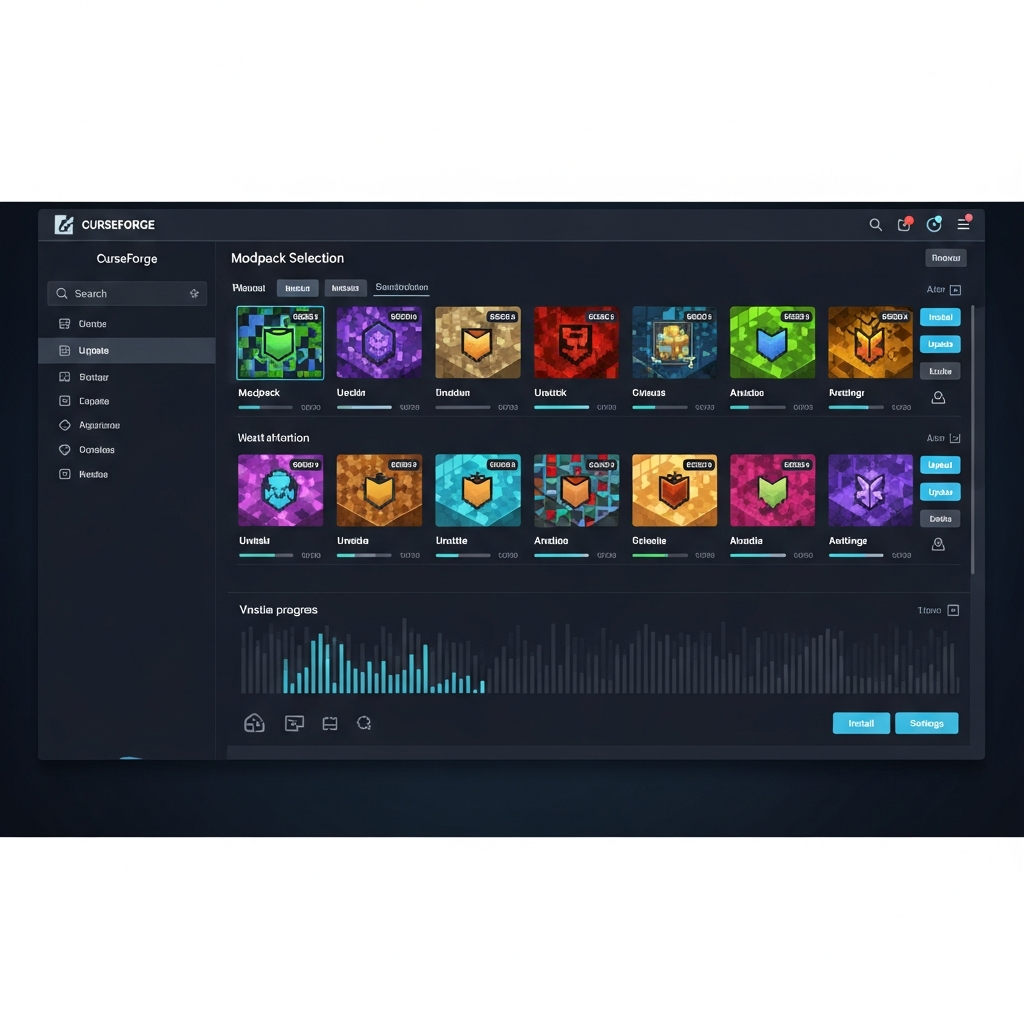
For games like Minecraft, beginner-friendly servers often integrate CurseForge modpacks through the panel interface, allowing administrators to install popular collections such as FTB Academy, SkyFactory, or RLCraft Lite with minimal configuration. The Nexus Games panel provides direct access to these pre-installable modpacks, streamlining the deployment process for server owners.
Popular Games for Beginner-Friendly Modded Servers
Certain games naturally lend themselves to beginner-friendly modding due to their established modding communities and robust toolsets:
| Game | Mod Ecosystem | Beginner-Friendly Features |
| Minecraft | CurseForge, Modrinth | Visual mod loaders (Forge, Fabric), extensive tutorials, modpack launchers |
| ARK: Survival Ascended | CurseForge, Steam Workshop | Quality-of-life mods, balanced creature additions, interface improvements |
| Valheim | Thunderstore, Nexus Mods | BepInEx framework, building enhancements, difficulty adjustments |
| 7 Days to Die | Mod Launcher, manual installation | Overhaul mods with tutorials, loot rebalancing, new POIs |
Each platform offers varying degrees of mod integration. Minecraft’s Forge and Fabric loaders provide standardized APIs that minimize conflicts, while ARK’s Workshop integration allows subscribers to automatically download server-side mods. For ARK server hosting, Nexus Games enables pre-installable CurseForge mods through the control panel, eliminating manual Steam Workshop configuration.
Setting Up Your First Beginner-Friendly Modded Server
Launching a beginner-friendly modded server requires careful planning across hardware selection, mod curation, and community guidelines. The goal is to create an environment where new players can experiment with modifications without encountering frustrating technical obstacles or overwhelming gameplay complexity.
Infrastructure Requirements
Modded servers demand significantly more resources than vanilla equivalents due to additional processing for custom mechanics, expanded world generation, and increased entity counts. For a stable beginner-friendly experience supporting 10-20 concurrent players with moderate mods:
- CPU: Minimum 4 dedicated cores at 4+ GHz (AMD Ryzen 9 7950X3D recommended for larger modpacks)
- RAM: 8-16 GB for light modpacks, 16-32 GB for medium collections, 32+ GB for extensive modpacks
- Storage: NVMe SSD for rapid chunk loading and mod asset streaming
- Network: 1 Gbps connection with DDoS protection to prevent disruptions
The Nexus Games infrastructure provides these specifications as baseline, with KVM virtualization ensuring dedicated resource allocation for VPS deployments. This prevents the “noisy neighbor” effect common with OpenVZ or container-based hosting, where other users’ resource spikes impact your server performance.
Selecting Beginner-Appropriate Mods
Mod selection directly impacts the beginner-friendliness of your server. Prioritize modifications that enhance rather than complicate:
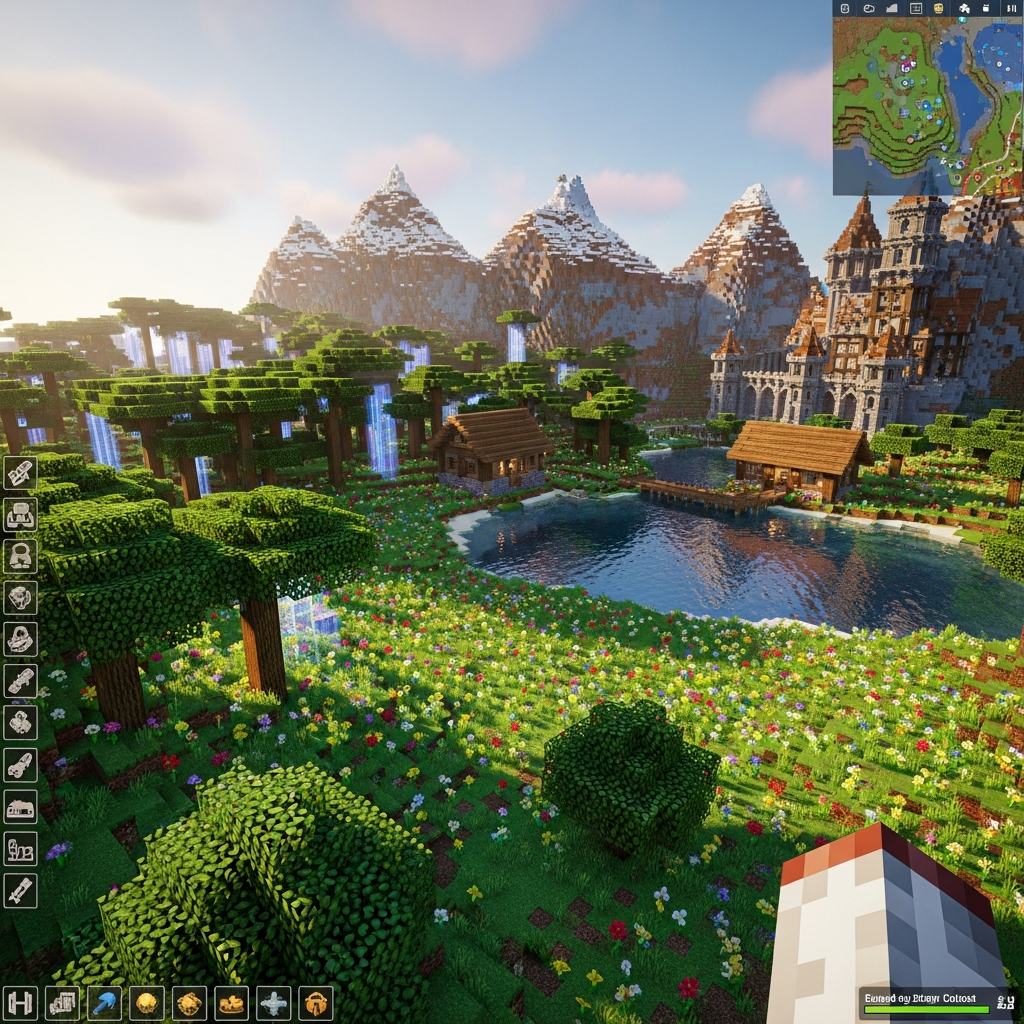
Quality-of-Life Improvements: Mods like JourneyMap (minimap), Just Enough Items (recipe lookup), or Waystones (teleportation) reduce friction without adding complex systems. These tools help new players navigate the world and understand crafting chains.
Content Additions with Clear Progression: Choose mods that extend gameplay through intuitive mechanics. Tinkers’ Construct offers visual tool crafting, while Pam’s HarvestCraft expands farming with familiar real-world crops. Avoid mods requiring external wikis to understand basic functionality.
Performance Optimizations: Include mods like Sodium/Optifine (rendering), Lithium (server logic), and Starlight (lighting engine) to ensure smooth gameplay on diverse client hardware. Beginner players often lack high-end gaming rigs, so optimized servers provide inclusive experiences.
Configuration Best Practices
Proper configuration transforms a mod collection into a cohesive beginner-friendly experience:
# Example server.properties adjustments for modded Minecraft
max-tick-time=120000
# Prevents watchdog crashes with heavy mods

network-compression-threshold=512
# Optimizes packet size for modded content

view-distance=8
# Balances performance with mod features

spawn-protection=0
# Allows full mod interaction near spawn
For games utilizing Steam Workshop like ARK or DayZ, the panel interface at Nexus Games allows workshop ID input for automatic mod downloading and updating. This eliminates manual file transfers and version mismatches that frustrate beginners.
Configure mod-specific settings to reduce complexity: disable dangerous early-game mobs, increase resource availability, or provide starter kits. Many modpacks include “Easy Mode” configuration presets specifically designed for learning curves.
Community Building and Support Systems
The human element distinguishes truly beginner-friendly servers from technically competent but unwelcoming environments:
- Discord Integration: Create channels for #getting-started, #mod-help, and #server-rules
- In-Game Tutorials: Use command blocks, books, or plugins to provide guided tours
- Mentor Programs: Pair experienced players with newcomers for one-on-one assistance
- Clear Rules: Establish griefing policies, PvP boundaries, and resource etiquette
Platforms like Discord bots can be hosted alongside your game server. Nexus Games offers dedicated Discord bot hosting with the same infrastructure specifications, allowing automated welcome messages, FAQ responses, and server status updates.
Optimizing Performance for Modded Gameplay
Performance optimization ensures that beginner-friendly servers remain accessible rather than frustrating. Lag, crashes, and slow load times disproportionately impact new players who lack troubleshooting experience.
Server-Side Optimization Techniques
Implement these strategies to maintain smooth operation under modded conditions:
Chunk Loading Management: Configure pre-generation for spawn regions to prevent real-time generation lag. Tools like Chunky (Minecraft) or similar utilities for other games create world terrain before players explore, distributing CPU load over time rather than during gameplay.
Entity Culling: Limit mob counts, item entities, and complex tile entities in densely modded areas. Use plugins or mod configurations to despawn abandoned items faster and cap spawner outputs.
Tick Rate Monitoring: Maintain 20 TPS (ticks per second) through profiling tools that identify laggy chunks or problematic mods. The Spark profiler for Minecraft or similar diagnostics reveal bottlenecks in real-time.
Database Optimization: For persistence mods or complex inventory systems, utilize dedicated MySQL/PostgreSQL databases rather than file-based storage. The NVMe SSD infrastructure at Nexus Games accelerates database read/write operations significantly.
Client-Side Guidance
Help players optimize their local installations to complement server performance:
- Provide modpack launcher profiles with pre-allocated RAM settings (8 GB typical)
- Recommend graphics mods like OptiFine with conservative settings guides
- Share texture pack alternatives (32x instead of 128x resolution)
- Explain render distance tradeoffs and encourage 8-12 chunk settings
Creating a dedicated “Performance Tips” page on your server website or Discord reduces support ticket volume and empowers beginners to self-optimize.
Monitoring and Maintenance Schedules
Proactive monitoring prevents small issues from becoming beginner-unfriendly crises:
Automated Backups: Schedule hourly incremental backups and daily full backups. Nexus Games control panels include one-click restoration, allowing quick rollback if experimental mods cause corruption.
Update Cadence: Balance mod currency with stability. Update mods monthly rather than immediately, allowing community testing to identify breaking changes. Pin stable versions in your modpack manifest.
Resource Alerts: Configure notifications for CPU usage above 80%, RAM consumption approaching limits, or disk space below 20%. Early warnings enable preemptive scaling before performance degradation affects players.
According to SpigotMC’s optimization guide, properly configured modded servers can support player counts comparable to vanilla with appropriate hardware scaling.
Advanced Considerations for Growing Communities
As your beginner-friendly modded server matures, scalability and feature expansion become priorities while maintaining accessibility for new arrivals.
Transitioning Players to Advanced Content
Implement progression systems that naturally guide players from basic to complex mods:
Gated Content: Use permissions plugins or in-game progression to unlock advanced mods after mastering fundamentals. For example, require completion of a “Basic Engineering” questline before accessing Mekanism’s complex machinery.
Tiered Worlds: Create separate dimensions or worlds for different difficulty levels—a beginner realm with simplified mods and an expert zone with full complexity. Multiverse plugins enable seamless transitions.
Seasonal Resets: Plan quarterly server resets with different modpack themes, allowing everyone to start fresh. Maintain a permanent “Creative Showcase” world where veterans can preserve their builds.
Monetization Without Compromising Accessibility
Sustainable server funding should enhance rather than gatekeep the beginner experience:
- Cosmetic Perks: Offer chat colors, particle effects, or vanity items that don’t impact gameplay balance
- Convenience Features: Provide additional /home slots, extended claim blocks, or priority queue slots
- Donation Goals: Transparently share hosting costs and set community funding targets for server upgrades
Avoid pay-to-win mechanics that alienate free-to-play beginners. The goal is community sustainability, not profit maximization.
Scaling Infrastructure
When player counts exceed initial capacity, strategic upgrades maintain performance:
For Minecraft servers exceeding 50 players, implement BungeeCord or Velocity proxy networks to distribute load across multiple backend servers. Each backend can host different gameplay modes (Survival, Creative, Minigames) while presenting a unified network to players.
VPS solutions with KVM technology, like those offered by Nexus Games, allow vertical scaling (adding RAM/CPU to existing servers) and horizontal scaling (adding more servers to a network) without migration downtime. Resource dedication ensures consistent performance regardless of neighboring VPS activities.
Consider dedicated machines for specialized functions: one server for the main survival world, another for resource-intensive creative building, and a third for plugin-heavy minigame modes. This separation prevents single points of failure and allows targeted optimization.
Conclusion
A beginner-friendly modded server in 2025 combines technical excellence with thoughtful design—powerful infrastructure running carefully curated modifications, supported by active communities and clear documentation. By prioritizing accessibility through pre-configured modpacks, performance optimization, and graduated complexity, server administrators create environments where newcomers can confidently explore enhanced gameplay. Whether launching a Minecraft server with CurseForge integration or an ARK server with Steam Workshop mods, the foundation lies in balancing innovation with inclusivity, ensuring every player’s first modded experience is memorable for the right reasons.
FAQ
What hardware specifications are necessary for hosting a beginner-friendly modded server with 20 players?
For 20 concurrent players on a moderately modded server (50-100 mods), allocate at minimum 6 CPU cores at 4+ GHz, 16-24 GB DDR5 ECC RAM, and NVMe SSD storage. The AMD Ryzen 9 7950X3D with 32 GB RAM used by Nexus Games easily handles this load with headroom for growth. Ensure 1 Gbps network connectivity with DDoS protection to maintain stable connections during peak hours.
How do I choose compatible mods that won’t overwhelm new players?
Start with established modpacks designed for beginners like FTB Academy or select individual mods with clear in-game tooltips and documentation. Prioritize quality-of-life improvements (minimaps, recipe viewers) and content additions with intuitive progression systems. Test mod combinations in single-player before deploying to servers, and utilize the pre-installable CurseForge integration in hosting panels to ensure version compatibility automatically.
What maintenance schedule should I follow for a beginner-friendly modded server?
Implement automated daily backups with one-week retention, perform mod updates monthly (not immediately upon release), and schedule weekly restarts during low-traffic hours to clear memory leaks. Monitor CPU/RAM usage daily through your hosting panel, and conduct quarterly reviews of mod list relevance based on player usage statistics. Establish a test server for trying new mods before main server deployment to prevent beginner-unfriendly disruptions.