Understanding how to use a patreon key fivem host solution is essential for server owners who want to unlock exclusive features, improved performance, and advanced capabilities in 2025. When you choose a FiveM hosting provider that includes a Patreon key—like Nexus Games does by default—you gain immediate access to Cfx.re’s premium tier benefits without purchasing a separate subscription. This guide walks you through exactly how to activate, configure, and leverage your Patreon key on a professional FiveM host, ensuring your server runs smoothly on cutting-edge hardware like the AMD Ryzen 9 7950X3D with DDR5 ECC RAM.
What Is a Patreon Key and Why Does Your FiveM Host Need One?
A Patreon key is a unique license issued by Cfx.re (the developers of FiveM) to supporters who subscribe to their Patreon at specific tiers. This key unlocks server-side features such as OneSync Infinity (enabling 2,048+ concurrent players), custom loading screens, additional onesync slots, and priority support from the FiveM development team. For serious roleplay communities and large-scale servers, these features are not optional—they are foundational.
When you select a patreon key fivem host package, the provider handles key provisioning for you. At Nexus Games, every FiveM plan includes a fully licensed Patreon key from day one, eliminating the need to manage a separate Patreon subscription. This bundled approach saves time, reduces billing complexity, and ensures your key remains valid and automatically renewed as long as your hosting remains active.
The technical infrastructure matters just as much as the key itself. Nexus Games deploys FiveM servers on AMD Ryzen 9 7950X3D processors (16 cores, 32 threads, up to 5.7 GHz boost), paired with DDR5 ECC RAM (32–128 GB) and ultra-fast NVMe SSD storage. This hardware stack ensures your server can handle the increased player concurrency and resource load that comes with Patreon-tier features, all while maintaining sub-20ms tick rates and zero lag spikes during peak hours.

Step-by-Step: Activating Your Patreon Key on a FiveM Host
1. Locate Your Patreon Key in the Hosting Panel
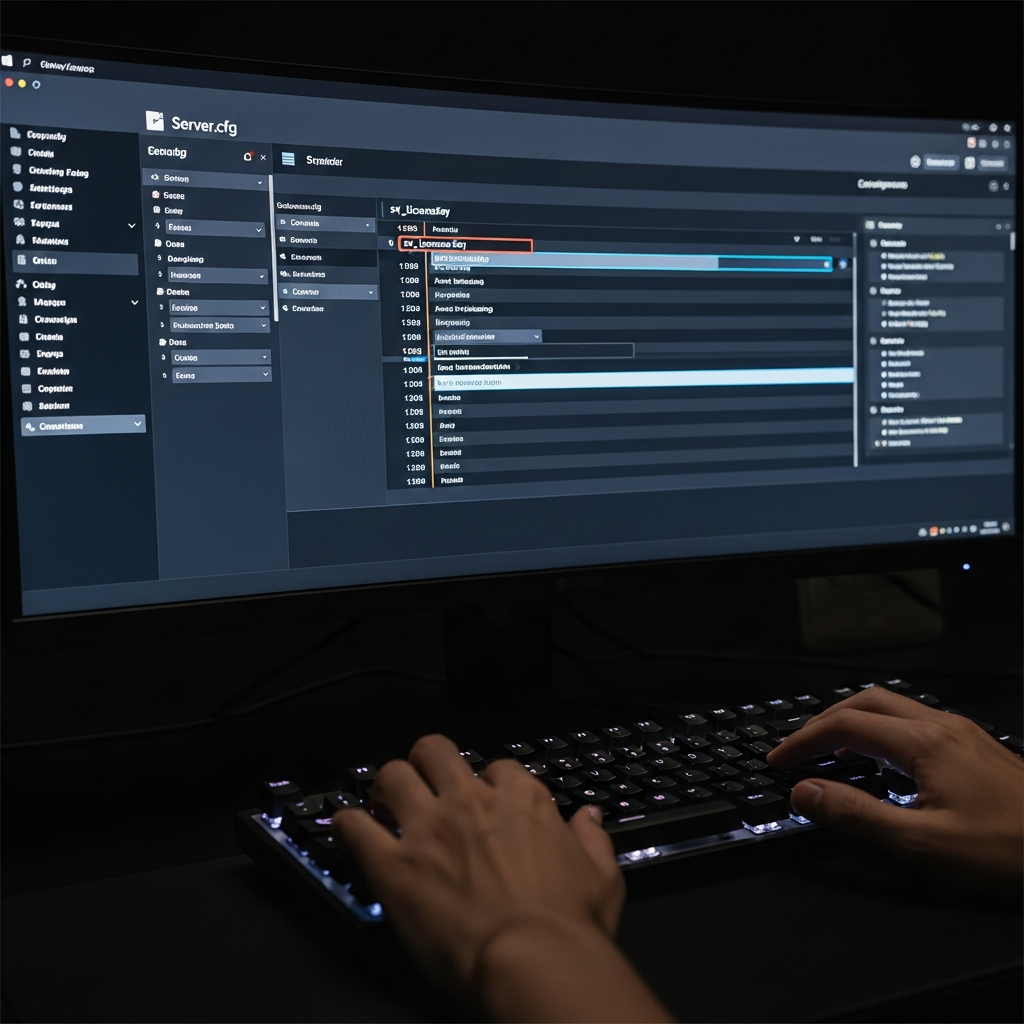
Once your FiveM server is provisioned at Nexus Games, log into the custom Nexus Games Panel (a tailored fork of Pterodactyl). Navigate to your FiveM server instance and click on the “Configuration” or “Startup” tab. Here you will find a pre-filled field labeled sv_licenseKey or simply License Key. Your Patreon key is already inserted here automatically during server deployment.
If you need to verify or update the key manually (for instance, if you have your own Patreon subscription), copy your key from the Cfx.re Keymaster dashboard after logging in with your linked Patreon account. Paste it into the sv_licenseKey variable and save.
2. Configure server.cfg for Patreon Features
Open your server.cfg file via the panel’s file manager or SFTP. Ensure the following lines are present and correctly formatted:
sv_licenseKey "your_patreon_key_here"
sv_maxclients 128
onesync on
For OneSync Infinity (2,048 players maximum), replace onesync on with:
onesync legacy
# or
onesync_enabled true
set onesync_population true
Consult the official FiveM OneSync documentation for version-specific syntax. Save your changes and restart the server from the panel’s console tab.
3. Validate Activation in Server Console
After reboot, monitor the live console output. You should see log entries confirming your Patreon tier, such as:
[keymaster] License key valid (Patreon Tier: Element Club Argentum)
[onesync] OneSync Infinity enabled, max players: 2048
If errors appear (e.g., “invalid license key” or “key already in use”), double-check that the key is copied exactly—no extra spaces—and that it is not simultaneously active on another server. Each Patreon key is single-use per running instance.
Optimizing Performance with Your Patreon-Enabled FiveM Host
Leverage OneSync Infinity for Large Communities
With a valid Patreon key, you can scale player slots far beyond the default 32-player cap. However, raw slot count means nothing without the hardware to back it. Nexus Games’ DDR5 ECC RAM ensures memory integrity under heavy load, while the Ryzen 9 7950X3D’s 3D V-Cache dramatically reduces latency for game-state synchronization—critical when hundreds of players interact simultaneously in dense urban environments like Los Santos.
Enable Custom Loading Screens and Branding
Patreon keys unlock the ability to serve custom HTML/CSS/JS loading screens hosted externally or locally. Edit your server.cfg to add:
load_screen "https://yourdomain.com/loadingscreen/"
Ensure your loading screen assets are optimized (compressed images, minified scripts) to avoid bottlenecks. With Nexus Games’ 1 Gbps network uplink and global anti-DDoS protection, your players enjoy fast, uninterrupted asset delivery regardless of their geographic location.
Install and Manage Mods via the Panel
While FiveM does not use CurseForge (that’s Minecraft/Hytale), you can upload custom resources—scripts, maps, vehicles—directly through the panel’s file manager or via SFTP. Organize your resources/ folder with clear subdirectories, and reference them in server.cfg:
start esx_core
start esx_policejob
start my_custom_map
The NVMe SSD backend ensures rapid read/write speeds, so resource loading times remain minimal even with dozens of active scripts and high-resolution textures.
Monitor and Scale Resources
Use the panel’s real-time metrics dashboard to track CPU, RAM, and network usage. If your community grows beyond your current plan’s allocation, Nexus Games offers seamless vertical scaling: upgrade to a higher-tier FiveM package with more DDR5 RAM and additional CPU cores, all while keeping your existing Patreon key and server data intact. No downtime, no migrations—just click, pay, and scale.
Troubleshooting Common Patreon Key Issues on FiveM Hosts
Key Already in Use
If you see “license key is already in use,” it means the key is active on another running server instance. Stop any duplicate servers, or request a second key from Cfx.re if you legitimately operate multiple servers under the same Patreon subscription (note: most tiers allow only one active key; higher tiers may permit additional slots).
Key Expiration or Downgrade
Patreon keys are tied to active subscription status. If your hosting provider (or you directly) cancels or downgrades the Patreon pledge, the key will invalidate within 24–48 hours. At Nexus Games, the Patreon key is bundled into your monthly hosting fee, so as long as your server subscription is active, your key remains valid—no separate renewal management required.
OneSync Not Activating
Ensure your server.cfg syntax is correct and that you’ve restarted the server after saving changes. Also verify that your FiveM server build is up to date; outdated artifacts may not recognize newer OneSync modes. The Nexus Games panel auto-updates server binaries on a rolling schedule, but you can manually trigger an update from the “Settings” tab.
Performance Degradation Under Load
If tick rate drops or players experience desync despite having a Patreon key, the issue is likely hardware-related. Confirm your plan includes sufficient RAM (minimum 16 GB for 128 players, 32+ GB for 256+) and that CPU core allocation is adequate. Nexus Games’ Ryzen 9 7950X3D provides up to 32 threads, so even resource-heavy scripts (ESX, QBCore, custom anti-cheat) run without choking the main game loop.
For deeper diagnostics, enable sv_listGeneratorsWithMaxDuration and sv_scriptHookAllowed in your config to profile resource performance. The panel’s console lets you tail logs in real time, making it easy to identify bottlenecks and optimize script load order.
Why Choose a Hosting Provider That Includes the Patreon Key?
Managing a separate Patreon subscription for your FiveM key adds administrative overhead: you must remember to renew, handle payment disputes, and manually update keys if you switch servers. By contrast, a patreon key fivem host like Nexus Games integrates the key directly into your hosting plan. You pay one predictable monthly fee, and the provider ensures your key is always valid, correctly configured, and ready to unlock premium features from the moment your server goes live.
This all-in-one approach is especially valuable for development teams and roleplay communities who want to focus on content creation, not server administration. With 24/7 expert support, automated backups, and a user-friendly panel built on proven KVM virtualization, Nexus Games delivers a turnkey FiveM hosting experience that scales from small whitelisted servers to massive public roleplay hubs exceeding 1,000 concurrent players.
In conclusion, understanding how to use a patreon key fivem host solution empowers you to leverage the full potential of FiveM’s premium features—massive player counts, custom branding, and advanced synchronization—without the hassle of manual key management. Paired with enterprise-grade hardware like the AMD Ryzen 9 7950X3D, DDR5 ECC RAM, and NVMe SSD storage, your server will deliver the performance and reliability your community deserves in 2025 and beyond.
FAQ
Do I need to purchase a separate Patreon subscription if my host includes a Patreon key?
No. When you choose a FiveM hosting plan that bundles a Patreon key—such as those offered by Nexus Games—the key is included in your monthly hosting fee. You do not need to subscribe to Cfx.re’s Patreon separately; the provider manages key provisioning, renewal, and activation on your behalf.
Can I use my own Patreon key if I already have one?
Yes. If you already maintain an active Patreon subscription with Cfx.re, you can manually enter your personal key into the sv_licenseKey field in your server.cfg or startup parameters. Simply copy it from the Cfx.re Keymaster dashboard and paste it into the appropriate configuration field in your hosting panel. Remember that each key can only be active on one running server instance at a time.
What happens to my Patreon key if I upgrade or downgrade my FiveM hosting plan?
If your hosting provider includes the Patreon key as part of the plan, the key remains valid as long as your subscription is active—regardless of plan tier. Upgrading to a higher-tier plan (more RAM, CPU cores, or slots) does not require a new key; the existing key continues to function. Downgrading or canceling your hosting subscription will invalidate the bundled key, so ensure your plan remains active to maintain access to Patreon-tier features.