Looking for free Minecraft server rental in 2025? While completely free hosting comes with limitations, this guide reveals legitimate free-tier options, trial periods, and budget-friendly alternatives that deliver performance without breaking the bank. We’ll explore how to choose the best solution for your Minecraft community.
Understanding Free Minecraft Server Rental Options
The term “free Minecraft server rental” encompasses several models: limited free tiers, trial periods from premium hosts, and community-funded platforms. True unlimited free hosting rarely exists because server infrastructure requires substantial resources—processing power, RAM, storage, and bandwidth all carry real costs.
Most free options impose restrictions: player caps (often 2-10 slots), limited uptime, advertising injections, or reduced performance during peak hours. These constraints make free tiers suitable for testing server configurations or small private groups, but challenging for growing communities.
Common Free Hosting Models
- Ad-Supported: Free access in exchange for displaying ads on control panels or in-game messages
- Credit Systems: Earn hosting time through tasks like forum participation or social media engagement
- Trial Periods: 24-48 hour full-featured access from premium providers
- Educational Programs: Free access for verified teachers or student projects
Understanding these models helps set realistic expectations. A server running the latest Minecraft version with 20+ mods for 50 players simply cannot be sustained on a truly free model—the infrastructure costs are too high.
Evaluating Free Hosting Providers in 2025
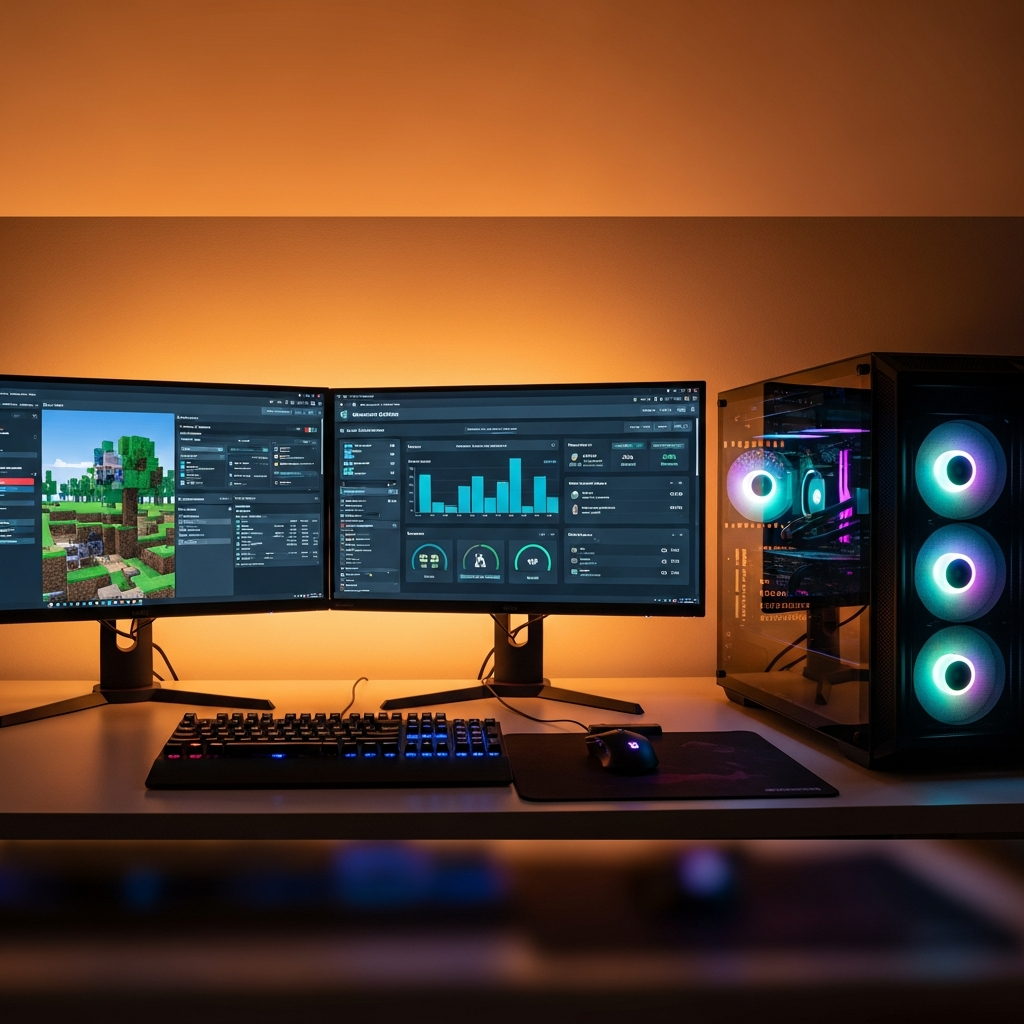
When comparing free Minecraft server rental services, several critical factors determine actual usability. Player slot limits, RAM allocation, CPU priority, and backup frequency directly impact gameplay experience.
Performance Benchmarks
| Factor | Free Tier Typical | Recommended Minimum |
| RAM | 512MB – 1GB | 2GB+ for vanilla, 4GB+ for mods |
| Slots | 2-10 players | 10-20 for community servers |
| Uptime | 8-12 hours/day | 99.9% (24/7 availability) |
| Storage | 1-5GB | 10GB+ for worlds and plugins |
Free services often throttle CPU priority, meaning your server processes commands slower than paid tiers. This manifests as block lag, delayed mob interactions, and stuttering movement—acceptable for creative building with friends, frustrating for survival gameplay.
Hidden Limitations to Watch For
Read terms of service carefully. Some providers suspend servers after 72 hours of inactivity, requiring manual restarts. Others inject branding into your server MOTD (message of the day) or disable essential features like whitelisting or plugin installation.
Data retention policies vary widely. Free hosts may delete your world files after 30-90 days of account inactivity, with no backup recovery option. Always maintain local backups of your world data and server configurations.
Budget-Friendly Alternatives to Free Hosting
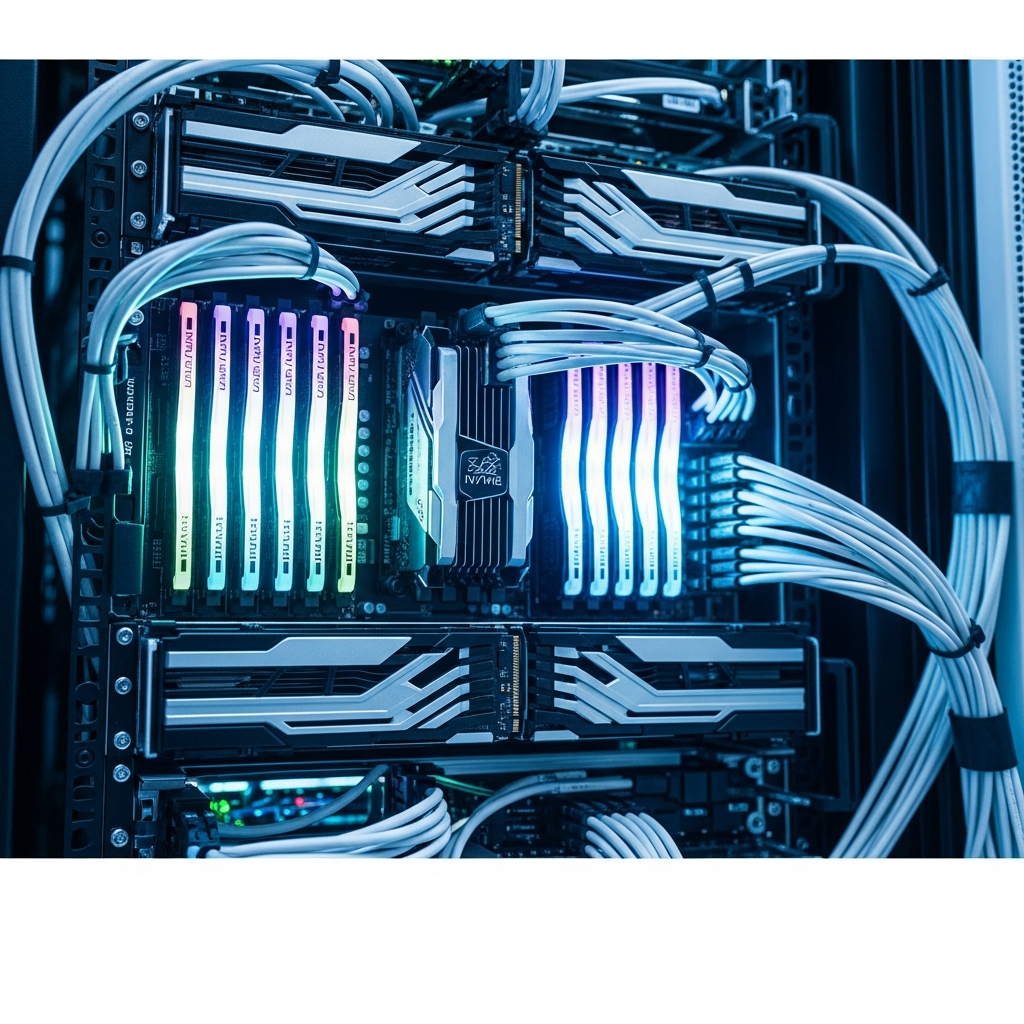
For serious Minecraft communities, investing in affordable paid hosting delivers exponentially better value than navigating free tier restrictions. Modern hosting powered by AMD Ryzen 9 7950X3D processors with 16 cores and DDR5 ECC RAM ensures smooth gameplay even with dozens of players and heavy modpacks.
Why Low-Cost Paid Hosting Outperforms Free Options
At entry prices starting around $4.91/month for Minecraft hosting, paid services eliminate the frustrations inherent to free models. You gain 24/7 uptime, dedicated resources, full plugin access, and automatic backups.
The performance difference is substantial. A server running on dedicated NVMe SSD storage with 1 Gbps network connectivity loads chunks instantly, handles redstone contraptions without lag, and supports sophisticated datapacks that would crash free-tier servers.
Modpack Support and One-Click Installation
Popular modpacks like Feed The Beast, All The Mods, or RLCraft require significant resources. Free hosting rarely supports these workloads, while platforms offering one-click CurseForge integration let you deploy pre-configured modpacks in minutes.
Through the Nexus Games panel, for example, you can browse hundreds of modpacks, select your desired version, and launch a fully configured server without manual file transfers or complex setup procedures. This accessibility transforms modded Minecraft from a technical challenge into an immediate experience.
Scaling as Your Community Grows
Starting small makes sense, but free hosting creates friction when your player base expands. Transitioning between hosts means downtime, potential data loss, and reconfiguring permissions and plugins.
Choosing scalable infrastructure from the start allows seamless resource upgrades. When your 10-player vanilla server evolves into a 50-player economy server with custom plugins, you simply adjust your plan rather than migrating platforms.
Setting Up Your First Minecraft Server
Whether choosing free or paid hosting, the initial setup process follows similar steps. Understanding this workflow helps you evaluate how different providers simplify or complicate server management.
Essential Configuration Steps
After selecting your Minecraft version and server type (vanilla, Forge, Fabric, Paper), you’ll configure fundamental settings through the server.properties file:
gamemode=survival
difficulty=normal
max-players=20
spawn-protection=16
enable-command-block=true
pvp=true
view-distance=10
View distance significantly impacts server performance. Free hosts often cap this at 6-8 chunks to conserve resources, limiting player visibility. Premium infrastructure on Ryzen processors comfortably handles 12-16 chunk distances without performance degradation.
Plugin and Mod Management
Free hosting frequently restricts plugin installation or limits you to pre-approved lists. This severely constrains customization—you might want economy systems, anti-grief protection, or custom mobs, but find these blocked.
Full FTP access and root-level control let you install any compatible plugin. Platforms with integrated mod managers streamline this further, automatically handling dependencies and version compatibility checks.
Backup and Security Practices
Implement regular backups regardless of hosting tier. Schedule automated daily backups during low-activity periods (typically 3-5 AM in your primary timezone). Store at least three rotating backup versions to protect against corrupted save files.
For security, whitelist your server during initial setup, add trusted players individually, and enable enforce-whitelist=true to prevent unauthorized access. Consider Minecraft’s official documentation for advanced security configurations.

Optimizing Server Performance on Limited Resources
If you commit to free hosting despite its constraints, strategic optimization maximizes playability. These techniques reduce resource consumption without eliminating core gameplay features.
World Generation and Pre-Loading
World generation consumes massive CPU and RAM resources. Pre-generate your world using plugins like WorldBorder combined with chunk pre-loaders. Set a reasonable world border (3,000-5,000 blocks from spawn) and generate all chunks offline before players join.
This prevents the performance spikes that occur when players explore new territory, spreading the computational load across hours of pre-generation rather than milliseconds of real-time play.
Entity and Mob Management
Reduce entity counts through server settings. Lower mob spawning rates, decrease animal breeding rates, and implement entity clearing plugins that remove dropped items after 90 seconds rather than the default 5 minutes:
spawn-limits:
  monsters: 50
  animals: 8
  water-animals: 3
  ambient: 2
On free hosting with limited RAM, these adjustments prevent memory overflow crashes during extended play sessions.
Plugin Selection for Low-Resource Servers
Choose lightweight alternatives to popular heavy plugins. Replace bloated permission systems with LuckPerms, swap Multiverse for simpler world managers, and avoid plugins with frequent database queries.
Monitor plugin performance using Timings reports (accessible via /timings in Paper servers). Identify resource-hungry plugins consuming disproportionate tick time and seek optimized alternatives.
When to Transition from Free to Paid Hosting
Free Minecraft server rental serves specific use cases well—testing plugin configurations, short-term event servers, or small friend groups playing casually. Recognizing when free hosting becomes a bottleneck rather than a benefit saves frustration.
Signs You’ve Outgrown Free Hosting
- Frequent server crashes during peak player activity
- Persistent lag despite aggressive optimization
- Player complaints about connection timeouts or rollbacks
- Inability to install desired plugins or mods
- Lost world data due to provider storage purges
When your community depends on consistent uptime and performance, the time investment troubleshooting free hosting issues exceeds the cost of budget paid services. A reliable DDR5 ECC RAM environment prevents the data corruption that plagues overloaded free servers.
Calculating True Cost of Free Hosting
Factor in opportunity costs: hours spent optimizing settings, troubleshooting crashes, reinstalling after purges, and managing player frustration. If you value your time at even minimum wage, 3-4 hours monthly troubleshooting free hosting exceeds the cost of entry-level paid plans.
Additionally, free hosting’s unreliability may cause your community to disband. Rebuilding player engagement after members leave due to poor performance proves far more costly than maintaining stable infrastructure.
VPS hosting with KVM virtualization offers another path—complete server control with dedicated resources, ideal for advanced users wanting maximum flexibility at predictable monthly costs.
Conclusion
Free Minecraft server rental provides valuable entry points for testing and small private groups, but meaningful communities quickly encounter its limitations. Modern affordable hosting powered by Ryzen 9 processors with DDR5 RAM, NVMe storage, and one-click mod installation delivers professional-grade performance at prices lower than a monthly coffee subscription. Evaluate your community’s needs honestly, choose infrastructure that scales with your ambitions, and prioritize player experience over short-term savings.
FAQ
Can I run a modded Minecraft server on free hosting?
Most free hosting services cannot support resource-intensive modpacks like Feed The Beast or RLCraft. These require minimum 4GB RAM and dedicated CPU allocation. Light mod collections (under 20 small mods) might run on free tiers with significant lag, but expect frequent crashes. Budget paid hosting with CurseForge integration offers vastly superior modded experiences starting around $4.91/month.
How long do free Minecraft server trials typically last?
Premium providers offering free trials typically provide 24-48 hours of full-featured access. This gives enough time to test control panel usability, deploy mods, and evaluate performance with your target player count. Some educational programs extend free access indefinitely for verified teachers, but these require institutional email verification and restrict commercial use.
What happens to my world data if free hosting deletes my server?
Free hosts typically purge inactive servers after 30-90 days without login, permanently deleting world files and configurations. Always maintain local backups via FTP download of your world folder, plugins directory, and server.properties file. Schedule weekly downloads during active server phases to ensure you can migrate or restore your world on any platform if necessary.