A non-dedicated ARK server is a multiplayer session hosted directly from a player’s gaming machine, allowing friends to join and explore the dinosaur-filled world of ARK: Survival Evolved or ARK: Survival Ascended together without requiring separate hosting infrastructure. While this option offers simplicity and zero hosting costs, it comes with significant limitations that can impact gameplay quality, player count, and session persistence—making it essential to understand when this solution fits your needs and when dedicated hosting becomes the smarter choice.
Understanding Non-Dedicated ARK Servers: Core Mechanics and Technical Architecture
When you launch a non-dedicated ARK server, your local machine functions simultaneously as both a game client and a server host. The game allocates system resources—CPU cycles, RAM, and network bandwidth—to maintain the server environment while rendering your own gameplay experience. This dual-role architecture creates an inherent resource competition that directly affects performance.
The hosting player maintains administrative privileges by default, controlling server settings, admin commands, and world configuration. Other players connect through Steam’s peer-to-peer networking or direct IP connection, depending on your network configuration and firewall settings. The server remains active only while the host player is logged in and playing—shutting down the moment they disconnect or close the application.
The Tether Distance Limitation
The most notorious constraint of non-dedicated ARK servers is the tether distance—an invisible boundary that restricts how far joining players can travel from the host. By default, this distance ranges from 200 to 250 meters depending on the game version, effectively keeping all players within a tight radius. This mechanic exists to reduce the computational load on the host machine, as rendering distant map regions for multiple players would overwhelm consumer-grade hardware.
While console versions offer no workaround, PC players can modify the SessionSettings in the GameUserSettings.ini file to increase tether distance. However, extending this value beyond 500-1000 meters typically causes severe performance degradation—stuttering, frame drops, and potential crashes—especially on systems with less than 16GB RAM or older quad-core processors.
Player Capacity and Network Constraints
Non-dedicated sessions officially support 4-8 players maximum, though optimal performance usually caps at 2-4 concurrent players. Your home internet connection’s upload speed becomes the critical bottleneck—ARK requires approximately 0.5-1 Mbps upload bandwidth per connected player. A typical residential connection with 10 Mbps upload can theoretically handle 5-10 players, but real-world factors like network congestion, WiFi interference, and background applications reduce this capacity significantly.
Players connecting to your non-dedicated server experience latency directly tied to your geographical distance and network quality. Cross-continental connections often suffer from 150-300ms ping, making combat and taming activities frustratingly unresponsive. Port forwarding (usually UDP port 7777 and 27015) is frequently required for players outside your local network to connect, introducing additional security considerations for your home network.

Performance Analysis: Hardware Requirements and Optimization Strategies
Running a non-dedicated ARK server demands substantial hardware resources, as your system must simultaneously handle game rendering, physics simulation, AI calculations for dinosaurs and NPCs, and network packet management for connected players. The performance envelope differs drastically between ARK: Survival Evolved and the newer ARK: Survival Ascended, which leverages Unreal Engine 5 technology.
Minimum and Recommended System Specifications
| Component | Minimum (2-3 players) | Recommended (4+ players) |
| CPU | Intel i5-8400 / Ryzen 5 2600 | Intel i7-10700K / Ryzen 7 5800X |
| RAM | 16GB DDR4 | 32GB DDR4/DDR5 |
| GPU | GTX 1060 6GB / RX 580 | RTX 3060 / RX 6700 XT |
| Storage | SATA SSD (500MB/s) | NVMe SSD (3000MB/s+) |
| Upload Speed | 10 Mbps | 25+ Mbps |
ARK: Survival Ascended demands approximately 50% more resources than Evolved due to enhanced graphical fidelity, improved lighting systems, and more complex AI behaviors. A system that comfortably hosted 4 players in Evolved may struggle with 2-3 players in Ascended at equivalent settings.
Configuration Optimization for Non-Dedicated Hosting
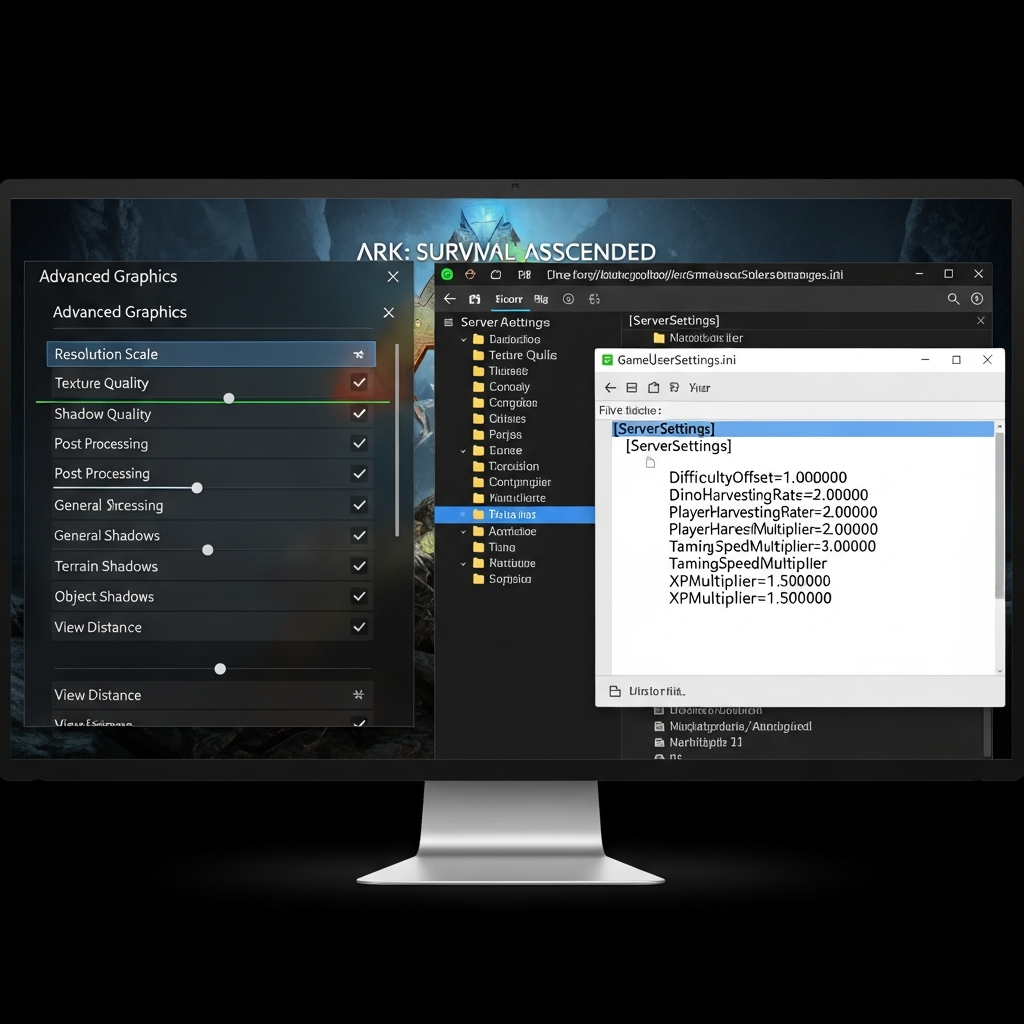
To maximize performance while hosting, adjust these critical settings in your GameUserSettings.ini file (located in ShooterGame\Saved\Config\WindowsNoEditor\):
[SessionSettings]
SessionName=YourServerName
Password=OptionalPassword
MaxPlayers=4
DifficultyOffset=1.0
ServerAdminPassword=AdminPass123
AllowAnyoneBabyImprintCuddle=True
ServerPVE=False

[ServerSettings]
TamingSpeedMultiplier=3.0
HarvestAmountMultiplier=2.0
XPMultiplier=2.0
MaxTamedDinos=50
DayCycleSpeedScale=1.5
NightTimeSpeedScale=2.0
Reducing visual settings to Medium or Low for graphics quality, shadows, and ground clutter recovers 20-30% CPU headroom for server processes. Disabling anti-aliasing and motion blur further improves frame stability. Consider installing performance mods like “Dino Storage V2” to reduce active dinosaur entities, as each loaded creature consumes server tick resources.
Close background applications—especially browsers, Discord hardware acceleration, and RGB lighting software—to free RAM and CPU threads. Task Manager monitoring reveals that Chrome alone can consume 2-4GB RAM across multiple tabs, directly competing with ARK’s server processes.
When to Choose Dedicated Hosting Over Non-Dedicated Solutions
The limitations of non-dedicated ARK servers become prohibitive for players seeking persistent worlds, larger communities, or professional-grade stability. Evaluating your hosting needs against these critical factors determines whether upgrading to dedicated infrastructure provides worthwhile value.
Persistent World Requirements
Non-dedicated servers exist only during your active play sessions. When you log off for the night, all connected players are instantly disconnected, and the world freezes—dinosaurs stop breeding, crops halt growth, and crafting queues pause. This intermittent availability disrupts progression for players in different time zones and prevents automated farming operations like industrial cookers or breeding lines from running overnight.
Dedicated hosting ensures 24/7 server availability, allowing tribe members to log in at their convenience while automated systems continue functioning. A properly configured dedicated ARK server on infrastructure like Nexus Games’ AMD Ryzen 9 7950X3D platform maintains consistent uptime with automatic restart protocols and crash recovery, eliminating the host-dependent bottleneck entirely.
Scalability and Player Count Expansion
As your community grows beyond 4-5 players, non-dedicated hosting becomes technically untenable. The tether distance restriction alone makes large-scale base building, cave exploration, and boss fights impractical. Players cannot split into separate hunting parties or establish satellite bases across the map without constant frustration.
Dedicated servers scale to 50-100+ simultaneous players on properly provisioned hardware. The AMD Ryzen 9 7950X3D processor with 16 cores and 32 threads handles complex server workloads—pathfinding for hundreds of dinosaurs, physics simulations for structures, and networking for dozens of players—while maintaining stable tick rates. DDR5 ECC RAM ensures data integrity during intensive operations like large-scale tribe warfare or boss encounters involving 20+ players.
Mod Support and Custom Content Integration
While non-dedicated servers technically support mods, the additional memory and CPU overhead quickly overwhelms consumer systems. Popular overhaul mods like “Primal Fear” or “Ark Additions” add thousands of new creature variants, items, and mechanics—often requiring an extra 8-16GB RAM and 20-30% more processing power.
Professional hosting solutions offer pre-installable CurseForge mods through intuitive control panels, allowing one-click installation of compatibility-tested mod collections. The Nexus Games panel provides direct Steam Workshop integration for ARK, automatically managing mod updates and load order conflicts without manual file manipulation. NVMe SSD storage ensures rapid mod loading times and eliminates the stuttering experienced when streaming mod assets from slower SATA drives.
Network Quality and Geographic Distribution
Home internet connections suffer from asymmetric bandwidth (fast download, slow upload), high latency variability, and ISP throttling during peak hours. Your residential IP address may also change periodically via DHCP, forcing players to update connection details repeatedly.
Dedicated hosting provides static IP addresses, symmetrical gigabit connectivity, and geographically optimized routing. Anti-DDoS protection shields against malicious attacks that would instantly overwhelm a home connection. Players connecting to a professionally hosted server typically experience 30-50% lower latency compared to peer-hosted sessions, dramatically improving combat responsiveness and dinosaur-taming precision.
Cost-Benefit Analysis for Growing Communities
Non-dedicated hosting appears free initially, but hidden costs accumulate quickly. Electricity consumption for a gaming PC running 8-12 hours daily adds $20-40 monthly to utility bills in many regions. Hardware wear accelerates under sustained load, potentially shortening component lifespan by 30-50%. Your personal gameplay time becomes constrained by hosting responsibilities—you can never logout without disrupting the entire group.
Professional ARK hosting starts at $18.67 monthly for entry-tier dedicated servers capable of supporting 10-20 players with full mod support and 24/7 availability. This investment liberates your personal hardware for pure gameplay, eliminates electricity costs, and provides expert technical support for configuration issues, backup restoration, and performance optimization—tasks that consume hours of troubleshooting for self-hosters.
For communities serious about progression, dedicated infrastructure becomes cost-effective around the 4-player threshold when accounting for time value, electricity expenses, and quality-of-life improvements. The leap to dedicated hosting transforms ARK from a casual experiment into a true persistent virtual world where players build lasting legacies across months or years of continuous operation.
Migration Strategies: Transitioning from Non-Dedicated to Dedicated Hosting
When you’ve outgrown non-dedicated limitations, migrating your existing world and character data to dedicated hosting preserves accumulated progress. ARK stores save files in predictable locations, making manual transfers straightforward with proper preparation.
Locating and Backing Up Save Files
Non-dedicated ARK save data resides in C:\Program Files (x86)\Steam\steamapps\common\ARK\ShooterGame\Saved\ (or your Steam library directory). The critical files are:
LocalPlayer.arkprofile– Your character data, engrams, and cosmeticsTheIsland.ark(or current map name) – World save including structures, tames, and inventoryTheIsland.arktribe– Tribe relationships and permissionsGameUserSettings.ini– Server configuration parameters
Create a complete backup by copying the entire Saved folder to external storage before proceeding. Corruption during transfer can result in total data loss without proper backups. Compress the folder using 7-Zip or WinRAR to reduce file size—ARK saves commonly reach 500MB-2GB depending on playtime and map size.
Upload Process to Dedicated Server
Most professional hosting providers offer FTP/SFTP access through their control panels. Connect using FileZilla or WinSCP with credentials provided in your hosting dashboard. Navigate to the server’s ShooterGame/Saved/ directory and upload your backed-up files, overwriting the default empty save files.
Ensure filename consistency matches the target server’s map configuration. If migrating from “TheIsland” to “Ragnarok,” rename your save file appropriately or configure the server to load the original map. Mismatched map configurations result in spawn errors or complete failure to load the world.
After upload, restart the server through the control panel and monitor the console logs for loading errors. Successfully migrated servers display “Loaded world in XX seconds” messages without corruption warnings. Join with your original character using the same Steam account to verify data integrity—your level, engrams, and inventory should transfer intact.
Advanced Configuration for Enhanced Dedicated Servers
With dedicated infrastructure, unlock advanced features impossible on non-dedicated hosts. Configure automated backup schedules through your hosting panel to create daily snapshots of your world, protecting against griefing, bugs, or accidental admin commands. Enable cluster connectivity to link multiple ARK servers (TheIsland, Scorched Earth, Aberration), allowing seamless character and dinosaur transfers between maps—a feature completely unavailable in non-dedicated mode.
Implement custom spawn rates, harvest multipliers, and breeding timers without the performance penalties that cripple home hosting. Professional servers handle 10x harvesting, 50x taming, and accelerated breeding with ease, accommodating players who prefer progression speed adjustments. Install comprehensive mod packs like “Structures Plus” and “Awesome SpyGlass” without worrying about RAM exhaustion or frame rate drops.
For communities requiring multiple game modes, Linux VPS solutions provide full root access for custom server builds, scripting automation, and integration with external tools like Discord bots for real-time server status updates. KVM virtualization ensures complete resource dedication—no sharing CPU cycles or bandwidth with neighboring tenants.
Professional hosting transforms ARK from a tether-constrained survival experience into a fully customizable sandbox where your community’s imagination becomes the only limit. The investment in dedicated infrastructure pays dividends through reduced frustration, increased uptime reliability, and the ability to focus purely on gameplay rather than technical troubleshooting.
Conclusion: A non-dedicated ARK server serves as an accessible entry point for small groups testing the survival game concept, but its technical limitations—tether distance, host dependency, player count restrictions, and performance compromises—quickly become barriers to enjoyable long-term play. For communities exceeding 3-4 regular players or seeking persistent worlds with advanced mod support, dedicated hosting on optimized infrastructure delivers superior value through 24/7 availability, professional-grade performance, and administrative flexibility that transforms casual gaming into truly memorable shared adventures.
FAQ
Can I completely remove the tether distance on a non-dedicated ARK server?
On PC, you can increase tether distance significantly by editing GameUserSettings.ini and adding TetherDistance=999999999.0, but practical performance limits prevent true infinite range. Beyond 1000-2000 meters, most consumer systems experience severe stuttering and crashes due to memory exhaustion. Console versions (PlayStation, Xbox) offer no tether modification options due to platform restrictions. For genuinely unlimited exploration range, dedicated server hosting remains the only viable solution.
What happens to my non-dedicated ARK server world when I close the game?
The server immediately shuts down, disconnecting all players and freezing all world processes. Dinosaur breeding timers pause, crop growth stops, spoilage timers halt, and any automated systems cease functioning. Progress saves to disk, so structures and tamed creatures persist, but no activity occurs until you restart the session. Players cannot access the world during your offline periods, making non-dedicated hosting unsuitable for communities with members in different time zones or requiring 24/7 availability.
How much upload speed do I need to host a non-dedicated ARK server with 4-6 players?
ARK requires approximately 0.5-1 Mbps upload bandwidth per connected player under normal conditions, increasing to 1.5-2 Mbps per player during intensive scenarios like large base loading or PvP combat. For 4-6 players, aim for at least 15-20 Mbps upload speed with wired Ethernet connection. WiFi hosting significantly increases latency and packet loss. Check your actual upload speed (not advertised speeds) using testmy.net under load conditions, as real-world performance typically measures 30-50% below ISP marketing claims.