Setting up free Minecraft hosting in 2025 is a popular way for players to test server configurations, experiment with plugins, or play with friends without upfront costs. While truly free solutions exist, they come with significant limitations in performance, uptime, and player capacity. This comprehensive guide explores how to set up free Minecraft hosting, the technical constraints you’ll face, and when it’s worth upgrading to a professional solution powered by infrastructure like AMD Ryzen 9 7950X3D processors and DDR5 ECC RAM for serious communities.
Understanding Free Minecraft Hosting: What You Actually Get
Free Minecraft hosting services typically operate on shared resource models where multiple servers run on the same hardware. Providers offer these services by monetizing through advertisements, limiting resources, or hoping users eventually upgrade. The reality is that free minecraft hosting will impose strict caps on RAM (usually 512 MB to 2 GB), CPU time, player slots (typically 5-10 players), and storage space.
Most free hosting platforms use older generation processors and mechanical drives rather than NVMe SSDs, resulting in noticeable lag during chunk loading and world generation. Uptime guarantees are minimal or non-existent, with servers often shutting down during inactivity periods or peak usage times. For testing modpacks or playing casually with 2-3 friends, these limitations might be acceptable, but any serious community will quickly outgrow these constraints.
Resource Limitations in Free Hosting
The most common bottlenecks in free minecraft hosting include:
- Memory constraints: 512 MB to 1 GB RAM limits you to vanilla Minecraft with minimal plugins; modded servers require 4-8 GB minimum
- CPU throttling: Shared CPU time means your server competes with dozens of others, causing tick lag during complex redstone operations or entity-heavy builds
- Storage caps: 1-5 GB storage limits world size and prevents installation of larger modpacks like All the Mods or RLCraft
- Network bandwidth: Restricted bandwidth causes connection issues for players with higher latency
- Plugin/mod restrictions: Many free hosts disable certain plugins or mods that consume excessive resources
Understanding these limitations upfront helps set realistic expectations. If your goal is learning server administration or testing plugin configurations, free hosting serves as an educational platform. However, if you’re building a community or running modded gameplay, you’ll need dedicated resources with professional Minecraft server hosting that provides consistent performance.
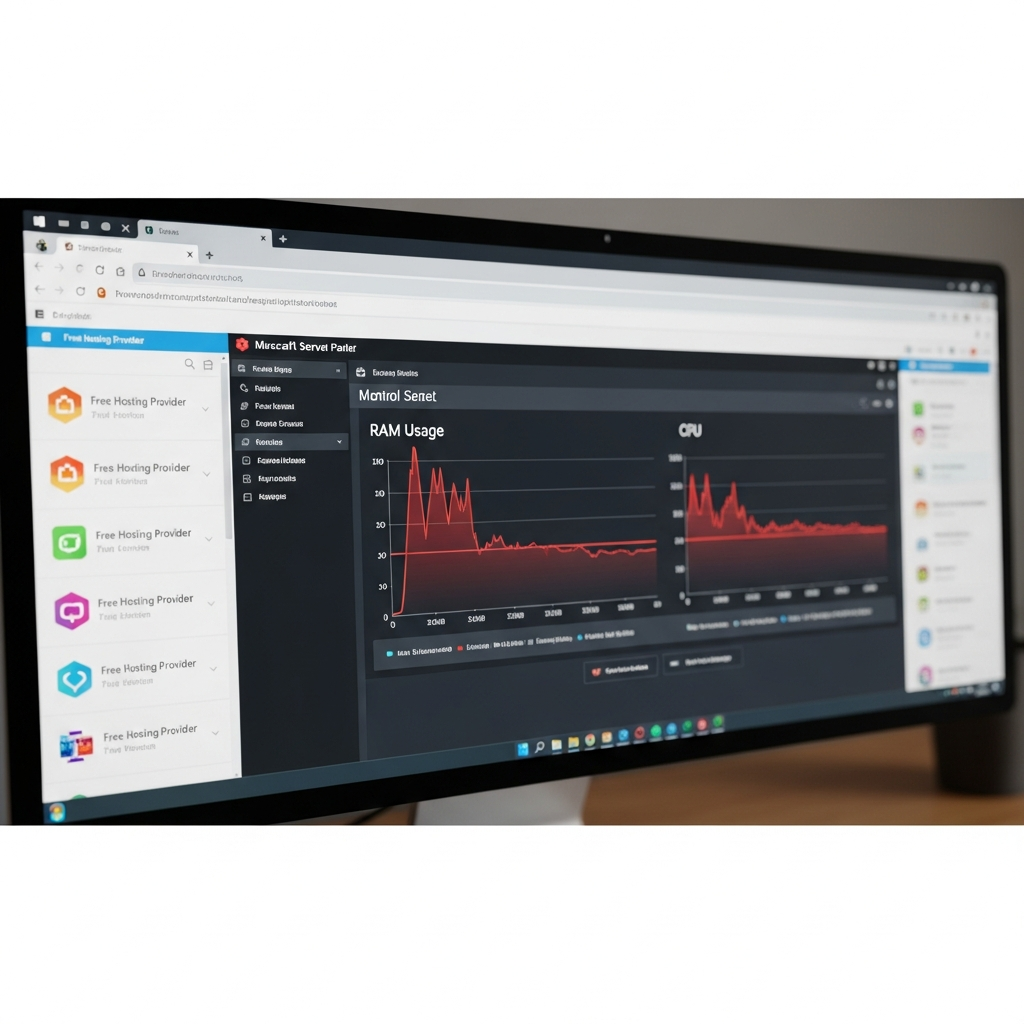
Step-by-Step: Setting Up Free Minecraft Hosting
Several platforms offer free minecraft hosting with varying features and limitations. The setup process is generally straightforward, designed for users without technical server administration experience.
Method 1: Using Free Hosting Platforms
Popular free hosting providers include Aternos, Minehut, and server.pro. Here’s the general setup process:
- Create an account: Register with your email address on the free hosting platform
- Select server type: Choose between Vanilla, Bukkit, Spigot, Paper, or Forge (modded options may be limited)
- Configure basic settings: Set server name, game version, difficulty, and game mode
- Start your server: Most free hosts require manual server starts and auto-stop after inactivity (typically 5-10 minutes with no players)
- Install plugins/mods: Use the web-based panel to upload plugins to the plugins folder or mods to the mods folder (size restrictions apply)
- Share connection details: Provide the assigned IP address and port to your friends
Method 2: Self-Hosting on Your Personal Computer
If you have a spare computer or decent hardware, self-hosting offers more control than platform-based free hosting. This method is completely free but requires technical setup:
# Download server.jar from official Minecraft website
# Create a new folder for your server
# Place server.jar in the folder
# Create start script (Windows .bat example):
java -Xmx2G -Xms1G -jar server.jar nogui
pause

# Edit eula.txt and set eula=true
# Configure server.properties file
# Port forward 25565 in your router settings
# Share your public IP address with players
Self-hosting eliminates third-party limitations but introduces new challenges: your computer must run 24/7 for consistent access, your residential internet connection becomes the bottleneck, and your public IP address exposes your network to potential security risks. Port forwarding requires router access and networking knowledge that not all users possess.
Method 3: Oracle Cloud Free Tier
Advanced users can leverage Oracle Cloud’s Always Free tier to host a Minecraft server on a cloud VPS. This provides better uptime than residential hosting but requires Linux command-line proficiency:
- Create Oracle Cloud account and provision free VM instance (ARM-based Ampere A1 with 4 cores and 24 GB RAM available)
- Install Ubuntu or Oracle Linux operating system
- Update system packages and install Java Development Kit
- Download and configure Minecraft server software
- Configure firewall rules to allow port 25565
- Set up systemd service for automatic restarts
- Configure backup scripts for world data
While technically free, this method demands significant technical expertise in Linux server administration, security hardening, and troubleshooting. For users seeking reliability without complexity, managed hosting with optimized Minecraft infrastructure provides one-click modpack installation via CurseForge integration and professional support.
Performance Optimization for Free Minecraft Hosting
Since free minecraft hosting severely restricts resources, optimization becomes critical for playable performance. Implementing these configurations helps maximize the limited hardware you’re working with.
Server Software Selection
Your choice of server software significantly impacts performance. Paper and its forks (Purpur, Airplane) offer substantial performance improvements over vanilla or Spigot through advanced chunk loading optimizations and entity activation ranges.
| Server Type | Performance | Plugin Support | Best Use Case |
| Vanilla | Baseline | None | Pure vanilla experience |
| Spigot | +15-20% | Extensive | Plugin-heavy servers |
| Paper | +30-40% | Spigot compatible | Best balance for free hosting |
| Purpur | +35-45% | Paper compatible | Advanced configuration needs |
Configuration Optimization
Edit your server.properties file to reduce server load:
# server.properties optimizations for low-resource environments
view-distance=4
simulation-distance=3
entity-broadcast-range-percentage=50
max-tick-time=30000
network-compression-threshold=512
For Paper/Purpur servers, the paper.yml and purpur.yml configuration files offer additional optimization options:
# paper.yml optimizations
entity-activation-range:
  animals: 16
  monsters: 24
  raiders: 48
  misc: 8

max-auto-save-chunks-per-tick: 6
optimize-explosions: true
armor-stands-tick: false
Plugin Management
Every plugin consumes resources. Prioritize essential functionality and avoid redundant plugins. Recommended lightweight plugins for free hosting include:
- EssentialsX: Core commands and teleportation (replaces dozens of single-purpose plugins)
- LuckPerms: Efficient permission management
- CoreProtect: Lightweight logging for rollback capability
- Spark: Performance profiling to identify bottlenecks
Avoid heavy plugins like Dynmap (web-based mapping), complex economy systems, or extensive minigame frameworks on free hosting. According to the official Minecraft server requirements, even vanilla servers recommend 1 GB RAM per 5 players, highlighting why free hosting struggles with larger communities.
World Management
Pregenerate your world borders to prevent performance drops during exploration. Use Chunky plugin to generate chunks offline:
# Chunky commands for pregenerating 2000-block radius
/chunky world world
/chunky radius 2000
/chunky start
Regular world pruning removes unused chunks that consume storage and memory. Schedule weekly restarts during low-traffic hours to clear memory leaks that accumulate over time. These optimizations help free minecraft hosting remain playable, but cannot overcome fundamental hardware limitations that professional hosting solves with dedicated resources.
When to Upgrade from Free Minecraft Hosting
Free hosting serves as an entry point, but several indicators signal when your community needs dedicated infrastructure. Recognizing these signs early prevents player frustration and community fragmentation.
Performance Degradation Symptoms
Monitor these warning signs that your server has outgrown free hosting:
- Consistent TPS below 20: Use /spark tps to monitor server tick rate; sustained drops below 18 TPS cause noticeable lag
- Connection timeouts: Players frequently timing out during login indicates insufficient bandwidth or CPU resources
- Chunk loading delays: Visible chunk loading during normal gameplay means storage I/O cannot keep pace
- Entity lag: Animals, villagers, or item frames freezing/teleporting indicates entity processing bottlenecks
- Out of memory crashes: Frequent server crashes with OutOfMemoryError in logs
Growth Indicators
Your community’s growth patterns reveal when professional hosting becomes necessary:
| Metric | Free Hosting Limit | Upgrade Threshold |
| Concurrent Players | 5-10 players | 8+ regular players |
| World Size | 1-5 GB | Approaching storage cap |
| Plugin Count | 5-10 plugins | 15+ plugins needed |
| Uptime Requirements | Manual starts | 24/7 availability expected |
Professional Hosting Benefits
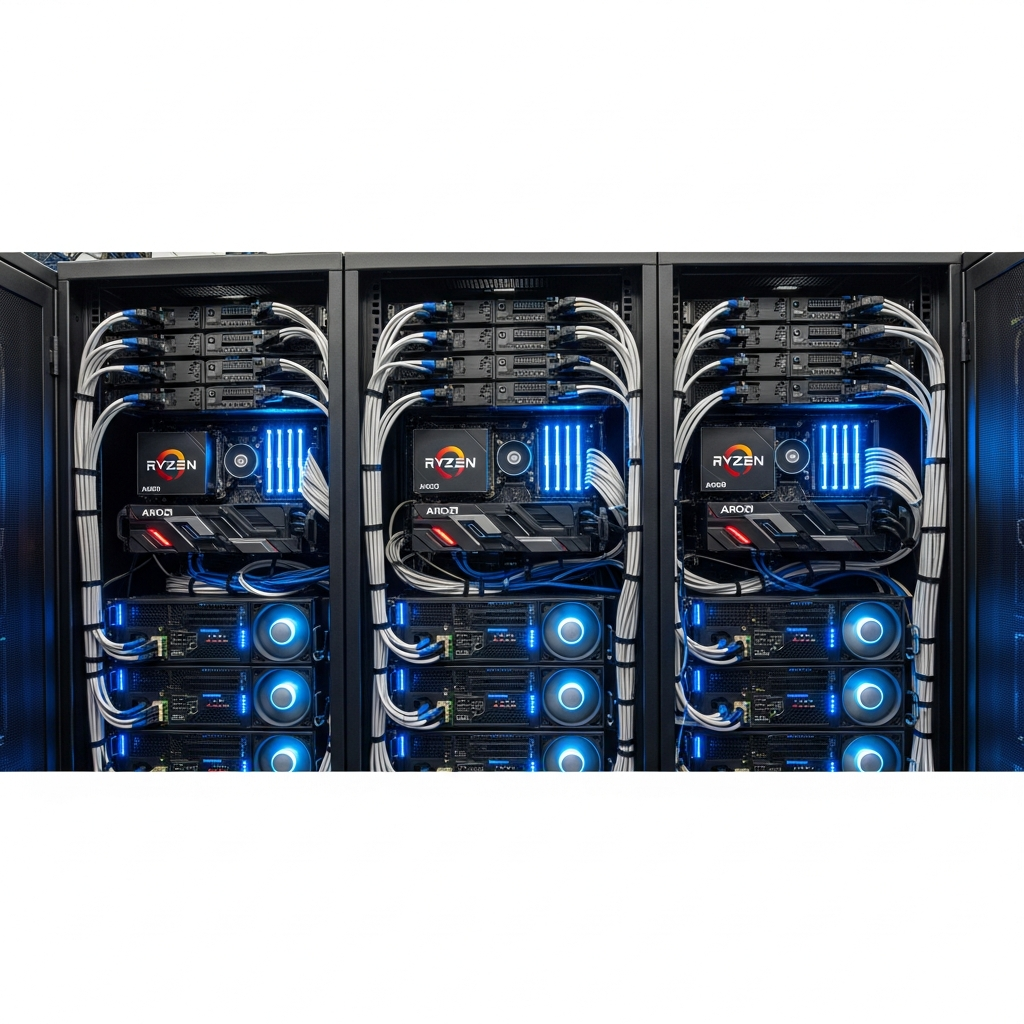
Upgrading to dedicated Minecraft hosting provides transformative improvements. Infrastructure featuring AMD Ryzen 9 7950X3D processors (16 cores at 5+ GHz) and DDR5 ECC RAM delivers consistent 20 TPS even with 50+ players and extensive modpacks. NVMe SSD storage eliminates chunk loading delays entirely, while 1 Gbps network connections support high player counts without bandwidth throttling.
Professional hosting platforms offer one-click modpack installation via CurseForge integration, eliminating the manual mod configuration process. Automated backups protect against griefing or corruption, while game-specific DDoS protection prevents malicious attacks that would instantly overwhelm free hosting or residential connections. Perhaps most valuable is 24/7 technical support—when issues arise at 2 AM, expert assistance resolves problems within minutes rather than waiting for community forum responses.
For modded servers running packs like All the Mods 9, Vault Hunters, or Create: Above and Beyond, free hosting simply cannot allocate the 6-12 GB RAM these experiences require. Starting with professional hosting from the outset prevents the disruptive migration process and ensures your community enjoys smooth gameplay from day one. Entry-level plans at competitive providers like Nexus Games begin at accessible price points while delivering enterprise-grade infrastructure.
Conclusion: While free minecraft hosting offers a risk-free introduction to server management, its severe resource limitations make it suitable only for small friend groups or short-term testing. Performance bottlenecks, storage constraints, and uptime issues frustrate players quickly. For communities seeking growth, modded gameplay, or reliable 24/7 access, professional hosting with dedicated processors, NVMe storage, and expert support transforms the experience. Starting with robust infrastructure prevents the costly migration process and player attrition that follows free hosting’s inevitable limitations.
FAQ
Can I run modpacks like RLCraft or All the Mods on free Minecraft hosting?
No, large modpacks require 6-12 GB RAM minimum and consume several gigabytes of storage. Free hosting typically caps at 1-2 GB RAM and 5 GB storage, making these modpacks impossible to run. Even lightweight modpacks struggle on free hosting due to CPU throttling. Professional hosting with dedicated resources and one-click CurseForge modpack installation is necessary for modded servers.
How many players can actually join a free Minecraft server without lag?
Realistically, 3-5 players maximum on free hosting before performance degrades noticeably. Free hosts advertise 10-20 slots, but shared CPU resources and limited RAM cause tick lag with more than a handful of active players. Performance depends on what players are doing—exploration and building consume more resources than standing still. For 10+ concurrent players, dedicated hosting with AMD Ryzen 9 processors and DDR5 RAM ensures consistent 20 TPS gameplay.
What happens to my world data if a free hosting provider shuts down?
You risk complete data loss if you don’t maintain manual backups. Free hosting providers offer no service level agreements and can terminate services with minimal notice. Always download world backups weekly through the control panel. This manual process is error-prone; professional hosting includes automated daily backups with one-click restore functionality, eliminating data loss risks from provider shutdowns or corruption incidents.