Learning how to make dye in Minecraft is essential for customizing your builds, decorating your base, and personalizing armor, banners, and pets. Dyes are crafted from flowers, plants, mobs, and other natural resources scattered throughout your world. In this comprehensive 2025 tutorial, we’ll walk you through every dye color, the exact materials required, and advanced techniques to streamline your dye production. Whether you’re running a creative solo world or managing a multiplayer server on high-performance Minecraft hosting, mastering dye recipes will elevate your gameplay.
Understanding Dye Mechanics and Color Palette
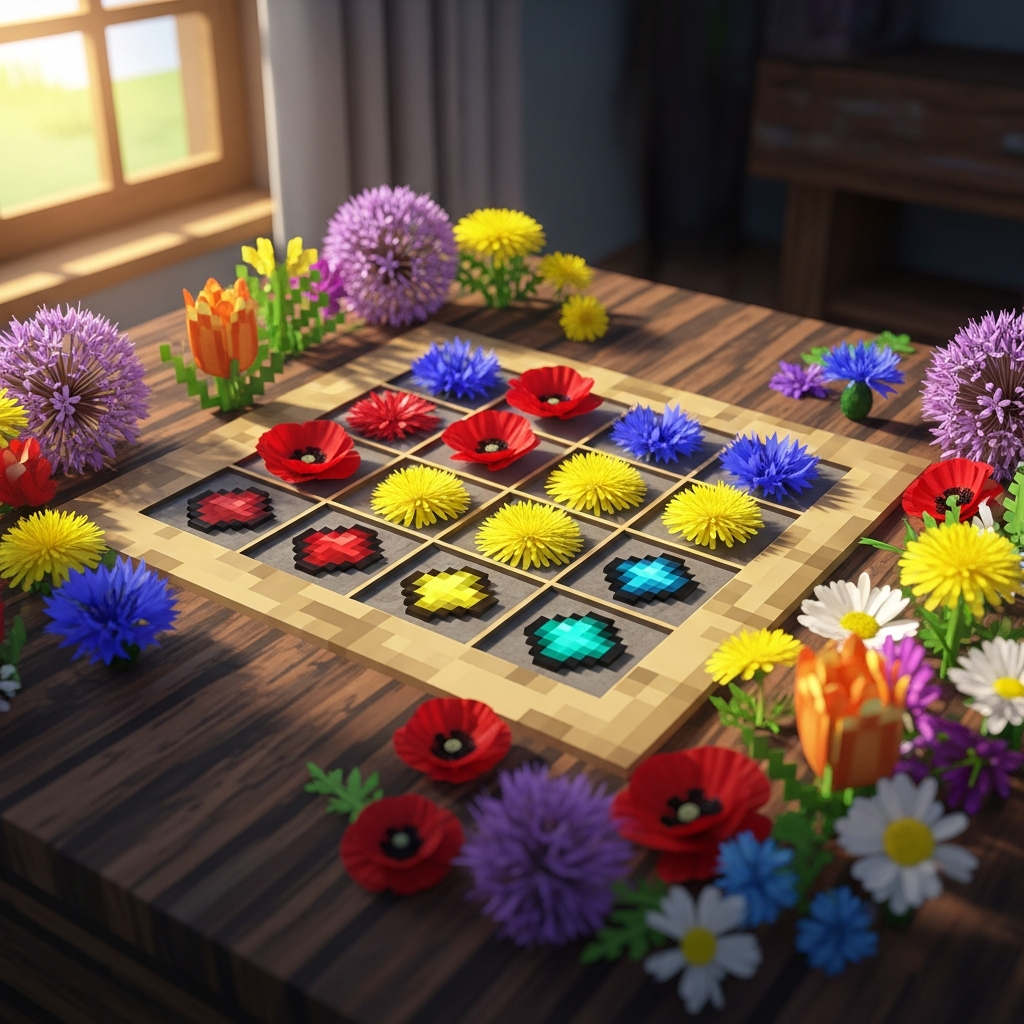
Minecraft offers 16 distinct dye colors, each obtained from specific sources. The primary dyes—Red, Yellow, Blue, White, and Black—form the foundation of your palette. By combining these primary colors, you unlock secondary and tertiary shades like Lime, Cyan, Magenta, Pink, and Orange. Understanding which materials yield which dyes is critical for efficient resource gathering.
Most dyes are crafted directly from flowers or plants found in various biomes. For example, Dandelions produce Yellow Dye, while Cornflowers yield Blue Dye. Some colors require smelting or mob drops: Cactus Green is obtained by smelting Cactus in a furnace, and Ink Sacs from squids produce Black Dye. White Dye comes from Bone Meal (crafted from bones) or Lily of the Valley flowers.
Primary Dye Sources
| Color | Source Material | Method |
| Red | Poppy, Rose Bush, Red Tulip, Beetroot | Direct craft |
| Yellow | Dandelion, Sunflower | Direct craft |
| Blue | Cornflower, Lapis Lazuli | Direct craft / mining |
| White | Bone Meal, Lily of the Valley | Craft from bones / direct |
| Black | Ink Sac, Wither Rose | Mob drop / direct craft |
| Green | Cactus | Smelting in furnace |
Secondary colors are mixed in the crafting grid: combine Red + White for Pink, Blue + Green for Cyan, or Red + Yellow for Orange. For players hosting on Nexus Games Minecraft servers powered by AMD Ryzen 9 7950X3D and DDR5 ECC RAM, installing mods like “Just Enough Items” via the one-click panel simplifies recipe discovery.
Step-by-Step Dye Crafting Recipes
To make dye in Minecraft, place the source material directly in any crafting interface—your 2×2 inventory grid or a full 3×3 crafting table. Most flowers and plants convert instantly into one dye unit. Below, we detail every primary and secondary color recipe.
Primary Colors
- Red Dye: Place 1 Poppy, Rose Bush, Red Tulip, or Beetroot in the crafting grid.
- Yellow Dye: Use 1 Dandelion or 1 Sunflower (Sunflowers yield 2 dye).
- Blue Dye: Craft from 1 Cornflower or mine Lapis Lazuli ore.
- White Dye: Place 1 Bone Meal (from bones) or 1 Lily of the Valley.
- Black Dye: Use 1 Ink Sac (squid or glow squid drop) or 1 Wither Rose.
- Green Dye: Smelt 1 Cactus in a furnace or blast furnace.
Secondary and Tertiary Colors
- Orange Dye: Combine 1 Red Dye + 1 Yellow Dye, or use 1 Orange Tulip directly.
- Magenta Dye: Mix 1 Purple Dye + 1 Pink Dye, or craft from 1 Lilac, 1 Allium, or combine 1 Blue + 1 Red + 1 Pink.
- Light Blue Dye: Combine 1 Blue Dye + 1 White Dye, or use 1 Blue Orchid directly.
- Lime Dye: Mix 1 Green Dye + 1 White Dye, or craft from 1 Sea Pickle (must be smelted).
- Pink Dye: Combine 1 Red Dye + 1 White Dye, or use 1 Pink Tulip or 1 Peony.
- Cyan Dye: Mix 1 Blue Dye + 1 Green Dye, or use 1 Pitcher Plant (1.20+).
- Purple Dye: Combine 1 Blue Dye + 1 Red Dye.
- Gray Dye: Mix 1 Black Dye + 1 White Dye.
- Light Gray Dye: Combine 1 Gray Dye + 1 White Dye, or use 1 Azure Bluet, 1 Oxeye Daisy, or 1 White Tulip directly.
- Brown Dye: Craft from 1 Cocoa Beans (found in jungle biomes).
For large-scale dye farms on multiplayer servers, automate flower collection with Villagers or use redstone contraptions to harvest cactus. Servers hosted on Nexus Games benefit from NVMe SSD storage and 1 Gbps network, ensuring zero lag during intensive farm operations. Learn more about optimizing server performance at Minecraft Wiki – Dye.
Advanced Dye Applications and Automation
Once you’ve mastered basic dye recipes, explore advanced applications: dyeing leather armor, staining glass, coloring wool, crafting banners, and customizing shulker boxes. Each use case requires different quantities and techniques. For example, dyeing leather armor consumes one dye per piece in the crafting grid alongside the armor item. Banners accept up to six layers of patterns, each requiring specific dye colors.
Dyeing Leather Armor
Place any leather armor piece (helmet, chestplate, leggings, or boots) in the crafting grid with one or more dyes. Mixing multiple dyes creates custom RGB blends, allowing millions of color combinations. To reset armor color, use a Cauldron filled with water and right-click while holding the dyed armor.
Stained Glass and Terracotta
Surround 1 dye with 8 Glass blocks or 8 Terracotta blocks in the crafting grid to produce 8 stained units. This is highly efficient for decorative builds. Glazed Terracotta requires smelting Stained Terracotta in a furnace, creating intricate patterns ideal for flooring and wall art.
Automating Dye Production
Automate cactus farms using observers and pistons: place cactus on sand with a block above to break growth automatically. Collect drops with hoppers into chests, then smelt in furnace arrays. For flower farms, use bone meal dispensers on grass blocks to spawn random flowers, then break with water streams. On Nexus Games servers with pre-installable modpacks (CurseForge integration), mods like “Industrial Foregoing” add advanced dye extraction machines.
Example Cactus Farm Layout
[Sand] [Cactus] [Observer] → [Piston]
   ↓       ↓         ↓
[Hopper] [Chest] [Furnace Array]
For multiplayer servers requiring stable TPS during complex redstone farms, Nexus Games’ AMD Ryzen 9 7950X3D processors (16 cores, up to 5.7 GHz) and DDR5 ECC RAM deliver unparalleled performance. Explore hosting options at Nexus Games Minecraft Hosting.
Banner Patterns and Loom Usage
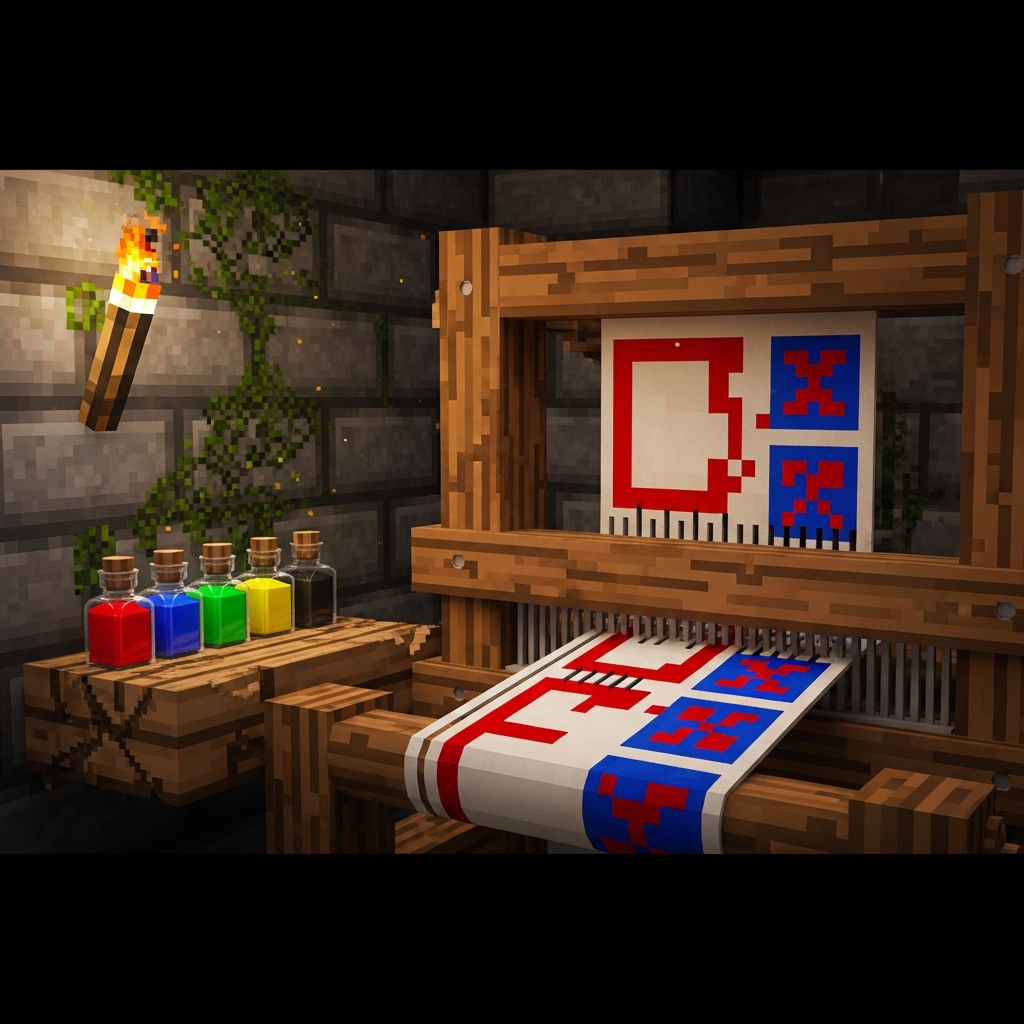
The Loom simplifies banner customization. Place a banner, dye, and optional pattern (crafted or found) to apply designs like stripes, gradients, or symbols. Save complex banners as templates using Pattern Items. Common patterns include:
- Creeper Charge: Requires Creeper Head + Paper.
- Flower Charge: Requires Oxeye Daisy + Paper.
- Skull Charge: Requires Wither Skeleton Skull + Paper.
Biome-Specific Dye Gathering Strategies
Different biomes yield distinct dye resources. Plains and Sunflower Plains overflow with Dandelions and Poppies (Yellow and Red). Flower Forests provide the widest variety, including Lilacs, Peonies, and Azure Bluets. Swamps spawn Blue Orchids, while Dark Forests contain Lily of the Valley. Jungle biomes are essential for Cocoa Beans (Brown Dye).
Optimal Biomes for Each Dye
| Biome | Primary Flowers | Dye Colors |
| Plains | Dandelion, Poppy, Azure Bluet | Yellow, Red, Light Gray |
| Flower Forest | All flower types | All colors |
| Swamp | Blue Orchid | Light Blue |
| Dark Forest | Lily of the Valley | White |
| Jungle | Cocoa Beans | Brown |
| Desert | Cactus (smelt) | Green |
For players exploring vast custom worlds or modded terrain, Nexus Games supports modpacks with biome overhaul mods (e.g., Biomes O’ Plenty, Terralith) directly installable via the control panel. These mods expand flower diversity and dye availability.
In conclusion, mastering how to make dye in Minecraft unlocks endless creative possibilities, from vibrant armor sets to intricate banner designs and stunning stained glass builds. By understanding primary sources, automation techniques, and biome-specific gathering, you’ll maintain a steady dye supply for any project. For seamless multiplayer experiences with zero lag and one-click mod installation, trust Nexus Games Minecraft Hosting powered by cutting-edge AMD Ryzen hardware, DDR5 ECC RAM, and NVMe SSD storage.
FAQ
Can I mix multiple dyes to create custom colors for leather armor?
Yes, you can combine up to eight different dyes with one leather armor piece in the crafting grid. Minecraft blends the RGB values of all dyes, producing unique custom colors. Experiment with different ratios to achieve your desired shade. To remove dye from armor, use a water-filled Cauldron.
What is the fastest way to farm Green Dye in large quantities?
Build an automated cactus farm using sand rows, observers, and pistons to break mature cactus automatically. Collect the drops with hoppers into chests, then smelt the cactus in furnace arrays or blast furnaces for faster processing. This setup provides unlimited Green Dye with minimal manual effort.
Do mods add new dye colors or alternative crafting methods?
Yes, many mods introduce additional dye colors and extraction methods. Mods like “Botania” add new flowers with unique dyes, while “Industrial Foregoing” provides machines for automated dye production. On Nexus Games servers, you can install CurseForge modpacks directly via the control panel to access these expanded dye systems.