Understanding colors in Minecraft is essential for every builder, decorator, and creative player looking to craft visually stunning worlds in 2025. From vibrant wool blocks and stained glass to dyes extracted from flowers and minerals, the color palette in Minecraft offers endless possibilities for customization. This guide explores every hue available, how to obtain dyes, apply colors to blocks and items, and optimize your creative builds—whether you’re hosting a survival server or showcasing architectural masterpieces on a multiplayer world.
The Complete Color Palette in Minecraft
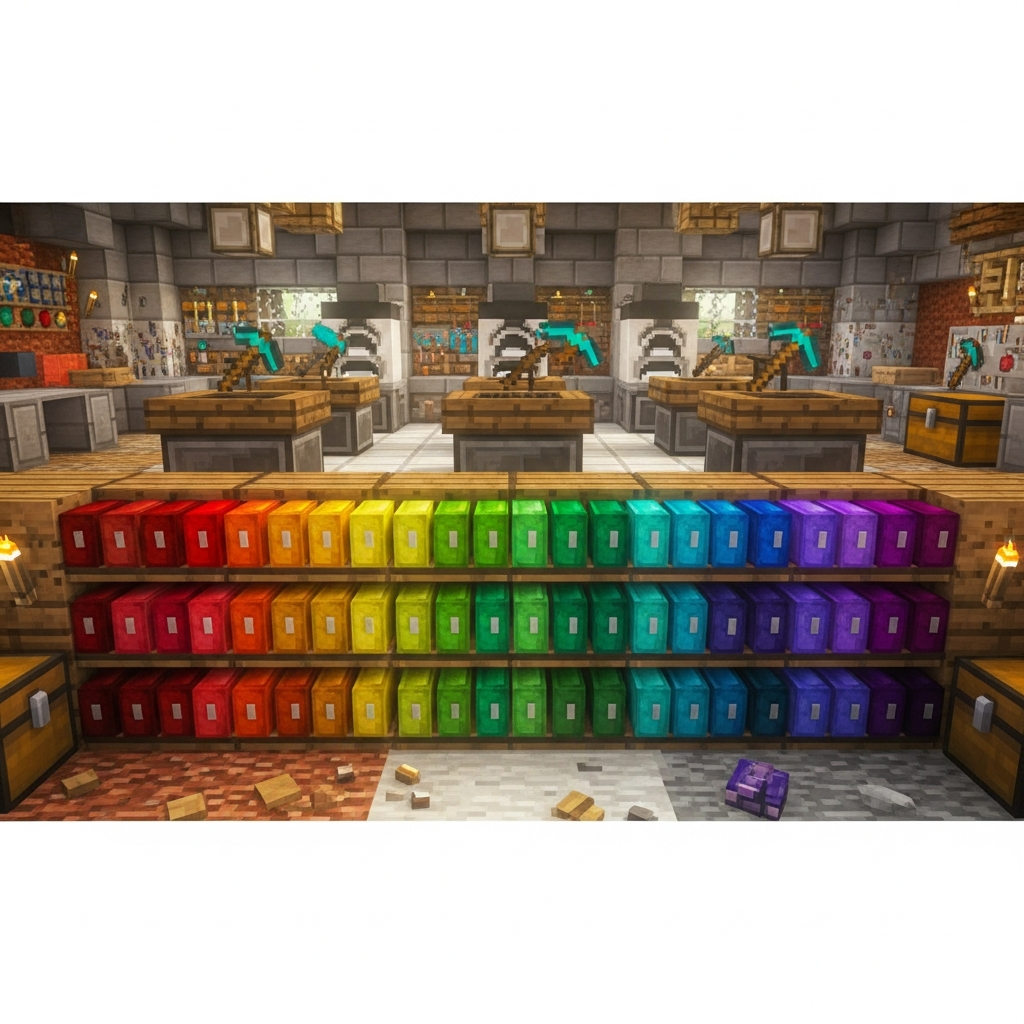
Minecraft features 16 distinct colors that can be applied to a wide variety of blocks, items, and entities. These colors form the foundation of the game’s dye system and are essential for any player looking to personalize their builds or create complex redstone contraptions with colored signals.
Primary and Secondary Colors
The base colors in Minecraft include:
- White: Clean, neutral, often used for modern builds and snow-themed structures.
- Light Gray: Subtle and elegant, ideal for stone or concrete aesthetics.
- Gray: A darker neutral tone for industrial or minimalist designs.
- Black: Deep and bold, perfect for dramatic contrasts.
- Brown: Earthy and rustic, commonly used in cottages and medieval builds.
- Red: Vibrant and eye-catching, great for banners and warning signs.
- Orange: Warm and energetic, popular in autumn or desert themes.
- Yellow: Bright and cheerful, often used in lighting and decoration.
- Lime: Fresh and vivid, ideal for nature-inspired builds.
- Green: Natural and calming, perfect for gardens and forests.
- Cyan: Cool and aquatic, used in ocean or tropical builds.
- Light Blue: Soft and serene, great for skies and water features.
- Blue: Classic and reliable, commonly used in flags and ocean themes.
- Purple: Regal and mysterious, ideal for fantasy builds.
- Magenta: Bold and unique, often used in creative and abstract designs.
- Pink: Soft and playful, popular in community builds and candy themes.
Each of these colors can be obtained through specific dyes, which are crafted or gathered from natural sources across the Minecraft world. Understanding where and how to collect these dyes is the first step toward mastering the color system.
How to Obtain and Craft Dyes in Minecraft
Every dye in Minecraft corresponds to one of the 16 available colors in Minecraft, and each can be obtained through different methods—ranging from farming flowers to mining rare minerals. Below is a comprehensive breakdown of how to gather each dye efficiently.
Natural Dye Sources
| Dye | Source | Method |
| White Dye | Bone Meal, Lily of the Valley | Craft bones from skeletons or pick flowers in forests |
| Light Gray Dye | Azure Bluet, Oxeye Daisy, White Tulip | Harvest flowers in plains or combine gray + white dye |
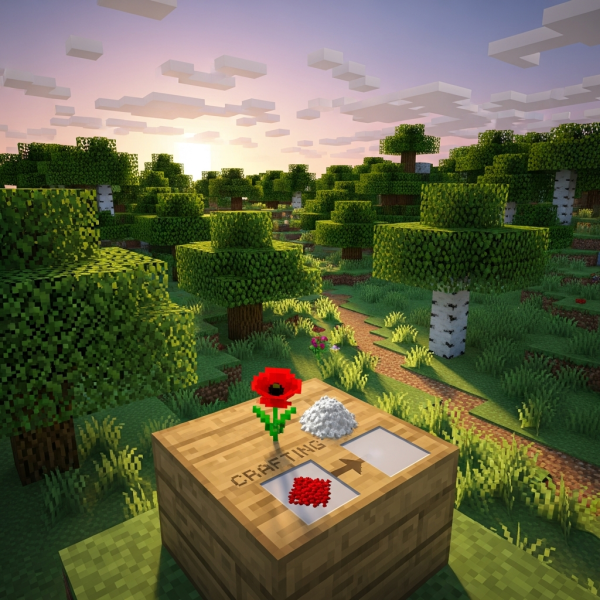
| Gray Dye | Combine Black + White Dye | Mix dyes in crafting grid |
| Black Dye | Ink Sac, Wither Rose | Kill squids or find wither roses in dangerous biomes |
| Brown Dye | Cocoa Beans | Harvest from jungle trees |
| Red Dye | Poppy, Rose Bush, Red Tulip, Beetroot | Collect flowers or farm beetroot |
| Orange Dye | Orange Tulip or Red + Yellow Dye | Find tulips or combine dyes |
| Yellow Dye | Dandelion, Sunflower | Gather in plains or sunflower biomes |
| Lime Dye | Green + White Dye or Sea Pickle (smelted) | Combine or smelt underwater plants |
| Green Dye | Cactus (smelted) | Smelt cactus in a furnace |
| Cyan Dye | Blue + Green Dye or Pitcher Plant | Combine or find rare flowers |
| Light Blue Dye | Blue Orchid or Blue + White Dye | Harvest orchids in swamps or combine dyes |
| Blue Dye | Lapis Lazuli, Cornflower | Mine lapis ore or pick flowers |
| Purple Dye | Blue + Red Dye | Combine in crafting grid |
| Magenta Dye | Allium, Lilac, or Purple + Pink Dye | Harvest flowers or combine dyes |
| Pink Dye | Pink Tulip, Peony, or Red + White Dye | Collect flowers or mix dyes |
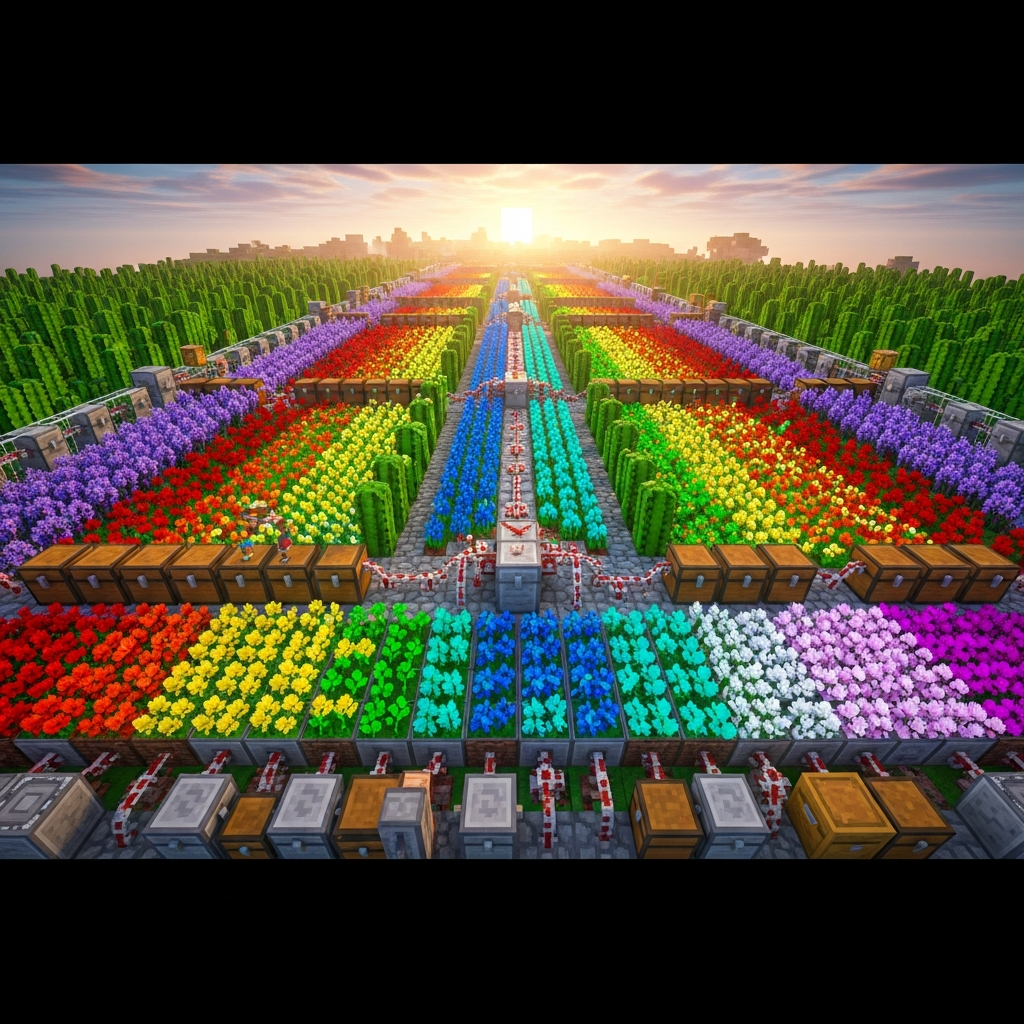
Players can create automatic dye farms using flower forests, cactus farms, and even squid spawners to ensure a steady supply of every color. For multiplayer servers, setting up centralized dye production hubs can streamline large-scale building projects and community events.
Advanced Dye Farming Strategies
For players running dedicated Minecraft servers—especially those hosted on high-performance infrastructure like the AMD Ryzen 9 7950X3D with DDR5 ECC RAM—automating dye production is both feasible and efficient. Redstone-powered flower farms, cactus smelters, and even villager trading halls can generate thousands of dyes per hour.
Additionally, using one-click installable modpacks available through hosting platforms like Nexus Games Minecraft hosting, players can integrate mods that expand the color palette or add new dye sources, enriching creative possibilities even further.
Applying Colors to Blocks, Items, and Entities
Once you’ve gathered your dyes, the next step is understanding how to apply colors in Minecraft to various objects. The dyeing system is versatile and affects everything from building materials to armor and even pets.
Dyeable Blocks
The most common blocks that accept dye are:
- Wool: Craft or dye white wool with any color to create colored wool blocks.
- Terracotta: Combine terracotta with dye to produce vibrant stained terracotta.
- Concrete Powder: Mix dye with sand and gravel to create colored concrete powder, which solidifies into concrete when it touches water.
- Glass: Combine glass blocks or panes with dye to create stained glass, perfect for windows and light filters.
- Shulker Boxes: Dye shulker boxes to organize storage by color-coding.
- Beds: Change bed colors by applying dye directly to any bed.
- Banners: Use dyes and patterns to create custom flags and decorations.
- Candles: Dye candles for themed lighting in builds.
Dyeable Items and Armor
In addition to blocks, players can dye leather armor to create unique color combinations. Combine any piece of leather armor with one or more dyes in a crafting grid to blend custom colors. This feature is especially popular in multiplayer roleplay servers and PvP arenas, where team colors and visual identity matter.
Other dyeable items include:
- Wolf and Cat Collars: Right-click tamed pets with dye to change collar color.
- Firework Stars: Add dyes to firework stars to create colorful explosions.
- Maps: Although not directly dyeable, banners can be used on maps to mark locations with colored icons.
Color Blending and Custom Shades
One lesser-known feature is the ability to blend multiple dyes on leather armor, creating over 12 million unique color combinations. This is achieved by combining different dyes in succession, allowing for precise customization. For instance, mixing red, yellow, and white can produce a soft peach tone, while combining blue, cyan, and white yields a pastel sky blue.
For server administrators looking to host large-scale creative events or roleplay experiences, understanding these mechanics can enhance player engagement significantly. Hosting on infrastructure with 1 Gbps network speeds and NVMe SSD storage ensures that even the most complex builds and mods run smoothly, without lag or downtime.
Optimizing Color Usage for Creative Builds
Mastering colors in Minecraft goes beyond simply knowing how to dye blocks—it’s about using color theory to create visually cohesive and stunning builds. Whether you’re designing a medieval castle, a futuristic city, or an underwater kingdom, understanding how colors interact is key.
Color Theory Basics for Minecraft Builders
Professional builders often follow these principles:
- Complementary Colors: Use opposite colors on the color wheel (e.g., blue and orange) to create strong visual contrast.
- Analogous Colors: Combine colors next to each other (e.g., green, lime, and yellow) for harmonious, natural-looking palettes.
- Monochromatic Schemes: Use different shades of the same color (e.g., light blue, blue, and cyan) for elegant, minimalist designs.
- Accent Colors: Introduce a single bold color (e.g., red or magenta) to draw attention to specific architectural features.
Popular Color Palettes for 2025 Builds
In 2025, trending Minecraft build themes include:
- Nordic Minimalism: White, light gray, and black with subtle wooden accents.
- Tropical Paradise: Lime, cyan, yellow, and pink for vibrant island resorts.
- Steampunk Industrial: Brown, orange, gray, and black for mechanical factories.
- Fantasy Enchantment: Purple, magenta, blue, and white for magical castles.
- Desert Oasis: Orange, yellow, red, and cyan for sandy settlements.
For multiplayer servers, encouraging players to adopt themed color palettes can result in more visually unified communities. Server administrators can even create building competitions or themed districts to showcase the full spectrum of Minecraft’s color system.
Performance Considerations for Large Colorful Builds
Large-scale builds with thousands of colored blocks can be resource-intensive, especially on multiplayer servers. To ensure smooth performance, it’s essential to host on hardware optimized for Minecraft, such as servers powered by the AMD Ryzen 9 7950X3D processor with up to 128 GB DDR5 ECC RAM. This configuration handles high player counts, complex redstone circuits, and extensive world rendering without lag.
Additionally, using NVMe SSD storage ensures fast chunk loading and world saves, which is critical when working with massive creative projects. For players looking to host their own Minecraft servers with full color customization and mod support, platforms like Nexus Games Minecraft hosting provide optimized environments with 24/7 support and anti-DDoS protection.
For further technical guidance on Minecraft mechanics, refer to the official Minecraft Wiki on Dyes.
In conclusion, mastering the colors in Minecraft unlocks limitless creative potential, from designing stunning builds to personalizing armor and organizing storage. By understanding dye sources, crafting recipes, and color theory, players can transform any world into a vibrant masterpiece. Whether you’re a solo builder or a multiplayer server owner, leveraging the full color palette is essential for standing out in 2025’s Minecraft community.
FAQ
How many total colors are available in Minecraft?
Minecraft offers 16 base colors that can be applied to blocks, items, and entities through dyes. However, when blending dyes on leather armor, players can create over 12 million unique color combinations, providing near-infinite customization options for visual design.
Can you mix dyes to create new colors in Minecraft?
Yes, players can combine multiple dyes in a crafting grid to create secondary and tertiary colors. For example, mixing red and white dye produces pink dye, while combining blue and green dye yields cyan dye. This mechanic extends to leather armor, where layering multiple dyes creates custom blended shades.
What is the fastest way to farm all 16 dyes in Minecraft?
The most efficient method is to establish automated farms for flowers, cacti, and bone meal, combined with a squid farm for ink sacs and a jungle tree farm for cocoa beans. Additionally, mining lapis lazuli and trading with wandering traders can supplement rare dyes. On multiplayer servers with high-performance hardware like the AMD Ryzen 9 7950X3D, redstone-automated farms can produce thousands of dyes per hour.