Building gaming hosting pterodactyl infrastructure has become the gold standard for server administrators seeking full control, scalability, and efficiency in 2025. Pterodactyl Panel, an open-source game server management solution, empowers you to deploy, monitor, and manage multiple game servers from a unified interface. Whether you’re hosting Minecraft, FiveM, Rust, or ARK, this comprehensive guide walks you through every step—from selecting hardware to production deployment—ensuring your gaming hosting environment runs flawlessly on enterprise-grade infrastructure.
Why Choose Pterodactyl for Gaming Hosting?
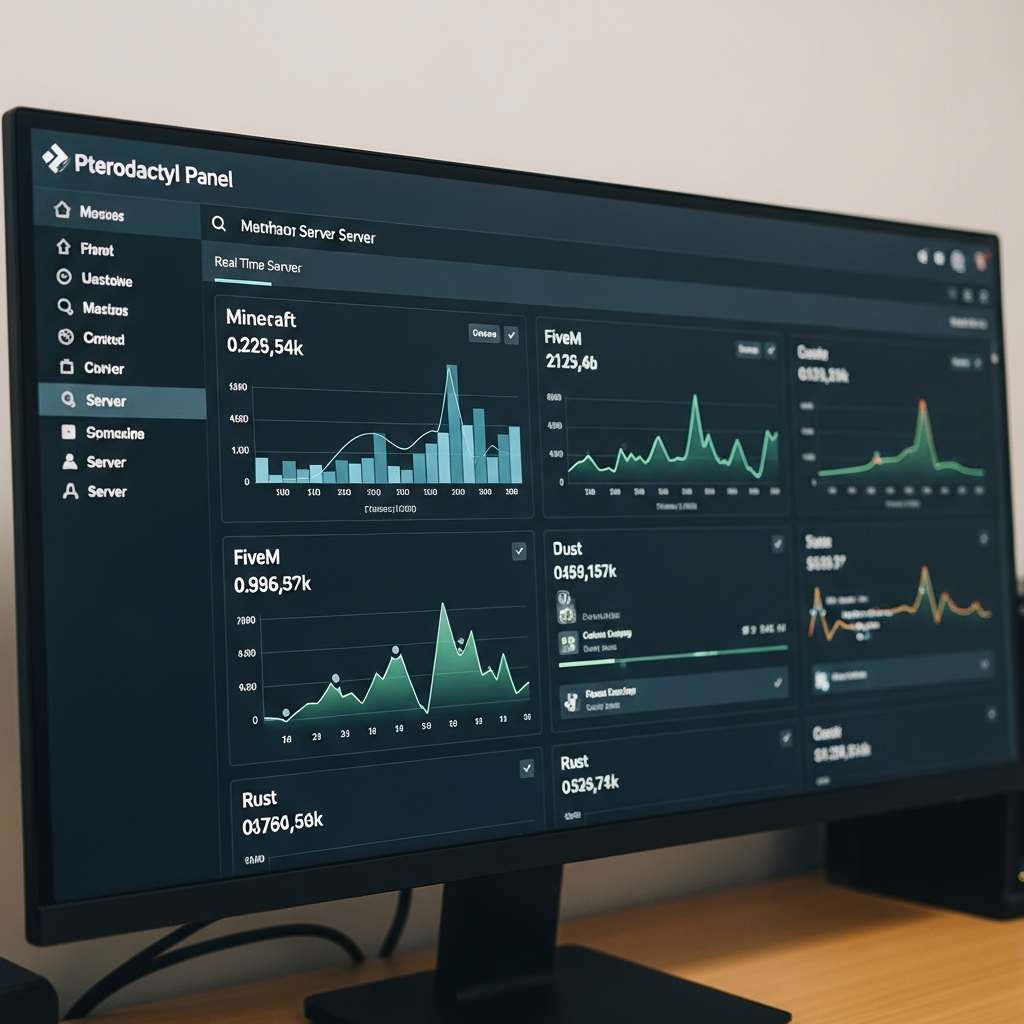
Pterodactyl Panel stands out as the most versatile and developer-friendly control panel for gaming hosting. Unlike proprietary solutions, it offers complete transparency, Docker-based containerization, and an intuitive API that automates provisioning and resource allocation. For gaming communities and hosting providers, Pterodactyl delivers unmatched flexibility while maintaining security and performance.
Core Advantages of Pterodactyl Panel
- Docker containerization: Each game server runs in an isolated container, preventing conflicts and ensuring resource fairness.
- Multi-game support: Pre-configured eggs (templates) for Minecraft, ARK, Rust, FiveM, RedM, Valheim, DayZ, and dozens more.
- RESTful API: Automate server creation, backups, and user management via scripting or third-party integrations.
- Permission granularity: Define roles (admin, moderator, viewer) with precise access controls.
- Resource limits: Set CPU, RAM, disk, and network caps per server to prevent abuse.
- SFTP & file manager: Direct file access for modding, configuration edits, and log review.
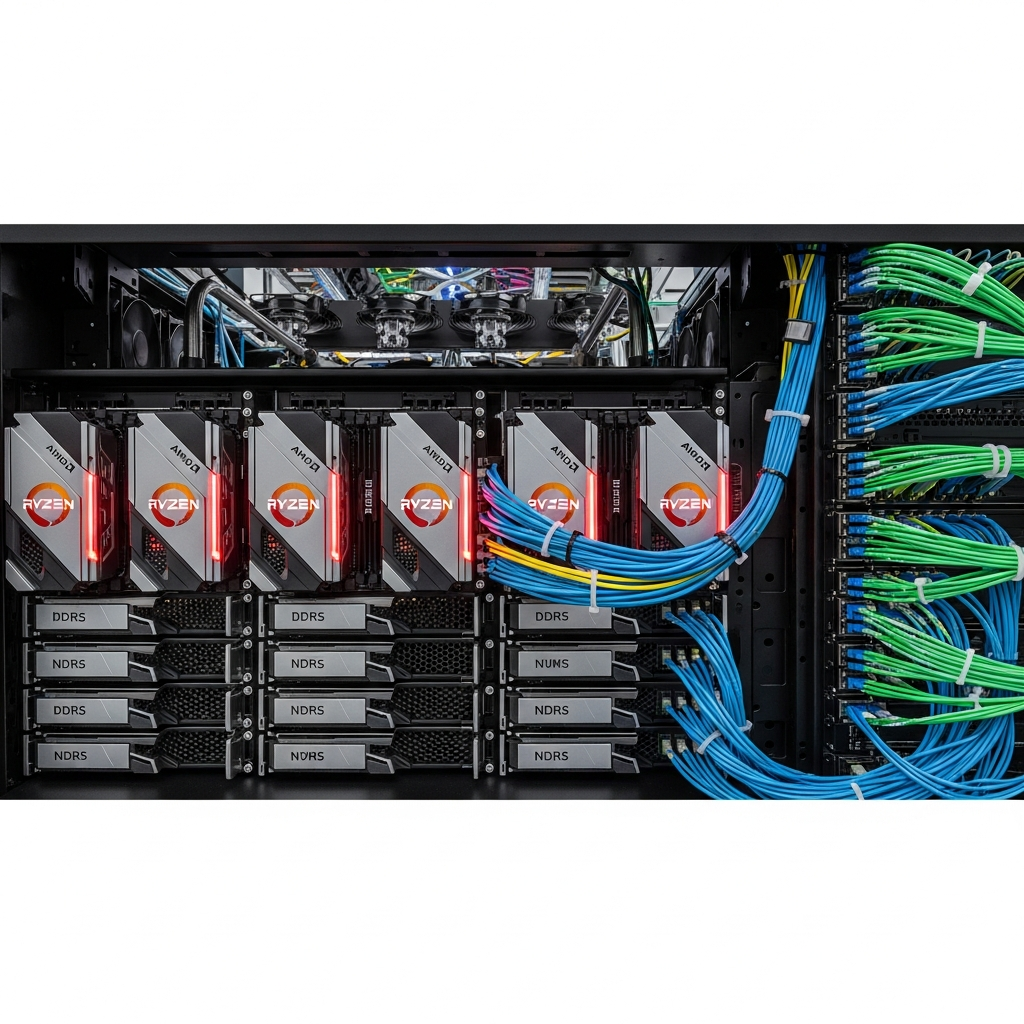
When paired with high-performance hardware—like the AMD Ryzen 9 7950X3D (16 cores, 32 threads, up to 5.7 GHz), DDR5 ECC RAM (32–128 GB), and NVMe SSD storage—Pterodactyl transforms into a powerhouse capable of handling hundreds of concurrent players across multiple game instances. The 7950X3D’s 3D V-Cache technology drastically reduces latency in memory-intensive games like Minecraft modpacks or heavily scripted FiveM servers.
Pterodactyl vs. Traditional Control Panels
| Feature | Pterodactyl | Multicraft/TCAdmin |
| Open Source | Yes | No (proprietary) |
| Docker Support | Yes (native) | Limited/none |
| API Integration | Full RESTful API | Partial or paid add-on |
| Cost | Free | License fees |
| Mod Automation | Yes (via eggs/scripts) | Manual or plugin-based |
For providers like Nexus Games Linux VPS, Pterodactyl seamlessly integrates with KVM virtualization, ensuring dedicated resources and zero noisy-neighbor interference—critical for competitive gaming environments.
Step-by-Step: Installing Pterodactyl Panel for Gaming Hosting
This section covers the complete installation process for Pterodactyl Panel on a fresh Ubuntu 22.04 or Debian 12 VPS with KVM virtualization. The setup assumes root access and a clean environment.
1. Prepare Your Linux VPS
Start by updating system packages and installing essential dependencies. Pterodactyl requires PHP 8.1+, MariaDB 10.6+, Redis, NGINX or Apache, and Certbot for SSL.
apt update && apt upgrade -y
apt install -y software-properties-common curl apt-transport-https ca-certificates gnupg
add-apt-repository ppa:ondrej/php -y
apt update
apt install -y php8.2 php8.2-{cli,gd,mysql,mbstring,bcmath,xml,fpm,curl,zip} mariadb-server nginx tar unzip git redis-server certbot python3-certbot-nginx
2. Configure MariaDB Database
Secure your MariaDB installation and create a dedicated database for Pterodactyl:
mysql_secure_installation
mysql -u root -p
CREATE DATABASE panel;
CREATE USER 'pterodactyl'@'127.0.0.1' IDENTIFIED BY 'STRONG_PASSWORD_HERE';
GRANT ALL PRIVILEGES ON panel.* TO 'pterodactyl'@'127.0.0.1';
FLUSH PRIVILEGES;
EXIT;
3. Download and Install Pterodactyl Panel
Download the latest stable release from the official GitHub repository and configure file permissions:
mkdir -p /var/www/pterodactyl
cd /var/www/pterodactyl
curl -Lo panel.tar.gz https://github.com/pterodactyl/panel/releases/latest/download/panel.tar.gz
tar -xzvf panel.tar.gz
chmod -R 755 storage/* bootstrap/cache/
4. Install Composer Dependencies
curl -sS https://getcomposer.org/installer | php -- --install-dir=/usr/local/bin --filename=composer
composer install --no-dev --optimize-autoloader
5. Environment Configuration
Generate the environment file and configure application settings:
cp .env.example .env
php artisan key:generate --force
php artisan p:environment:setup
php artisan p:environment:database
php artisan migrate --seed --force
php artisan p:user:make
Follow the interactive prompts to set your database credentials, mail server (SMTP), and create an admin account.
6. Configure NGINX & SSL
Create an NGINX server block for Pterodactyl and secure it with Let’s Encrypt:
nano /etc/nginx/sites-available/pterodactyl.confInsert the following configuration (replace panel.yourdomain.com):
server {
    listen 80;
    server_name panel.yourdomain.com;
    return 301 https://$server_name$request_uri;
}

server {
    listen 443 ssl http2;
    server_name panel.yourdomain.com;

    root /var/www/pterodactyl/public;
    index index.php;

    ssl_certificate /etc/letsencrypt/live/panel.yourdomain.com/fullchain.pem;
    ssl_certificate_key /etc/letsencrypt/live/panel.yourdomain.com/privkey.pem;
    ssl_session_cache shared:SSL:10m;
    ssl_protocols TLSv1.2 TLSv1.3;

    location / {
        try_files $uri $uri/ /index.php?$query_string;
    }

    location ~ \.php$ {
        fastcgi_split_path_info ^(.+\.php)(/.+)$;
        fastcgi_pass unix:/run/php/php8.2-fpm.sock;
        fastcgi_index index.php;
        include fastcgi_params;
        fastcgi_param SCRIPT_FILENAME $document_root$fastcgi_script_name;
    }
}
ln -s /etc/nginx/sites-available/pterodactyl.conf /etc/nginx/sites-enabled/pterodactyl.conf
certbot --nginx -d panel.yourdomain.com
systemctl restart nginx
7. Install Pterodactyl Wings (Game Server Daemon)
Wings is the worker component that runs on each physical node. Install Docker first:
curl -sSL https://get.docker.com/ | CHANNEL=stable bash
systemctl enable --now docker
Then install Wings:
mkdir -p /etc/pterodactyl
curl -L -o /usr/local/bin/wings "https://github.com/pterodactyl/wings/releases/latest/download/wings_linux_amd64"
chmod u+x /usr/local/bin/wings
Configure Wings by creating a node in the Pterodactyl Panel (Nodes → Create New), then copy the auto-generated config.yml to /etc/pterodactyl/config.yml. Start Wings as a systemd service:
nano /etc/systemd/system/wings.service[Unit]
Description=Pterodactyl Wings Daemon
After=docker.service
Requires=docker.service
[Service]
User=root
WorkingDirectory=/etc/pterodactyl
LimitNOFILE=4096
PIDFile=/var/run/wings/daemon.pid
ExecStart=/usr/local/bin/wings
Restart=on-failure
StartLimitInterval=180
StartLimitBurst=30
[Install]
WantedBy=multi-user.target
systemctl enable --now wingsYour Pterodactyl gaming hosting panel is now live. Access it via https://panel.yourdomain.com and log in with your admin credentials.
Deploying Game Servers: Minecraft, FiveM, and Beyond
Pterodactyl’s “Eggs” are pre-configured templates that automate game server deployment. Nexus Games offers one-click modpack installation for Minecraft (CurseForge integration) and includes Patreon keys for FiveM/RedM—features you can replicate in your own Pterodactyl setup.
Creating a Minecraft Server with Mods
- Navigate to Servers → Create New in the Pterodactyl Panel.
- Select the Minecraft egg (Java Edition, Paper, Forge, or Fabric).
- Allocate resources: 4–8 GB RAM, 2–4 CPU cores, 20 GB SSD.
- For modpacks, use the Forge/Fabric egg and upload your
modsfolder via SFTP. - Start the server and connect via
yourserver.com:25565.
For CurseForge modpacks, use the CurseForge Generic Egg, which auto-downloads modpack files by ID.
Deploying a FiveM Server with Patreon Key
FiveM requires a Patreon Tebex key for custom resource limits. Nexus Games includes this key automatically, but you can manually configure it:
SV_LICENSEKEY=your_patreon_key_here- Create a new server with the FiveM egg.
- Allocate 6–12 GB RAM and 4–8 CPU cores (FiveM is CPU-intensive).
- Add your Patreon key in Startup → Environment Variables.
- Upload resources (scripts, maps) via SFTP to
resources/. - Edit
server.cfgto configure endpoints, game build, and tags.
ARK Survival Ascended & Evolved
ARK servers demand significant resources. Recommended specs: 16 GB RAM, 6 CPU cores, 50 GB SSD. Use the ARK: SA or ARK: SE egg, then install mods via Steam Workshop IDs:
GameModIds=123456789,987654321The Ryzen 9 7950X3D’s large L3 cache dramatically improves ARK’s tick rate and entity processing, reducing rubber-banding for players.
Automation with Pterodactyl API
Automate server provisioning using the Pterodactyl API. Example: create a Minecraft server via cURL:
curl -X POST "https://panel.yourdomain.com/api/application/servers" \
  -H "Authorization: Bearer YOUR_API_KEY" \
  -H "Content-Type: application/json" \
  -d '{
    "name": "AutoMinecraft",
    "user": 1,
    "egg": 5,
    "docker_image": "ghcr.io/pterodactyl/yolks:java_17",
    "startup": "java -Xms128M -Xmx4096M -jar server.jar",
    "environment": {"SERVER_JARFILE":"server.jar","VANILLA_VERSION":"latest"},
    "limits": {"memory":4096,"swap":0,"disk":10240,"io":500,"cpu":200},
    "feature_limits": {"databases":1,"backups":3}
  }'
This workflow is ideal for hosting providers offering instant provisioning. Integrate with WHMCS or Blesta for billing automation.
Performance Optimization & Security Best Practices
Running a production-grade gaming hosting platform requires rigorous optimization and hardening. Here’s how to maximize uptime, reduce latency, and protect against DDoS attacks.
Resource Allocation Strategies
- CPU pinning: Assign dedicated cores to high-priority servers (e.g., competitive Rust servers) using Docker’s
--cpuset-cpusflag. - Memory limits: Always define
--memoryand--memory-swapto prevent OOM kills. - Disk I/O: Use
--device-write-bpsto throttle abusive servers and prevent storage saturation.
Network & DDoS Protection
Deploy Game Anti-DDoS (Layer 7 filtering) via services like Path.net, OVH Game, or Cloudflare Spectrum. Configure firewall rules to allow only game traffic:
ufw allow 22/tcp
ufw allow 80,443/tcp
ufw allow 25565/tcp comment 'Minecraft'
ufw allow 30120/tcp comment 'FiveM'
ufw enable
Backup Automation
Schedule daily backups using Pterodactyl’s built-in system or cron jobs with rsync:
0 3 * * * rsync -az /var/lib/pterodactyl/volumes/ /backup/pterodactyl/Monitoring & Alerts
Integrate Prometheus + Grafana to track CPU, RAM, disk, and network metrics. Set alerts for:
- RAM usage >90%
- CPU throttling (thermal limits)
- Disk usage >80%
- Wings daemon offline
For advanced monitoring, use the Node Exporter and Pterodactyl’s metrics endpoint.
SSL & Security Hardening
- Force HTTPS with HSTS headers.
- Disable root SSH login; use key-based authentication only.
- Enable fail2ban to block brute-force attempts.
- Keep Pterodactyl, Wings, Docker, and system packages updated weekly.
By following these practices, your gaming hosting infrastructure will rival enterprise-grade platforms like Nexus Games, which leverages KVM-based VPS with 1 Gbps network uplinks and 24/7 monitoring.
Conclusion: Building gaming hosting with Pterodactyl in 2025 delivers unmatched control, scalability, and cost efficiency. By pairing open-source flexibility with cutting-edge hardware—AMD Ryzen 9 7950X3D, DDR5 ECC, NVMe SSDs—you create a platform capable of hosting thousands of players across Minecraft, FiveM, ARK, and more. Whether you’re a community admin or aspiring hosting provider, Pterodactyl transforms your vision into reality with minimal overhead and maximum performance.
FAQ
Can I run Pterodactyl Panel on Windows VPS?
No, Pterodactyl Panel requires a Linux environment (Ubuntu 20.04+, Debian 11+, or CentOS 8+). However, you can install Wings (the game server daemon) on Windows nodes and manage them from a Linux-based Panel instance. For full Windows compatibility, consider using dedicated Windows VPS for specific games that require native Windows environments, like certain ARK mods or custom .NET servers.
How much RAM does Pterodactyl Panel itself require?
The Pterodactyl Panel (web interface + database) typically consumes 1–2 GB of RAM under normal load. For the Wings daemon running game servers, allocate at least 4 GB base RAM plus the sum of all game server allocations. For example, hosting three Minecraft servers (4 GB each) requires 16 GB total RAM (4 base + 12 for servers). The AMD Ryzen 9 7950X3D with 32–128 GB DDR5 ECC easily handles dozens of concurrent servers with headroom for peak traffic.
Does Pterodactyl support automatic mod updates for Minecraft or ARK?
Yes, via custom Eggs and startup scripts. For Minecraft, use the Auto-Updating Forge/Fabric eggs that pull latest mod versions from CurseForge or Modrinth APIs. For ARK, leverage Steam Workshop auto-update by setting -automanagedmods in startup parameters. Nexus Games implements similar automation, allowing one-click modpack installation and updates directly from the panel—ideal for community servers requiring zero-downtime mod deployments.