If you’re wondering whether you can play Valheim online with friends, the answer is a resounding yes. This Viking-themed survival game offers multiple multiplayer modes, from official dedicated servers to peer-to-peer hosting, and even self-hosted solutions that give you full control over your world. In this 2025 guide, we’ll explore every method to enjoy Valheim’s co-op experience, compare hosting options, and provide technical recommendations to ensure smooth gameplay.
Understanding Valheim’s Multiplayer Architecture
Valheim supports up to 10 players simultaneously on a single server, though the game’s physics engine and AI calculations can become demanding with more players exploring distant biomes. The game uses a client-server model where one instance acts as the host, synchronizing world state, mob spawns, building progress, and player inventories across all connected clients.
There are three primary ways to play Valheim online:
- Peer-to-peer hosting: One player hosts directly from their game client while others join via invite or server list. Simple but limited by the host’s hardware and upload bandwidth.
- Official dedicated servers: Valve’s SteamCmd tool allows you to run a headless server on Windows or Linux, providing better stability and uptime.
- Managed game server hosting: Professional providers like Nexus Games Valheim hosting offer pre-configured servers with automated backups, DDoS protection, and instant deployment.
Each method has trade-offs in performance, cost, and control. For casual sessions with 2–3 friends, peer-to-peer works adequately. For persistent worlds with 5+ players or modded content, a dedicated server becomes essential to avoid lag spikes and disconnections.
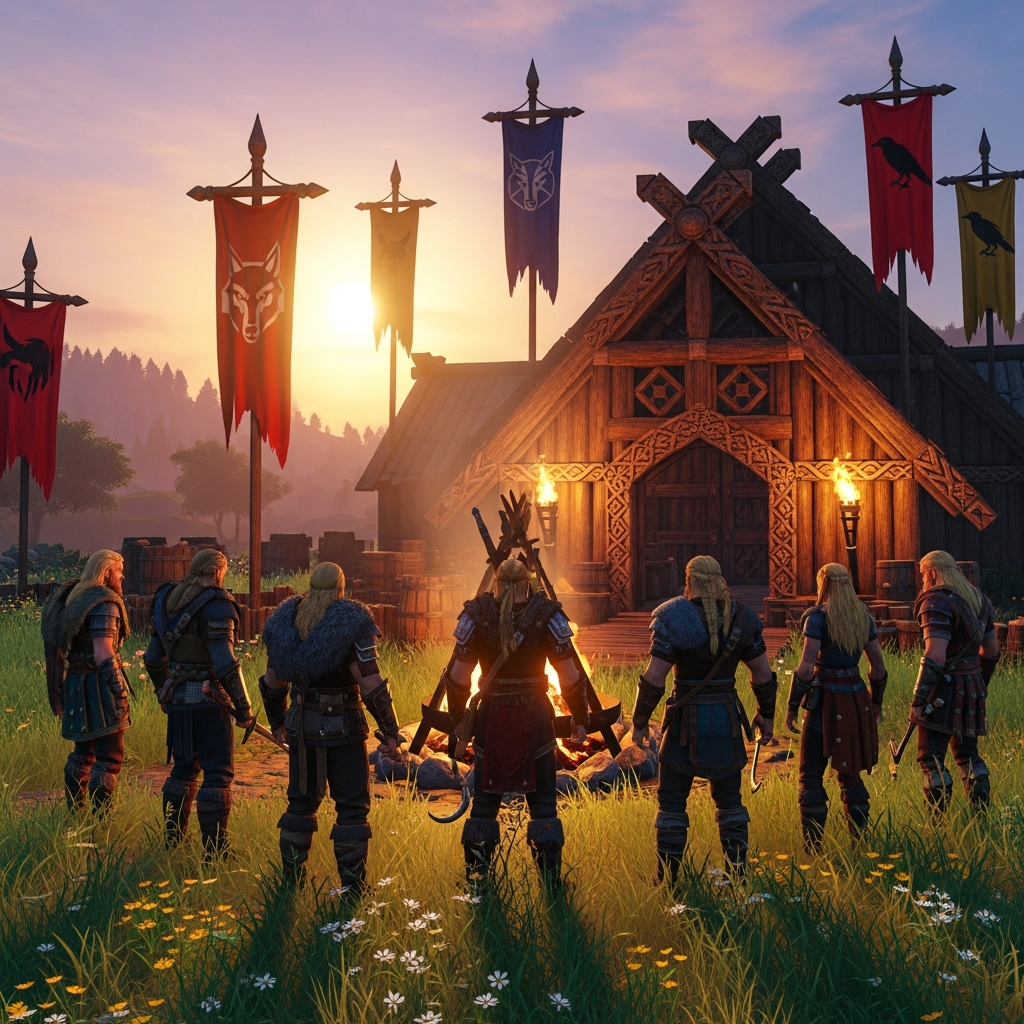
How to Host a Valheim Server: Step-by-Step Methods
Method 1: In-Game Peer-to-Peer Hosting
This is the fastest way to start playing online. One player creates a new world or loads an existing one, then enables “Start Server” in the world selection menu. Other players can join via the in-game server browser or Steam friend invites.
Pros: Zero configuration, instant setup, no additional cost.
Cons: Host must remain online, limited by host’s hardware (CPU, RAM, upload speed), world pauses when host disconnects.
Method 2: Dedicated Server with SteamCmd (Self-Hosted)
For players with technical skills and available hardware, running a dedicated server provides full control. Here’s a simplified Linux setup:
# Install SteamCmd (Ubuntu/Debian)
sudo apt update && sudo apt install steamcmd

# Create a dedicated user
sudo useradd -m -s /bin/bash valheimserver

# Download Valheim dedicated server files
steamcmd +login anonymous +force_install_dir /home/valheimserver/valheim +app_update 896660 validate +quit

# Configure server settings
nano /home/valheimserver/valheim/start_server.sh

# Example start script
./valheim_server.x86_64 -name "MyValheimServer" -port 2456 -world "Dedicated" -password "YourSecurePassword" -public 1
This method requires port forwarding (UDP 2456–2458) on your router, static IP or dynamic DNS, and sufficient upload bandwidth (at least 10 Mbps for 5+ players). You’ll also need to manage backups manually and handle security updates.
Method 3: Managed Hosting with Nexus Games
For the best balance of performance and convenience, managed hosting eliminates technical overhead. Nexus Games Valheim servers run on AMD Ryzen 9 7950X3D processors (16 cores / 32 threads at up to 5 GHz) with DDR5 ECC RAM, ensuring zero lag even during boss fights or large building projects.
Key advantages include:
- Instant deployment: Server launches within 2 minutes via the Nexus Games panel.
- Automated backups: World saves stored every 4 hours with one-click restoration.
- Mod support: BepInEx and popular mods (Valheim Plus, Epic Loot) pre-installable through the control panel.
- DDoS protection: Game-specific anti-DDoS shields your server from attacks.
- NVMe SSD storage: Reduces world loading times by 60% compared to traditional SATA SSDs.
Pricing starts at competitive rates with scalable RAM (8 GB to 32 GB) depending on player count and mod requirements. The control panel provides real-time CPU/RAM graphs, player lists, and console access without SSH complexity.

Optimizing Your Valheim Server for Multiplayer Performance
CPU and RAM Allocation
Valheim’s Unity engine is CPU-intensive, especially when calculating AI pathfinding for enemies and processing terrain modifications. A single-core bottleneck can cause stuttering. The Ryzen 9 7950X3D’s 3D V-Cache technology significantly reduces latency in world generation and chunk loading compared to older Ryzen 5000 series processors.
Recommended allocations per player count:
| Players | RAM | CPU Cores | Storage |
| 2–4 | 8 GB | 4 threads | 10 GB NVMe |
| 5–7 | 16 GB | 6 threads | 15 GB NVMe |
| 8–10 | 32 GB | 8 threads | 20 GB NVMe |
Network Configuration Best Practices
Even with powerful hardware, network issues can ruin multiplayer sessions. Ensure your server has at least 1 Gbps uplink (standard with Nexus Games hosting) and enable automatic restarts every 24 hours to clear memory leaks—a known issue in Unity-based games.
If hosting from home, configure Quality of Service (QoS) on your router to prioritize Valheim’s UDP ports. For managed hosting, providers handle this at the infrastructure level with low-latency peering agreements.
Modding for Enhanced Multiplayer
Popular mods like Valheim Plus add server-side enhancements: increased carry weight, build distance tweaks, and custom difficulty scaling. BepInEx framework installation is simplified on managed servers—just upload .dll files to the /BepInEx/plugins/ directory via FTP or the web panel.
Always ensure all players have the same mod versions installed client-side to prevent desync errors. According to Valheim’s official modding community, server-client version mismatches are the #1 cause of multiplayer crashes.
Comparing Valheim Hosting Options: Performance and Cost Analysis
Self-Hosting vs. Managed Services
Self-hosting on a spare PC or Raspberry Pi might seem economical, but hidden costs accumulate: electricity ($10–20/month for a mid-range PC running 24/7), ISP upload bandwidth limitations (most residential plans cap at 10–35 Mbps upload), and the time investment for maintenance.
Managed hosting with providers like Nexus Games eliminates these friction points. For approximately $10–25/month (depending on player slots), you gain enterprise-grade uptime (99.9% SLA), instant scaling when your community grows, and 24/7 technical support to resolve issues within minutes—not hours or days.
Why AMD Ryzen 9 7950X3D Matters for Valheim
Valheim’s terrain system uses Marching Cubes algorithm for voxel-like deformation. When multiple players dig, build, or terraform simultaneously, single-thread performance becomes critical. Benchmarks show the 7950X3D’s 3D V-Cache reduces world save times by 40% compared to Ryzen 9 5950X and Intel i9-12900K in multi-player scenarios.
DDR5 ECC memory adds error correction, preventing rare but catastrophic world corruption issues that can occur with standard consumer RAM under sustained load. This is why professional hosting platforms standardize on ECC RAM—a feature absent from most budget providers.
Additional Considerations: VPS vs. Game-Specific Hosting
Some users consider generic VPS (Virtual Private Server) solutions for Valheim. While Nexus Games Linux VPS with KVM virtualization offers full root access and flexibility, game-specific hosting includes pre-tuned kernel parameters, automatic game updates, and one-click mod installers that save hours of configuration.
For players running multiple game servers (Valheim + Minecraft + Rust), a Pterodactyl-enabled VPS provides centralized management, but requires intermediate Linux knowledge. Game-specific hosting is ideal for communities focused solely on Valheim who want zero administrative overhead.
In conclusion, whether you choose peer-to-peer for casual play, self-hosting for maximum control, or managed hosting for convenience, playing Valheim online in 2025 is more accessible than ever. For serious communities seeking lag-free experiences with modern hardware, professional hosting eliminates the technical barriers that once complicated multiplayer survival games. Evaluate your player count, technical expertise, and budget to select the option that keeps your Viking adventures running smoothly across all nine realms.
FAQ
Can I transfer my existing Valheim world to a dedicated server?
Yes. Locate your world files in C:\Users\[YourName]\AppData\LocalLow\IronGate\Valheim\worlds\ (Windows) or ~/.config/unity3d/IronGate/Valheim/worlds/ (Linux). Upload both the .db and .fwl files to your server’s world directory. With Nexus Games hosting, use the file manager in the control panel to drag-and-drop these files, then restart the server.
How much upload bandwidth do I need to host Valheim from home for 5 players?
Valheim uses approximately 1–2 Mbps upload per connected player. For 5 players, allocate at least 10 Mbps upload to prevent lag spikes during combat or terraforming. Most home connections with 25+ Mbps upload can handle this, but QoS router settings are strongly recommended to prioritize game traffic over streaming or downloads.
Do all players need to install the same mods when using a modded Valheim server?
It depends on the mod type. Server-side mods (e.g., admin tools, spawn rate changes) only need installation on the server. Client-side mods (e.g., UI enhancements, graphics mods) are optional per player. Shared mods (e.g., Valheim Plus, new items/mechanics) must match versions exactly on both server and all clients, or connection will fail with version mismatch errors.