Choosing the right VPS gaming server configuration in 2025 requires balancing CPU power, RAM capacity, storage speed, and network performance to deliver seamless multiplayer experiences. This comprehensive guide explores proven hardware setups, virtualization technologies, and optimization strategies that transform standard virtual private servers into high-performance gaming platforms capable of hosting demanding titles from Minecraft to ARK without compromising stability or latency.
Why VPS Gaming Server Hosting Outperforms Traditional Solutions
Virtual private servers running KVM virtualization have emerged as the gold standard for serious game hosting in 2025. Unlike shared hosting where resources fluctuate unpredictably, KVM-based VPS gaming servers allocate dedicated CPU cores, RAM, and IOPS directly to your instance. This architecture guarantees consistent performance even during peak player activity, eliminating the stuttering and rubber-banding that plague oversubscribed environments.
The technical advantage stems from KVM’s hardware-level virtualization. Each VPS operates as an independent kernel instance with direct access to physical resources—no hypervisor overhead stealing cycles during critical game logic calculations. When you provision a VPS gaming server with 8 dedicated cores from an AMD Ryzen 9 7950X3D processor, those threads remain exclusively yours, delivering predictable tick rates and sub-20ms response times.
Modern DDR5 ECC memory adds another performance layer. Error-correcting code prevents data corruption during intensive operations like chunk generation in Minecraft or physics calculations in ARK Survival Ascended. The 5600 MT/s transfer rates of DDR5 reduce memory bottlenecks by 40% compared to DDR4, critical when managing hundreds of concurrent entities across game worlds.
Storage Architecture That Eliminates Load Screens
NVMe SSD storage has become non-negotiable for VPS gaming server deployments. PCIe Gen4 drives deliver 7000 MB/s sequential reads—fast enough to stream high-resolution textures and load modded content instantaneously. Compare this to SATA SSDs maxing out at 550 MB/s, and the difference becomes apparent the moment players teleport between biomes or respawn after death.
For games like DayZ with sprawling open worlds, random read/write performance matters more than sequential speeds. Quality NVMe drives achieve 1 million IOPS, enabling the server to access scattered save files, player inventories, and world data without introducing lag. This I/O capacity proves essential when running DayZ servers with Steam Workshop mods that continuously read asset files.

Optimal VPS Gaming Server Configurations by Game Genre
Different game engines impose distinct hardware requirements. A VPS gaming server optimized for lightweight survival games won’t necessarily excel at hosting modded sandbox titles or RP servers with 300+ players. Understanding these nuances prevents over-provisioning (wasting budget) and under-provisioning (causing crashes).
Survival and Sandbox Games
Titles like Valheim, 7 Days to Die, and Rust thrive on configurations pairing 6-8 AMD Ryzen 9 7950X3D cores with 16-32 GB DDR5 ECC RAM. The 3D V-Cache technology in the 7950X3D accelerates pathfinding algorithms and AI behavior trees, reducing server tick time by up to 25%. For ARK Survival Ascended hosting, bump RAM to 48-64 GB when running modded maps like Fjordur with custom dinosaurs—Unreal Engine 5’s asset streaming demands substantial memory headroom.
| Game Title | Minimum Cores | Recommended RAM | Storage Type |
| Valheim (10 players) | 4 cores @ 5 GHz | 8 GB DDR5 | NVMe Gen4 |
| ARK SA (50 players) | 8 cores @ 5 GHz | 48 GB DDR5 ECC | NVMe Gen4 |
| Rust (100 players) | 6 cores @ 5 GHz | 24 GB DDR5 ECC | NVMe Gen4 |
| 7 Days to Die (16 players) | 6 cores @ 5 GHz | 16 GB DDR5 | NVMe Gen4 |
Roleplay and Modification-Heavy Servers
FiveM and RedM servers demand specialized configurations due to Cfx.re framework overhead. A vanilla FiveM server runs comfortably on 4 cores with 8 GB RAM, but add 50+ ESX scripts, custom vehicles, and MLOs (map editors), and requirements spike to 8 cores with 24-32 GB. CPU single-thread performance becomes paramount—the 5.7 GHz boost clock of the Ryzen 9 7950X3D ensures smooth script execution even with poorly optimized community resources.
Every FiveM VPS gaming server configuration should include a Patreon key for enhanced OneSync functionality and increased player slots. The KVM virtualization layer allows direct management through the Nexus Games panel, eliminating the need for SSH access when adjusting server.cfg parameters or updating txAdmin builds.
Voxel and Procedural World Games
Minecraft remains the most diverse category. A vanilla 1.21 server with 20 players runs fine on 4 cores and 6 GB RAM. But load 150 CurseForge mods through a modpack like All The Mods 9, and you’ll need 12 cores with 32 GB RAM minimum. The world generation algorithms in modded Minecraft trigger massive CPU spikes—having headroom prevents TPS drops during chunk loading.
For the upcoming Hytale server hosting, early specs suggest 8 cores with 24 GB as the baseline for 30-player servers. Hypixel’s proprietary engine will likely optimize better than Minecraft’s Java foundation, but pre-installable CurseForge mod support through the panel means configurations must accommodate community content from day one.

Network and DDoS Protection for Competitive Gaming
Even flawless hardware fails without robust network infrastructure. VPS gaming servers require minimum 1 Gbps symmetrical bandwidth with low-latency routing to tier-1 providers. Geographic location matters—a server in Dallas serves US players with 10-40ms latency, while European players might see 100-150ms. Multi-region deployments using anycast routing can balance loads, but most communities benefit more from single, centrally located instances.
Game-specific Anti-DDoS protection filters volumetric attacks before they saturate your uplink. Standard DDoS mitigation triggers only after detecting anomalies, causing 30-60 seconds of downtime. Advanced solutions inspect packet signatures in real-time, distinguishing between legitimate game traffic and spoofed UDP floods—critical for games like Rust and Garry’s Mod where griefed players retaliate with booter attacks.
Optimizing TCP and UDP Parameters
Most game servers rely on UDP for real-time position updates, reserving TCP for chat and inventory sync. Tweaking kernel parameters improves throughput:
# Increase UDP receive buffer (Linux VPS)
sysctl -w net.core.rmem_max=26214400
sysctl -w net.core.rmem_default=26214400

# Reduce TIME_WAIT socket timeout
sysctl -w net.ipv4.tcp_fin_timeout=15

# Enable TCP Fast Open
sysctl -w net.ipv4.tcp_fastopen=3
For Windows VPS configurations, adjust similar parameters via netsh int tcp set global commands. These changes reduce packet loss during peak hours and improve connection stability for players on marginal DSL or LTE connections.
Reference networking best practices from official kernel documentation when fine-tuning production servers.
Managing Multi-Game Environments with VPS Flexibility
One underutilized advantage of VPS gaming servers is their versatility. A single KVM instance can host multiple lightweight games simultaneously—run a Garry’s Mod server, an Unturned instance, and a Discord bot on one VPS with 16 GB RAM and 8 cores. Containerization through Pterodactyl Panel (available on Linux VPS) isolates each service, preventing a crashed Unturned server from disrupting Garry’s Mod uptime.
For communities managing multiple titles, Linux VPS configurations offer superior resource efficiency. Docker containers running Paper (Minecraft), srcds_linux (Garry’s Mod), and a Node.js Discord bot share kernel resources while maintaining process isolation. This approach costs less than provisioning separate game servers and simplifies backup strategies—one VPS snapshot captures the entire multi-game environment.
Windows VPS for Custom Modding Pipelines
Game servers requiring .NET frameworks, Windows-only mod tools, or DirectX components benefit from Windows VPS instances. ARK modders often develop custom content using the ARK Dev Kit, which demands Windows and substantial GPU pass-through—though KVM VPS typically run headless, paravirtualized drivers enable basic 3D acceleration sufficient for testing mods before Steam Workshop upload.
Windows Server 2022 editions include better memory compression and storage optimization than desktop versions. Enable Storage Spaces Direct to stripe NVMe drives for even faster world loading, or configure ReFS (Resilient File System) for automatic corruption repair on ARK save files.
Cost-Performance Analysis and Scaling Strategies
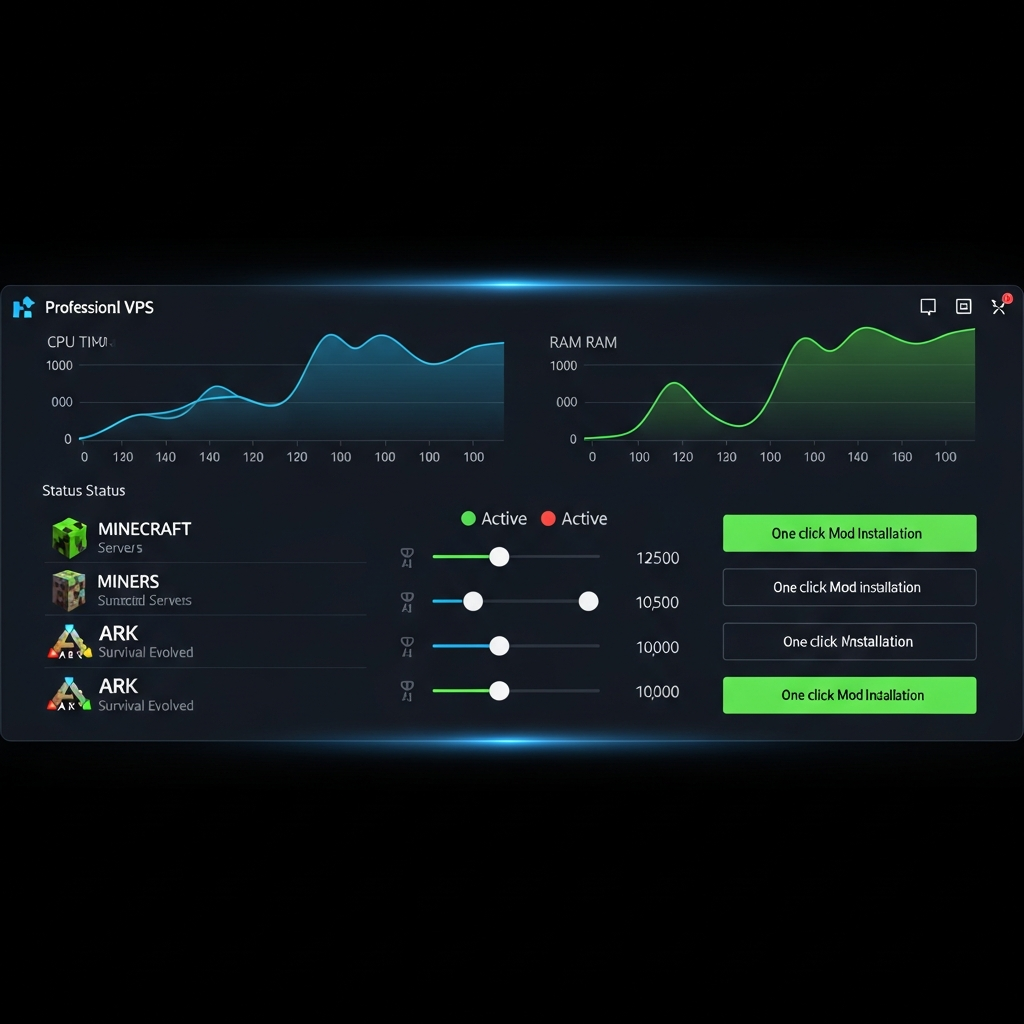
Budget allocation for VPS gaming servers in 2025 follows clear tiers. Entry-level configurations (4 cores, 8 GB RAM, 80 GB NVMe) start around $8-12/month—perfect for 10-player Minecraft or Valheim servers. Mid-tier setups (8 cores, 32 GB RAM, 200 GB NVMe) run $25-40/month, handling modded Minecraft with 50 players or FiveM RP servers. High-end deployments (16 cores, 64 GB RAM, 500 GB NVMe) cost $70-100/month, supporting ARK clusters or large Rust servers.
Scalability distinguishes quality providers. When your community grows from 20 to 100 players, can you upgrade RAM without migrating servers? KVM virtualization enables hot-add memory and CPU core reassignment without downtime—increase your allocation through the control panel, restart the game service (not the entire VPS), and handle the surge within minutes.
Monitoring and Proactive Optimization
Establish monitoring baselines using tools like Grafana, Netdata, or built-in panel metrics. Track CPU usage per core, RAM allocation vs. actual consumption, disk IOPS, and network throughput. Game servers rarely use resources evenly—Minecraft might spike to 90% CPU during chunk generation, then idle at 15% afterward. Understanding these patterns prevents false alarms and informs upgrade decisions.
Set up automated alerts for:
- CPU usage sustained above 80% for 5+ minutes (indicates undersized cores)
- RAM usage exceeding 90% (risk of OOM crashes)
- Disk IOPS exceeding 80% capacity (storage bottleneck causing lag)
- Network latency spikes above 100ms (potential DDoS or routing issues)
Proactive tuning based on metrics extends server lifespan. If monitoring reveals consistent 60% CPU usage, you’re provisioned correctly. If you’re at 95%, upgrade cores before players experience lag.
Conclusion
Building the best VPS gaming server configuration in 2025 demands aligning hardware specs—AMD Ryzen 9 7950X3D processors, DDR5 ECC RAM, NVMe Gen4 storage—with game-specific requirements and community size. KVM virtualization ensures dedicated resources, while proper network infrastructure and Anti-DDoS protection maintain uptime. Whether deploying modded Minecraft, FiveM RP servers, or ARK clusters, choosing scalable VPS solutions with expert support transforms technical challenges into competitive advantages.
FAQ
What CPU specifications matter most for VPS gaming server performance?
Single-thread clock speed trumps core count for most game servers. The AMD Ryzen 9 7950X3D’s 5.7 GHz boost frequency accelerates game logic calculations, pathfinding, and script execution. Prioritize CPUs with 3D V-Cache technology—the 96 MB L3 cache reduces memory latency by 15-25%, critical for physics-heavy games like ARK and Rust. Allocate minimum 2 cores per 10 players as baseline, scaling to 8-16 cores for modded or RP servers.
How does DDR5 ECC RAM improve game server stability compared to DDR4?
DDR5 ECC memory delivers 40% higher bandwidth (5600 MT/s vs 3200 MT/s) while error-correcting code prevents bit flips during intensive operations like world generation or mass entity updates. This matters when servers run 24/7 for weeks—a single memory corruption in Minecraft chunk data can crash the entire instance. DDR5 also enables higher density modules (64 GB+ per DIMM), letting you future-proof configurations without motherboard changes.
Can one VPS gaming server host multiple game titles simultaneously?
Yes, through containerization or process isolation. A KVM VPS with 16 GB RAM and 8 cores can run lightweight games like Garry’s Mod, Unturned, and Discord bots concurrently using Pterodactyl Panel on Linux or separate service configurations on Windows. Allocate resources carefully—reserve 4 GB RAM per game instance minimum, and monitor CPU usage to prevent one game starving others. Avoid mixing resource-heavy titles like ARK with other games on the same VPS.