Looking to create a FiveM Gunfight Server in 2025? This comprehensive guide walks you through every step—from choosing the right hosting infrastructure to installing weapons scripts, configuring spawn zones, and optimizing network performance. Whether you’re building a competitive arena or a casual deathmatch lobby, you’ll learn how to deliver low-latency, action-packed gameplay that keeps players coming back.
Why Build a FiveM Gunfight Server in 2025?
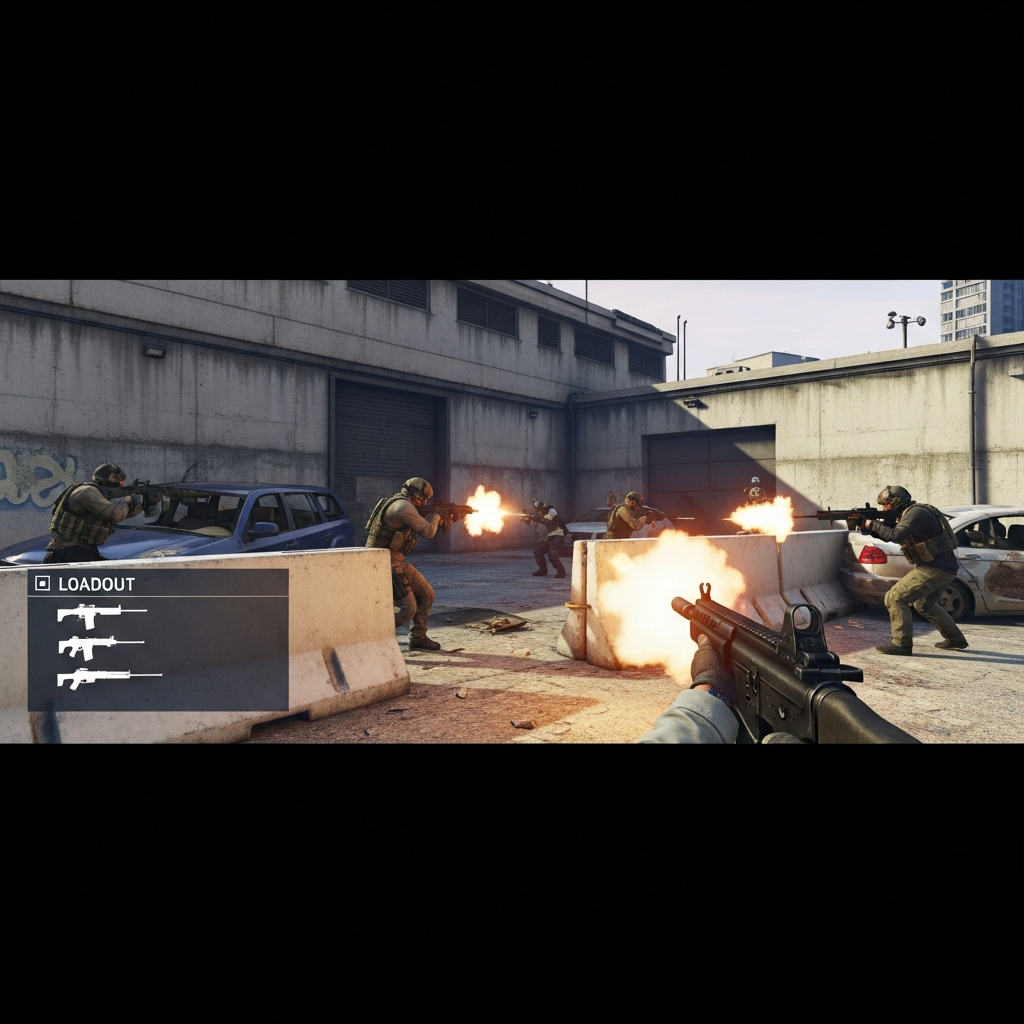
Gunfight servers have surged in popularity across the FiveM community. Players crave fast-paced, skill-based combat without the grind of roleplay economies or slow progression systems. A well-tuned gunfight server offers instant respawns, balanced loadouts, and tight map design—ideal for streamers, competitive clans, and casual players alike.
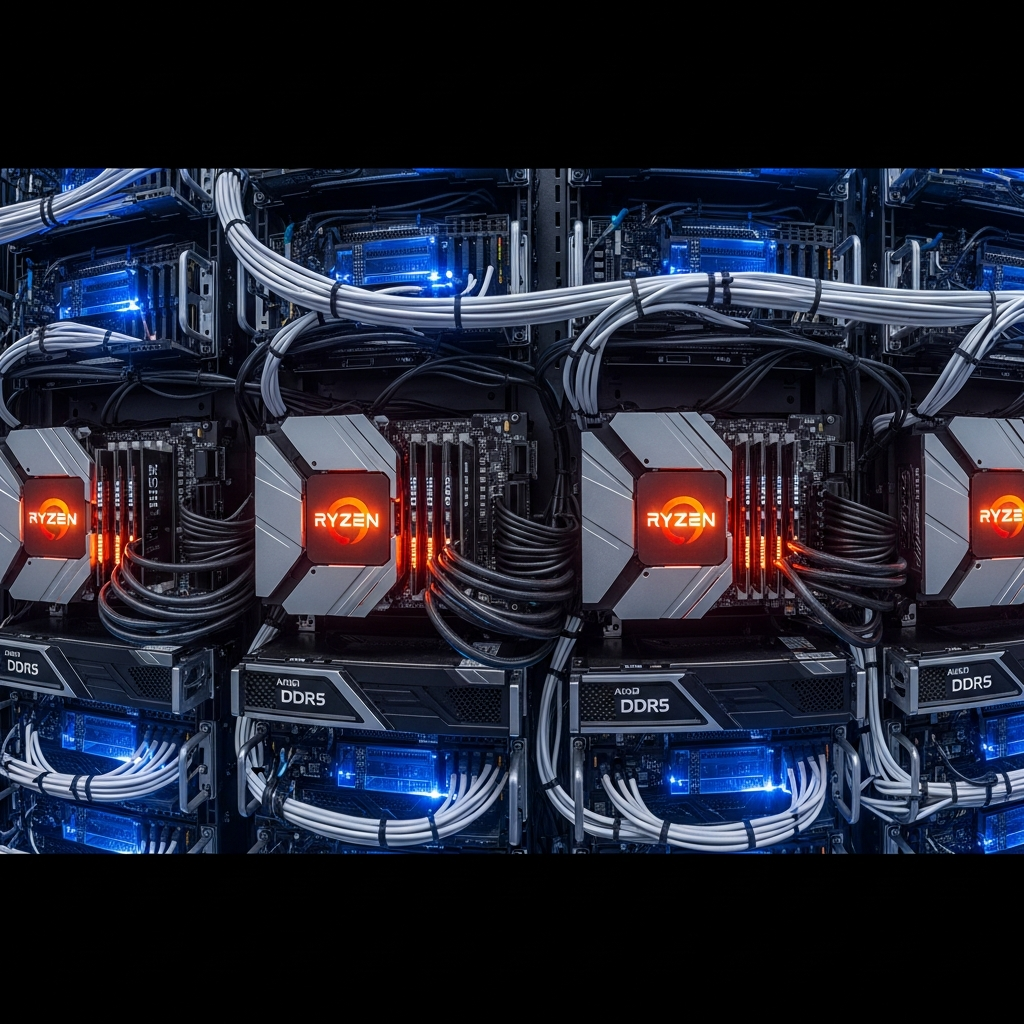
The appeal is simple: pure action. No delays, no heavy scripts consuming server resources, just fluid shooting mechanics powered by GTA V’s engine. By 2025, hosting technology has matured to the point where even small teams can deploy high-performance servers with minimal latency, thanks to advances in AMD Ryzen 9 7950X3D processors and DDR5 ECC RAM.
Key Benefits of a Dedicated Gunfight Server
- Low barrier to entry: Players join, pick a weapon, and start fighting—no character creation or tutorials.
- High replay value: Quick rounds and leaderboards encourage repeat sessions.
- Monetization potential: VIP loadouts, cosmetic weapon skins, and ad revenue from Twitch/YouTube integration.
- Community building: Clans and competitive teams organize scrims, driving consistent player counts.
To succeed, you need reliable hardware, optimized scripts, and network stability. A FiveM server powered by 16-core Ryzen 9 7950X3D CPUs and DDR5 RAM ensures tick-rate consistency even during 64-player firefights.
Choosing the Right Hosting Infrastructure for Your FiveM Gunfight Server
Performance is non-negotiable. A gunfight server demands high single-threaded CPU speeds (5+ GHz), ultra-low RAM latency, and NVMe storage to handle rapid asset streaming. Budget shared hosting will introduce stutters, desync, and player complaints.
Recommended Hardware Specifications
| Component | Minimum | Recommended |
| CPU | Ryzen 5 5600X | AMD Ryzen 9 7950X3D (16 cores, 5.7 GHz boost) |
| RAM | 16 GB DDR4 | 32–64 GB DDR5 ECC |
| Storage | SATA SSD | NVMe Gen4 SSD (7000+ MB/s read) |
| Network | 100 Mbps | 1 Gbps with Anti-DDoS |
Why Ryzen 9 7950X3D? Its 3D V-Cache technology delivers 15–20% higher frame-time consistency in game-server workloads compared to Intel equivalents. Combined with DDR5’s lower latency, you can host 48+ players without tick-rate drops below 60 Hz.
Why Patreon Keys Matter
All production FiveM servers require a Patreon key (Tier 1 or higher) to unlock OneSync, custom resource limits, and official support. Nexus Games includes Patreon keys in every FiveM hosting plan, eliminating the $15/month recurring cost and simplifying setup.
Without OneSync, you’re capped at 32 players—insufficient for busy gunfight lobbies. With it, you can scale to 64, 128, or even 256 slots, depending on your script optimization and network bandwidth.
Installing and Configuring Essential Gunfight Scripts
Your FiveM Gunfight Server relies on three core script categories: weapon handlers, spawn managers, and UI overlays. Below is a step-by-step breakdown of each layer.
Step 1: Base Weapon System
Most gunfight servers use ox_inventory or qb-inventory as the foundation. These frameworks handle weapon metadata, ammo counts, and attachment systems. For pure gunfight modes, you can strip roleplay features (hunger, thirst, crafting) to reduce server overhead.
-- Example weapon grant snippet (Lua)
RegisterCommand('loadout', function(source, args)
  local xPlayer = ESX.GetPlayerFromId(source)
  xPlayer.addWeapon('WEAPON_ASSAULTRIFLE', 250)
  xPlayer.addWeapon('WEAPON_PISTOL', 100)
  TriggerClientEvent('esx:showNotification', source, 'Loadout granted!')
end, false)
Popular weapon packs on CFX.re Forums include M4A1, AK-47, Glock variants, and sniper rifles with realistic recoil patterns. Ensure all assets are optimized: compress textures to 1K resolution and convert audio to OGG Vorbis to save bandwidth.
Step 2: Arena Spawn & Respawn Logic
Gunfight servers need instant respawns and randomized spawn points to prevent camping. Use a zone-based spawn system with cooldown timers:
-- server.lua spawn handler
local spawnZones = {
  vector3(200.5, -800.3, 31.0),
  vector3(210.1, -810.7, 31.0),
  vector3(190.8, -795.2, 31.0)
}

AddEventHandler('playerDied', function(playerId)
  Wait(2000) -- 2-second respawn delay
  local randomSpawn = spawnZones[math.random(#spawnZones)]
  SetEntityCoords(GetPlayerPed(playerId), randomSpawn)
  TriggerClientEvent('revivePlayer', playerId)
end)
Advanced servers implement skill-based matchmaking (SBMR) by tracking kill/death ratios in a MySQL database and balancing teams dynamically.
Step 3: Scoreboard & Kill-Feed UI
Players expect real-time feedback. Integrate a minimal HUD showing kills, deaths, and remaining round time. Use NUI (HTML/CSS overlays) for low-latency updates:
<!-- html/scoreboard.html -->
<div id="scoreboard">
  <p>Kills: <span id="kills">0</span></p>
  <p>Deaths: <span id="deaths">0</span></p>
</div>

<script>
window.addEventListener('message', (event) => {
  if (event.data.type === 'updateScore') {
    document.getElementById('kills').innerText = event.data.kills;
    document.getElementById('deaths').innerText = event.data.deaths;
  }
});
</script>
Keep CSS animations minimal—every frame counts when rendering at 144 FPS.
Optimizing Network Performance and Reducing Desync
Desync—the mismatch between client and server game states—is the #1 complaint in gunfight servers. It causes “ghost bullets,” players teleporting, and frustrating deaths. Here’s how to minimize it.
Server-Side Optimization
- Tick rate: Set
sv_maxclientsto your player cap andsv_scriptHookAllowedto 0. Enable OneSync Infinity for 64+ players. - Network threads: In
server.cfg, addset onesync onandset onesync_enableInfinity 1. - Resource limiting: Disable unused scripts (weather sync, vehicle damage) that consume CPU cycles.
# server.cfg snippet
sv_maxclients 64
sv_endpointprivacy true
onesync on
onesync_enableInfinity 1

# Anti-cheat
sv_scriptHookAllowed 0
sv_enforceGameBuild 2802
Client-Side Tweaks
Educate players to lower GTA V graphics settings (shadows, reflection quality) and close background apps. High ping (>80ms) amplifies desync, so geo-locate your server near your primary audience. Game Anti-DDoS protection, included with Nexus Games FiveM hosting, prevents volumetric attacks that spike latency.
Testing and Monitoring
Use txAdmin to monitor real-time metrics: CPU usage, RAM consumption, and player ping distribution. Schedule stress tests with 40+ players firing simultaneously to identify bottlenecks. Tools like Wireshark can profile packet loss if desync persists.
Monetization Strategies for Your FiveM Gunfight Server
Once your server is stable and player counts climb, consider revenue streams:
- VIP memberships: Offer exclusive weapon skins, priority queue slots, and custom kill effects for $5–10/month.
- Cosmetic crates: Sell loot boxes containing rare weapon wraps or character outfits (ensure compliance with local gambling laws).
- Ad revenue: Integrate Twitch overlays or YouTube sponsorships if you host tournaments.
- Server boosters: Partner with Discord and offer server boosts in exchange for in-game perks.
Transparency is key—never sell pay-to-win advantages (faster reload speeds, damage boosts). Players will abandon servers that feel unfair.
Conclusion
Building a FiveM Gunfight Server in 2025 requires balancing hardware power, script optimization, and community management. By leveraging AMD Ryzen 9 7950X3D processors, DDR5 ECC RAM, and included Patreon keys, you eliminate common bottlenecks and deliver the low-latency experience players demand. Focus on instant respawns, balanced loadouts, and transparent monetization to grow a loyal, competitive community.
FAQ
What CPU specs do I need to host 64 players without lag on a FiveM Gunfight Server?
A high-frequency CPU with strong single-thread performance is essential. The AMD Ryzen 9 7950X3D (5.7 GHz boost, 16 cores) is ideal, offering low-latency tick processing even during intense firefights. Pair it with 32–64 GB DDR5 ECC RAM and NVMe SSD storage for best results.
Do I need a Patreon key to unlock full FiveM Gunfight Server features?
Yes. FiveM requires a Patreon Tier 1+ key ($15/month) to enable OneSync, which is mandatory for 64+ player slots and advanced scripting. Nexus Games includes the Patreon key in all FiveM hosting plans, saving you recurring costs.
How do I reduce desync and ghost bullets in gunfight gameplay?
Enable OneSync Infinity in server.cfg, limit active scripts to essentials (weapons, spawns, UI), and ensure your hosting provider offers 1 Gbps network uplinks with Game Anti-DDoS protection. Monitor tick rate via txAdmin and test with 40+ concurrent players to identify bottlenecks.