In 2025, deciding whether to rent a Minecraft server or self-host has become more critical than ever as the game’s community continues to grow exponentially. While self-hosting might seem cost-effective at first glance, professional server rental offers unmatched performance, security, and ease of management that can transform your gaming experience.
Understanding the True Cost of Self-Hosting a Minecraft Server
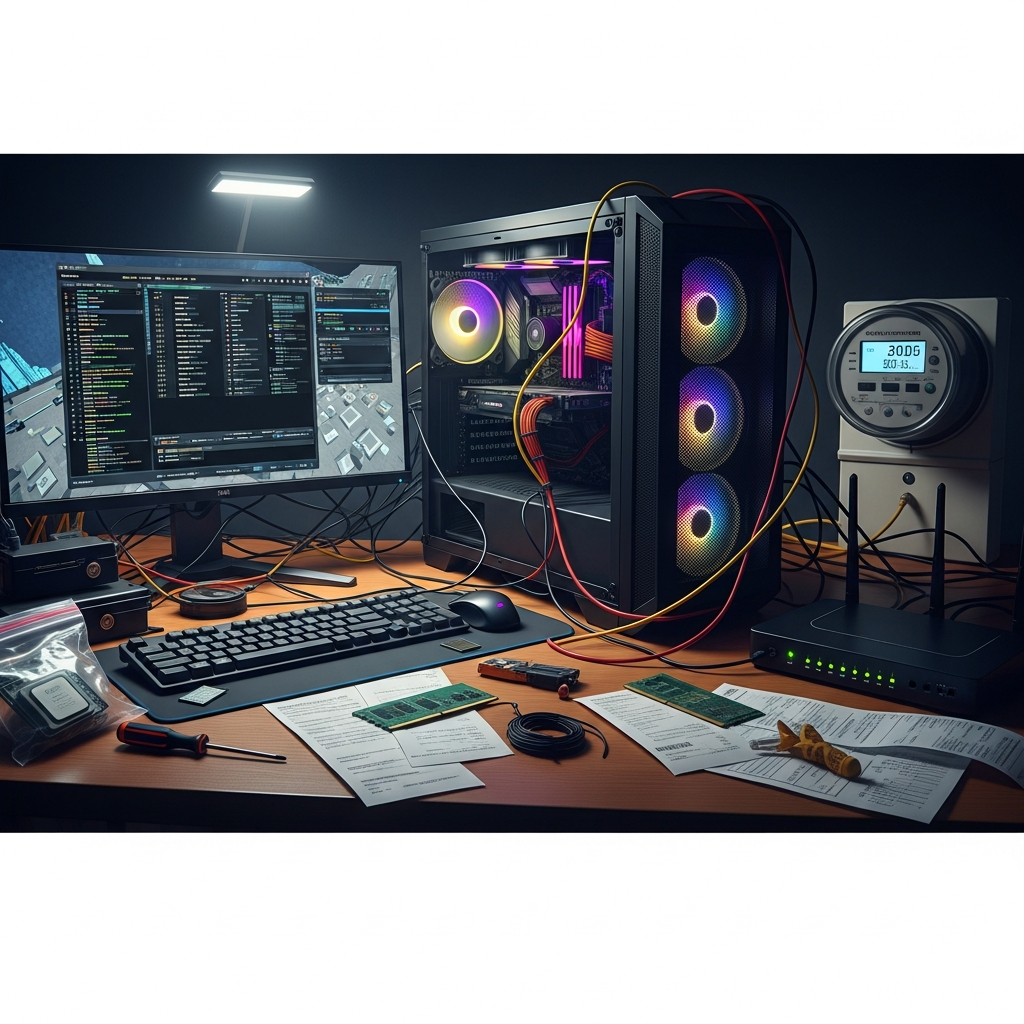
When players consider self-hosting, they often calculate only the initial hardware investment. However, the true cost extends far beyond purchasing equipment. Self-hosting requires a dedicated machine running 24/7, which significantly impacts your electricity bill—often adding $50–$150 monthly depending on your hardware configuration and local energy rates.
Beyond power consumption, self-hosted servers demand constant attention. You’ll need to maintain your operating system, apply security patches, manage backups manually, and troubleshoot technical issues independently. For a typical AMD Ryzen 9 7950X3D-based system with adequate cooling, DDR5 ECC RAM (32–128 GB), and NVMe SSD storage, your initial investment easily exceeds $2,000–$3,500.
Network infrastructure presents another hidden expense. Residential internet connections typically lack the upload bandwidth necessary for smooth multiplayer experiences. Most home ISPs provide asymmetric connections (100 Mbps download, but only 10–20 Mbps upload), creating bottlenecks when multiple players connect simultaneously. Upgrading to business-grade fiber with symmetric speeds can cost an additional $100–$300 monthly.
Additionally, residential IP addresses are frequently blacklisted or lack DDoS protection. A single coordinated attack can render your server—and your entire home network—completely inaccessible. Professional DDoS mitigation services for home use start around $50–$100 monthly, further eroding the perceived savings of self-hosting.
Performance Advantages When You Rent a Minecraft Server
Professional Minecraft server hosting delivers consistent, enterprise-grade performance that self-hosted solutions simply cannot match. When you rent a Minecraft server from established providers, you gain access to infrastructure specifically optimized for gaming workloads.
Hardware Optimization and Dedicated Resources
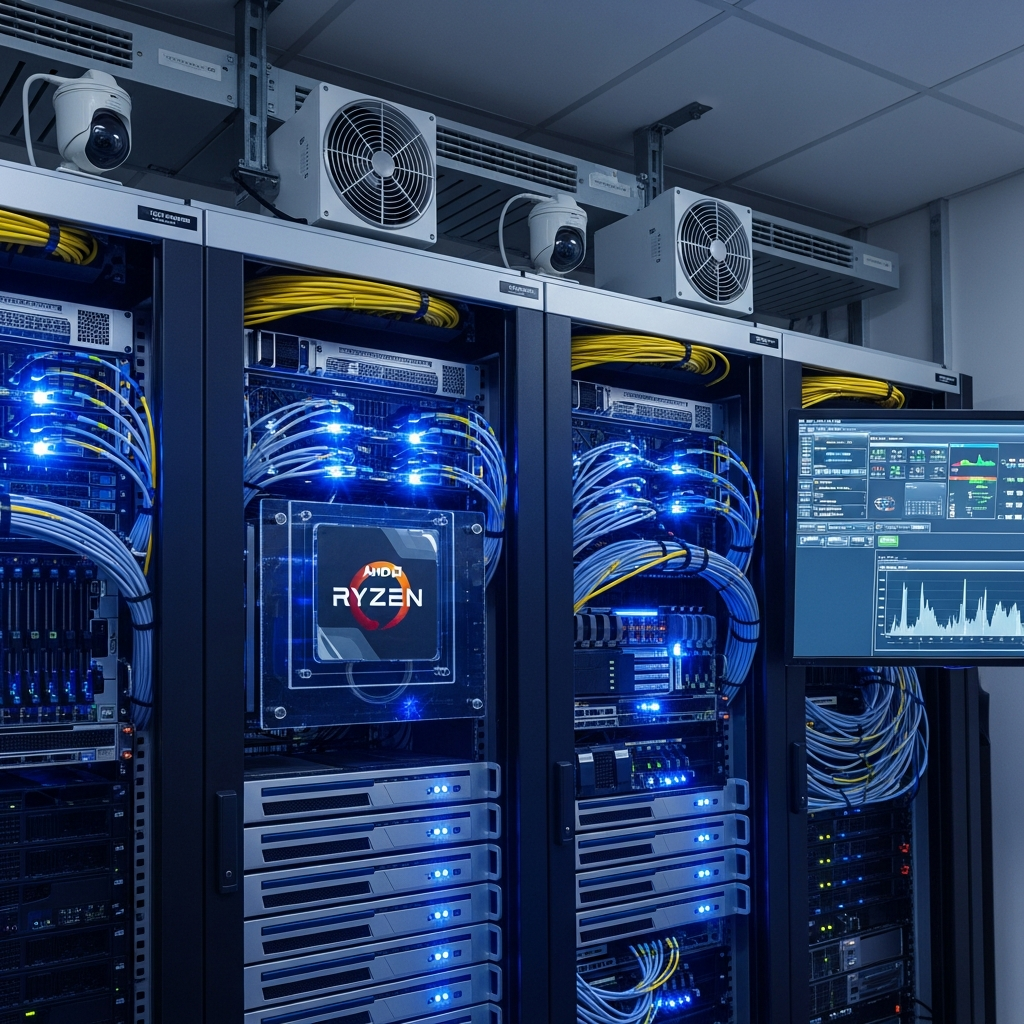
Providers like Nexus Games deploy servers powered by AMD Ryzen 9 7950X3D processors—featuring 16 cores, 32 threads, and boost speeds exceeding 5 GHz. This latest-generation architecture includes 3D V-Cache technology, which dramatically improves game server performance by reducing memory latency.
The DDR5 ECC RAM standard ensures data integrity and prevents the corruption issues that plague consumer-grade memory during extended operation. With configurations ranging from 32 GB to 128 GB, your Minecraft server never experiences resource contention, even with hundreds of active players and extensive mod installations.
NVMe SSD storage provides read/write speeds exceeding 7,000 MB/s—critical for world generation, chunk loading, and mod operations. Self-hosted servers typically rely on SATA SSDs (500–600 MB/s) or worse, mechanical hard drives, creating noticeable lag during gameplay.
Network Infrastructure and Connectivity
Professional hosting environments utilize 1 Gbps dedicated network connections with multiple redundant upstream providers. This ensures consistent low-latency connections regardless of geographic player distribution. The infrastructure includes specialized gaming anti-DDoS protection that automatically detects and mitigates volumetric attacks, protocol exploits, and application-layer threats without impacting legitimate players.
Peering agreements with major ISPs and optimized routing protocols reduce player ping times by 30–60% compared to residential connections. For competitive or roleplay servers where timing matters, this latency reduction significantly enhances gameplay quality.
| Feature | Self-Hosted | Rented Server |
| Initial Cost | $2,000–$3,500 | $4.91–$15/month |
| Monthly Operating | $150–$400 | Included |
| DDoS Protection | $50–$100/month extra | Included |
| Uptime Guarantee | None (power/ISP dependent) | 99.9% SLA |
| Technical Support | Self-managed | 24/7 expert assistance |
| Backup Management | Manual | Automated daily |
Mod Management and One-Click Installation Benefits
The Minecraft modding ecosystem has exploded in complexity, with popular modpacks like FTB, All the Mods, and RLCraft requiring dozens of interdependent mods, specific forge or fabric versions, and precise configuration files. Managing these manually represents a technical challenge even for experienced server administrators.
When you rent a Minecraft server from specialized providers, you gain access to integrated mod management systems that automate the entire installation process. Through the Nexus Games panel, administrators can browse and install popular CurseForge modpacks with a single click. The system automatically resolves dependencies, configures memory allocation, and applies recommended server settings.
CurseForge and Custom Mod Integration
The platform continuously monitors for mod updates and provides one-click upgrade paths that preserve your world data and configuration customizations. This eliminates the common self-hosting scenario where manual mod updates break server functionality or corrupt player data.
For custom mod configurations, the panel provides intuitive file management with syntax highlighting and validation. You can edit server properties, mod configs, and plugin settings directly through the web interface without SSH access or command-line expertise.
Version Management and Testing Environments
Professional hosting enables instant server cloning for testing new mods or updates before deploying to your production environment. This risk-free testing approach prevents the catastrophic failures that commonly plague self-hosted servers when administrators apply untested changes directly to live worlds.
The panel supports simultaneous operation of multiple Minecraft versions, allowing you to maintain a stable 1.20.4 server while experimenting with 1.21 snapshot features on a separate instance—all managed through the same interface.
Security, Backups, and 24/7 Support Infrastructure
Security represents one of the most overlooked aspects of Minecraft server management. Self-hosted servers face constant threats from port scanners, brute-force login attempts, and vulnerability exploits targeting outdated server software or plugins.
Automated Security Patching
Professional hosting providers implement continuous security monitoring with automated vulnerability scanning and patching. When critical exploits are discovered in Paper, Spigot, or plugin code, patches are deployed immediately without requiring manual administrator intervention. This proactive approach prevents the data breaches that frequently compromise self-hosted servers.
Network-level security includes WAF (Web Application Firewall) protection, intrusion detection systems, and automated IP reputation filtering. Malicious traffic is blocked before it reaches your server instance, preserving resources for legitimate players.
Comprehensive Backup Systems
Self-hosted backup strategies typically fail due to inconsistent execution, inadequate testing, or insufficient redundancy. Professional providers implement automated daily backups with multiple retention policies—hourly snapshots for recent changes, daily backups for the past week, and weekly archives extending months.
Backup data is encrypted and stored across geographically distributed storage systems, ensuring protection against localized failures. The one-click restoration process allows administrators to recover from griefing attacks, corrupted worlds, or failed updates within minutes rather than hours.
Expert Technical Support
When problems occur at 2 AM on a Sunday, self-hosted server administrators face troubleshooting alone, combing through log files and community forums for solutions. Professional hosting includes 24/7 expert support from technicians who specialize in Minecraft server environments.
Support teams can directly access server logs, diagnose performance issues, identify problematic plugins, and implement solutions—often resolving issues before players notice disruption. This level of expertise is particularly valuable for complex configurations involving custom plugins, extensive mod lists, or integrated services like Discord bots and web maps.
For server owners focused on community building rather than infrastructure management, this support infrastructure represents invaluable peace of mind. You can concentrate on content creation, event planning, and player engagement while experts handle the technical foundation.
Scalability and Resource Flexibility
Self-hosted servers face hard limitations—your hardware capacity represents an absolute ceiling. As your community grows, you face expensive hardware upgrades or painful migration processes to new machines.
Rented servers offer instant scalability. Starting with 4 GB RAM for a small friend group, you can seamlessly upgrade to 32 GB for a large modded community through the management panel. Upgrades take effect immediately without downtime, server transfers, or complicated migration procedures.
This flexibility extends beyond memory allocation. Storage, CPU priority, and even geographic location can be adjusted based on evolving needs. If your player base shifts to a different continent, you can clone your server to a new datacenter location optimized for their connectivity.
According to the official Minecraft Wiki, proper server configuration significantly impacts player experience, making professional hosting infrastructure essential for communities prioritizing quality.
Making the Right Decision for Your Minecraft Community
The decision to rent a Minecraft server versus self-host ultimately depends on your priorities, technical expertise, and community goals. However, for the vast majority of server administrators, professional hosting delivers superior value when all factors are considered comprehensively.
Self-hosting may appear economical initially, but hidden costs—electricity, internet upgrades, hardware maintenance, security services, and most importantly, your time—quickly erode any perceived savings. For small friend groups playing vanilla Minecraft with fewer than five concurrent players, a self-hosted solution on existing hardware might suffice for casual use.
However, for any serious community—whether modded servers, minigame networks, or roleplay environments—professional hosting provides the performance, reliability, security, and support infrastructure necessary for sustainable growth. The ability to focus entirely on community development rather than technical troubleshooting represents an intangible but invaluable benefit.
When evaluating hosting providers, prioritize those offering modern hardware architectures (AMD Ryzen 9 7950X3D processors with DDR5 ECC RAM), comprehensive mod management systems with CurseForge integration, robust DDoS protection, automated backups, and responsive 24/7 support. These features transform server administration from a technical burden into an enjoyable creative process.
For expanding gaming communities considering additional game servers, platforms like Nexus Games offer unified management across multiple game titles including upcoming releases like Hytale, leveraging the same infrastructure and panel interface you’ve already mastered.
Conclusion: While self-hosting Minecraft servers offers learning opportunities for technically inclined individuals, the comprehensive advantages of professional hosting—superior performance, automated management, robust security, and expert support—make it the optimal choice for community-focused administrators in 2025. The modest monthly investment delivers enterprise-grade infrastructure without the complexity, risk, or hidden costs of self-hosted solutions.
FAQ
Can I switch from self-hosting to rented hosting without losing my world data?
Yes, migrating from self-hosted to rented Minecraft servers is straightforward. Most professional hosting providers offer free migration assistance where their support team transfers your world files, plugins, configurations, and player data. The process typically involves uploading your world folder via FTP or through the management panel, then configuring server properties to match your existing setup. Nexus Games provides automated migration tools that preserve all data including player inventories, achievements, and custom configurations during the transition.
How much RAM do I actually need when I rent a Minecraft server?
RAM requirements vary significantly based on player count and mod complexity. Vanilla Minecraft servers run adequately with 2–4 GB for up to 10 players. However, modded servers demand substantially more—lightweight modpacks require 6–8 GB, while extensive packs like All the Mods or RLCraft need 10–16 GB minimum. For large communities exceeding 50 concurrent players or heavy mod configurations, 32 GB or more ensures smooth performance. Professional hosting allows you to start conservatively and upgrade seamlessly as your community grows, avoiding both resource waste and performance bottlenecks.
What happens if my rented Minecraft server experiences DDoS attacks?
Professional hosting providers include enterprise-grade DDoS mitigation that operates automatically without administrator intervention. When attack traffic is detected, filtering systems analyze patterns and block malicious requests while allowing legitimate player connections through. This happens transparently—your players may not notice any disruption. In contrast, self-hosted servers on residential connections become completely inaccessible during attacks, often affecting your entire home network. With services like Nexus Games, gaming-specific anti-DDoS protection is included by default, protecting against volumetric attacks, protocol exploits, and application-layer threats without additional cost or configuration.