S&Box server hosting is rapidly becoming a top priority for gamers and developers eager to explore Facepunch’s spiritual successor to Garry’s Mod. As we move through 2026, the question “Best S&Box Server Hosting in 2026? Top Providers” demands a comprehensive answer. This guide evaluates the leading S&Box server hosting solutions, focusing on performance, flexibility, and value to help you make the best choice for your community.
Why S&Box Server Hosting Demands Premium Infrastructure
S&Box, built on the powerful Source 2 engine, pushes hardware boundaries far beyond its predecessor. The game’s real-time physics simulation, advanced networking model, and support for complex user-generated content require robust CPU performance and fast memory access. Unlike older Source engine games, S&Box can fully utilize multi-threaded processors, making modern architectures essential.
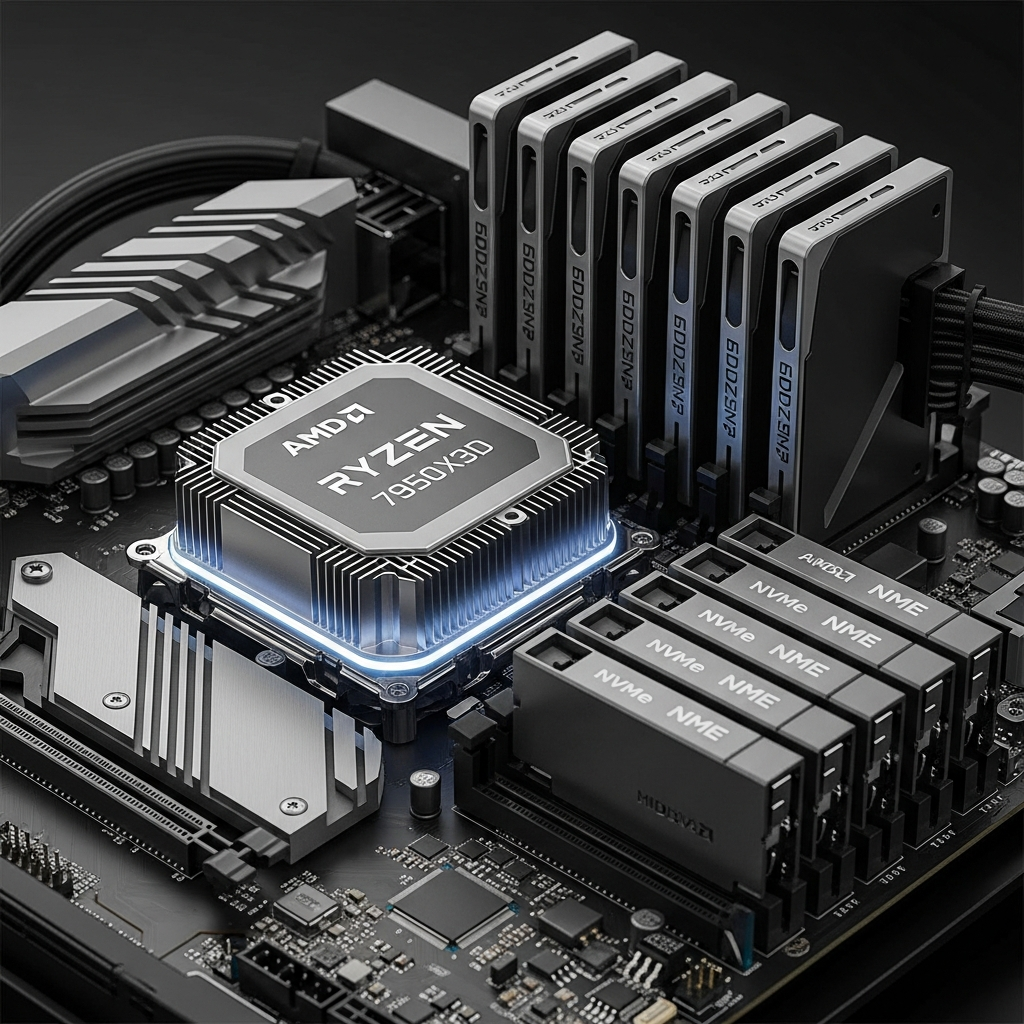
The AMD Ryzen 9 7950X3D has emerged as the gold standard for S&Box server hosting in 2026. With 16 cores, 32 threads, and clock speeds exceeding 5 GHz, this processor delivers exceptional single-thread performance (critical for game tick processing) while handling parallel tasks like player synchronization, entity management, and mod execution. The 3D V-Cache technology reduces memory latency by up to 40%, which directly translates to smoother gameplay and reduced server lag during high-load scenarios.
Memory architecture is equally crucial. DDR5 ECC RAM provides error correction that prevents data corruption during intensive operations—a common issue in heavily modded environments. Most professional S&Box server hosting configurations offer between 32 GB and 128 GB of DDR5, ensuring ample headroom for resource-intensive game modes, large player counts, and complex addon ecosystems.
Storage and Network: The Hidden Performance Multipliers
S&Box’s workshop content, custom maps, and player data generate significant I/O demands. NVMe SSD storage reduces map load times from minutes to seconds and enables instant asset streaming. Providers using PCIe 4.0 or 5.0 NVMe drives can achieve read speeds exceeding 7,000 MB/s—essential when 64+ players simultaneously request texture data or spawn complex props.
Network infrastructure separates amateur hosting from professional S&Box server hosting. A minimum 1 Gbps dedicated connection with low-latency routing ensures consistent hit registration and smooth movement synchronization. Quality providers implement game-specific DDoS protection that filters malicious traffic without adding perceptible latency, maintaining sub-50ms response times even during attacks.
Evaluating Top S&Box Server Hosting Providers in 2026
When comparing S&Box server hosting providers, several factors distinguish excellent services from mediocre offerings. The most critical considerations include hardware specifications, control panel functionality, mod support, and technical support responsiveness.
Hardware Specifications: The Foundation of Performance
Leading S&Box server hosting providers in 2026 standardize on the Ryzen 9 7950X3D platform. This consistency stems from the processor’s unique balance of per-core performance and parallel processing capability. S&Box’s networking code benefits dramatically from the chip’s large L3 cache, reducing the CPU cycles needed for state replication across clients.
A typical professional configuration includes:
- CPU: AMD Ryzen 9 7950X3D (16C/32T @ 5.0+ GHz)
- RAM: 32–128 GB DDR5 ECC @ 5200 MT/s
- Storage: 500 GB – 2 TB NVMe SSD (PCIe 4.0+)
- Network: 1 Gbps unmetered bandwidth
- DDoS Protection: Game-optimized mitigation (200+ Gbps capacity)
These specifications enable smooth operation for servers hosting 32–128 players simultaneously, even with extensive mod collections. The ECC memory ensures long-term stability during continuous operation—a vital feature for competitive communities running 24/7 servers.
Control Panel and Management Tools
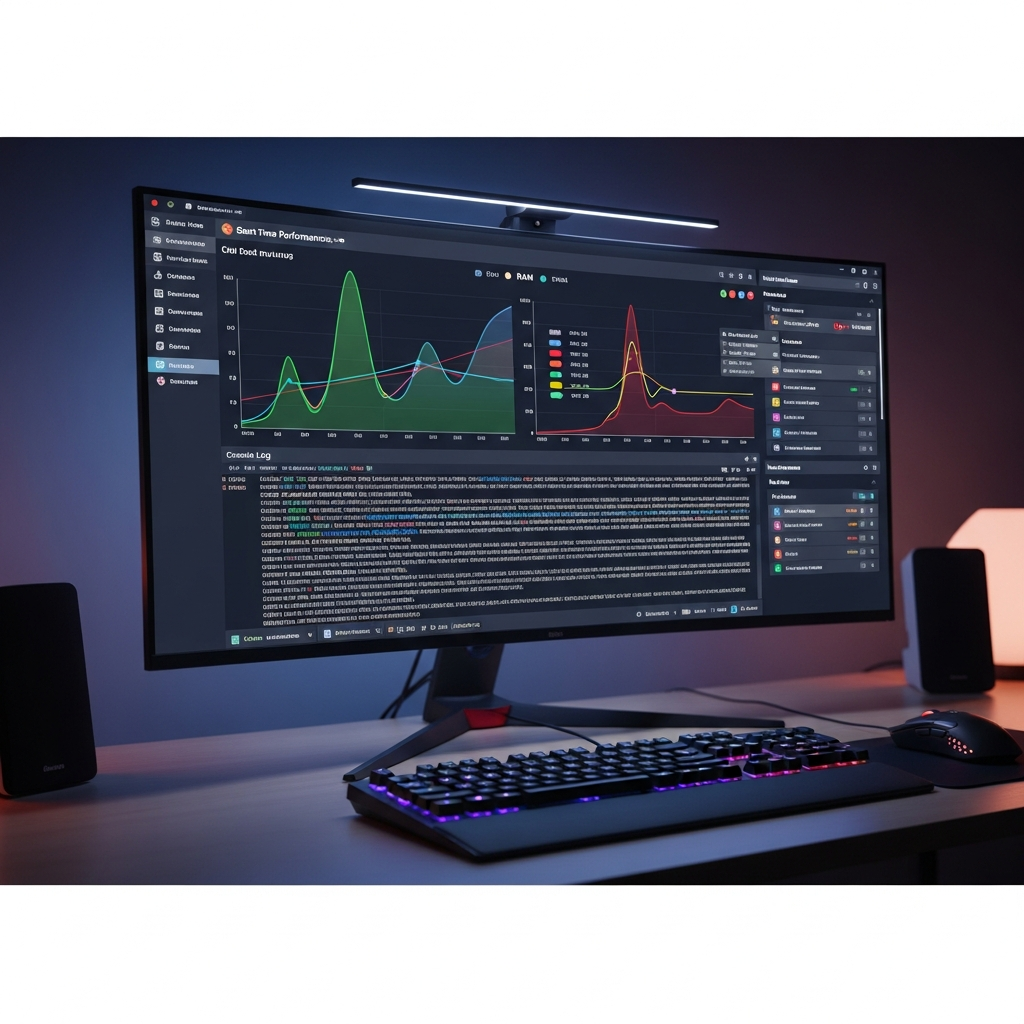
Modern S&Box server hosting requires intuitive management interfaces. The best providers offer custom panels with one-click mod installation, real-time performance monitoring, and automated backup systems. Look for panels that integrate with the S&Box Workshop, allowing direct subscription to addons without manual file transfers.
Advanced features to prioritize include:
- Real-time resource usage graphs (CPU, RAM, network, disk I/O)
- Scheduled task automation (restarts, backups, updates)
- FTP/SFTP access for custom content management
- Console access with command history
- User permission systems for team management
Nexus Games exemplifies this approach with their proprietary panel designed specifically for game server management. The interface simplifies complex tasks like workshop addon synchronization and server configuration editing, reducing setup time from hours to minutes.
Mod and Content Support
S&Box’s addon ecosystem rivals Garry’s Mod in complexity and variety. Professional S&Box server hosting must accommodate workshop subscriptions, custom game modes, and third-party frameworks. Providers that pre-cache popular workshop items dramatically reduce first-join times for players, as content doesn’t need downloading from Steam’s CDN.
The most forward-thinking hosts maintain partnerships with popular S&Box mod developers, offering pre-installable mod packs through their panels. This mirrors successful implementations seen in Minecraft server hosting, where CurseForge integration became an industry standard.
Cost Analysis: What to Expect from S&Box Server Hosting in 2026
Pricing for S&Box server hosting varies significantly based on slot count, resource allocation, and included features. Understanding the cost structure helps identify providers offering genuine value versus those inflating prices without corresponding benefits.
Pricing Tiers and Resource Allocation
Entry-level S&Box server hosting typically starts around $8–12/month for 8-slot servers with modest resource allocations. However, these configurations often struggle with popular game modes or addon-heavy setups. Mid-tier offerings ($15–25/month) provide 16–32 slots with adequate RAM and CPU allocation for most communities.
High-performance configurations supporting 64+ players with extensive mod collections range from $30–60/month. These plans leverage the full capabilities of Ryzen 9 7950X3D processors and allocate 16+ GB DDR5 RAM. For comparison, similar specifications in ARK: Survival Ascended server hosting start at comparable price points due to similar hardware demands.
| Slot Count | RAM | Storage | Typical Price |
| 8-16 slots | 8 GB DDR5 | 100 GB NVMe | $8-15/month |
| 32-48 slots | 16 GB DDR5 | 250 GB NVMe | $20-35/month |
| 64-128 slots | 32+ GB DDR5 | 500 GB+ NVMe | $45-80/month |
Hidden Costs and Value Propositions
Beware of providers advertising low base prices but charging separately for essential features. DDoS protection, automatic backups, and mod support should be included standards, not premium add-ons. Calculate the total cost of ownership including these features when comparing providers.
Some hosts offer significant value through bundled services. For instance, providers that include voice server hosting (Discord bot or TeamSpeak) alongside game servers can reduce overall infrastructure costs for communities. Similarly, multi-server discounts benefit communities running multiple game modes or test servers.
VPS vs. Managed Game Hosting for S&Box
Advanced users sometimes consider KVM VPS hosting as an alternative to managed game hosting. A high-performance Linux VPS with dedicated resources offers maximum flexibility, allowing custom kernel optimizations, networking configurations, and security hardening. However, this approach requires significant technical expertise.
Managed S&Box server hosting eliminates administrative overhead by providing pre-configured environments, automated updates, and support teams familiar with game-specific issues. For most communities, the time savings and reduced complexity justify any modest price premium over self-managed VPS solutions. Those interested in the VPS route should explore providers offering KVM virtualization with dedicated CPU cores, ensuring consistent performance without noisy neighbor effects.
Technical Optimization: Maximizing Your S&Box Server Performance
Even with premium S&Box server hosting, proper configuration determines whether your server delivers excellent or mediocre performance. Several key optimization areas deserve attention from server administrators.
Server Configuration Variables
S&Box exposes numerous ConVars (console variables) that control server behavior. Critical performance-related settings include:
sv_maxrate 0          // Unlimited client bandwidth (requires 1Gbps connection)
sv_minrate 100000     // Minimum client bandwidth requirement
sv_maxupdaterate 128  // Maximum server update frequency
sv_minupdaterate 66   // Minimum server update frequency
net_splitpacket_maxrate 1048576  // Allow large packets for content transfer
These settings optimize network throughput on high-bandwidth connections. The Ryzen 9 7950X3D’s multi-core architecture easily handles the increased packet processing load at 128-tick operation, delivering competitive-level responsiveness.
Workshop Content Management
Large workshop collections can delay server joins by several minutes. Implement these strategies to minimize wait times:
- FastDL Configuration: Host workshop files on a separate CDN or high-bandwidth web server to bypass Steam Workshop’s rate limits
- Selective Addon Loading: Only mount essential workshop items; avoid including rarely-used content
- Pre-Caching: Use server-side scripts to download and cache workshop content during low-traffic periods
- Compression: Enable bzip2 compression for faster content transfer to clients
Quality S&Box server hosting providers often implement workshop caching proxies that pre-download popular addons, reducing Steam API load and improving download speeds for players.
Database Optimization for Persistent Data
Game modes with persistent player data (progression systems, inventories, statistics) rely heavily on database performance. Most S&Box addons use SQLite or MySQL for data storage. For servers with 32+ concurrent players, MySQL configured with proper indexing and query caching outperforms SQLite significantly.
Recommended MySQL optimization parameters for S&Box:
innodb_buffer_pool_size = 8G  // Allocate RAM for database caching
innodb_log_file_size = 512M   // Larger transaction logs reduce disk I/O
max_connections = 200         // Support concurrent addon database queries
query_cache_size = 256M       // Cache frequent SELECT queries
The NVMe SSD storage in professional hosting configurations dramatically accelerates database operations, with transaction commit times under 1ms even during peak load.
Security Considerations for S&Box Server Hosting
Public game servers face constant security threats ranging from DDoS attacks to exploit attempts. Comprehensive security measures protect both server infrastructure and player communities.
DDoS Mitigation Strategies
Game-specific DDoS protection differs fundamentally from generic network filtering. S&Box servers require mitigation systems that understand Source 2 protocol patterns, distinguishing legitimate game traffic from attack packets. Quality providers implement stateful packet inspection that validates Source 2 handshakes before allowing traffic to reach game servers.
Look for hosts offering multi-layered protection:
- Network Edge Filtering: 200+ Gbps scrubbing capacity to absorb volumetric attacks
- Application-Layer Protection: Source 2 protocol validation preventing amplification exploits
- Rate Limiting: Per-IP connection limits preventing single-source floods
- Geo-Blocking: Optional regional restrictions for targeting specific player demographics
These protections operate transparently, adding less than 5ms latency under normal conditions while maintaining service availability during attacks exceeding 100 Gbps.
Access Control and Server Administration
Implement strict authentication for server administration panels and SSH/FTP access. Best practices include:
- Mandatory two-factor authentication for panel access
- SSH key-based authentication (disable password login)
- IP whitelisting for administrative connections
- Regular audit logs review for suspicious activity
- Separate permission levels for different team members
Modern hosting control panels like Nexus Games’ proprietary system include granular permission management, allowing community owners to delegate specific tasks (workshop management, player bans, server restarts) without granting full administrative access.
Support and Community: The Human Factor in S&Box Server Hosting
Technical specifications matter, but responsive support often determines hosting satisfaction. S&Box’s relative newness means documentation remains incomplete, and unique issues arise frequently.
Support Response Times and Expertise
The best S&Box server hosting providers maintain 24/7 support teams with genuine game server expertise. Generic hosting companies repurposing VPS infrastructure typically lack the specialized knowledge needed to troubleshoot S&Box-specific issues like workshop synchronization failures or addon conflicts.
Evaluate support quality through:
- Response Time: Initial response within 15–30 minutes for critical issues
- Resolution Rate: Percentage of issues resolved by first-contact support staff
- Communication Channels: Live chat, ticket system, and emergency phone support
- Knowledge Base: Comprehensive documentation covering common scenarios
Companies specializing in game server hosting generally provide superior support compared to general-purpose hosting providers. Their staff understand Source 2 engine nuances, common addon issues, and performance optimization techniques specific to S&Box.
Community Resources and Ecosystem
Leading S&Box server hosting providers cultivate communities where server administrators share configurations, troubleshooting tips, and optimization strategies. Look for providers with active Discord servers, community forums, and regular blog content addressing S&Box developments.
Some hosts go further by sponsoring S&Box addon developers, funding open-source game mode development, and organizing community events. These initiatives benefit the entire ecosystem while demonstrating long-term commitment to S&Box hosting excellence. For reference, similar community-focused approaches have proven successful in other game hosting niches—see the thriving communities around DayZ server hosting for examples of this model in action.
Future-Proofing Your S&Box Server Investment
S&Box remains in active development, with Facepunch regularly releasing updates that change server requirements and capabilities. Choosing hosting with upgrade paths ensures your community adapts to evolving demands.
Scalability and Flexibility
Start with appropriately-sized resources but select providers offering seamless upgrades. Your 16-slot server may need expansion to 64 slots as your community grows. Quality hosts enable plan upgrades without server IP changes or extended downtime—players simply see improved performance without reconfiguring favorites.
Consider providers offering hybrid solutions that combine managed game hosting with VPS options. As communities mature, some require custom infrastructures beyond standard offerings. The ability to migrate to a dedicated VPS while maintaining panel access and support arrangements provides valuable flexibility.
Backup and Disaster Recovery
Automated backup systems protect against data loss from hardware failures, addon conflicts, or administrative errors. Professional S&Box server hosting includes:
- Daily automated backups retained for 7–30 days
- One-click restoration from backup snapshots
- Off-site backup storage for disaster recovery
- Pre-update snapshots before major game/addon updates
NVMe storage makes backup operations nearly instantaneous—full server snapshots complete in under 60 seconds without impacting player experience. This capability proves invaluable when testing experimental addons or major configuration changes.
For additional context on hosting infrastructure best practices, Valve’s Source Multiplayer Networking documentation provides valuable insights into the engine architecture underlying S&Box’s networking model.
Conclusion
Selecting the best S&Box server hosting in 2026 requires balancing performance specifications, management tools, pricing structures, and support quality. The AMD Ryzen 9 7950X3D paired with DDR5 ECC RAM and NVMe storage represents the current performance standard, delivering the responsiveness S&Box communities demand. Prioritize providers offering game-specific DDoS protection, intuitive management panels with workshop integration, and knowledgeable support teams. Whether you’re launching a casual sandbox server or a competitive game mode requiring consistent 128-tick performance, choosing hosting infrastructure aligned with S&Box’s technical demands ensures your community thrives.
FAQ
What server specifications are required to host a 64-player S&Box server with multiple addons?
A 64-player S&Box server with extensive addons requires at minimum a Ryzen 9 7950X3D processor (or equivalent), 32 GB DDR5 ECC RAM, 500 GB NVMe SSD storage, and 1 Gbps network connection. The 3D V-Cache technology in the 7950X3D significantly reduces latency during complex physics calculations and player synchronization. Allocate additional RAM (48–64 GB) if running persistent data systems with MySQL databases or hosting multiple game modes simultaneously. Ensure your hosting provider offers dedicated CPU cores rather than shared resources to maintain consistent tick rates during peak player counts.
How does S&Box server hosting pricing compare to other Source engine games?
S&Box server hosting typically costs 30–50% more than equivalent Garry’s Mod servers due to higher resource demands from the Source 2 engine. Expect to pay $20–35/month for quality 32-slot S&Box hosting compared to $12–20/month for similar Garry’s Mod configurations. However, S&Box’s improved performance and expanded capabilities justify the premium—servers maintain stable tick rates under loads that would cripple Garry’s Mod. The price gap narrows at higher slot counts (64+) where both games require similar premium hardware. Look for providers offering multi-server discounts if hosting both S&Box and other game titles.
Can I migrate my existing Garry’s Mod community to S&Box hosting with the same provider?
Most game hosting providers supporting both Garry’s Mod and S&Box offer migration assistance, though direct content transfers require conversion work due to engine differences. While player databases and community structures translate easily, addons must be rebuilt for S&Box’s C# framework rather than Garry’s Mod’s Lua environment. Many providers allow running both servers simultaneously during transition periods, letting communities test S&Box versions while maintaining Garry’s Mod servers. The best hosts provide panel tools that simplify managing multiple game servers under one account, making cross-game community transitions significantly smoother than switching hosting providers entirely.